
Font Generator Comparisons
FontifyText vs LingoJam vs YayText: 2026 Comparison
FontifyText vs LingoJam vs YayText compares style choice, navigation, copy controls and Unicode limits to help you choose the right generator.
Contents
- Quick verdict: which font generator should you choose?
- Quick choice checklist
- How the three font generators were evaluated
- How to run your own comparison
- FontifyText vs LingoJam vs YayText comparison table
- Individual tool reviews
- FontifyText: categorized browsing and editable results
- LingoJam: a direct input-and-results layout
- YayText: named effects and preview controls
- Best font generator by use case
- Instagram bios
- Quick copy-and-paste text
- Named bold, cursive or Fraktur effects
- Discord and gaming names
- Professional social headings
- Compatibility, accessibility and Unicode limits
- Frequently asked questions
- What does the FontifyText vs LingoJam vs YayText comparison show?
- What is the best free font generator?
- What is a good LingoJam alternative?
- Are online font generators creating real fonts?
- Do fancy fonts work on Instagram, TikTok and Discord?
- Final recommendation
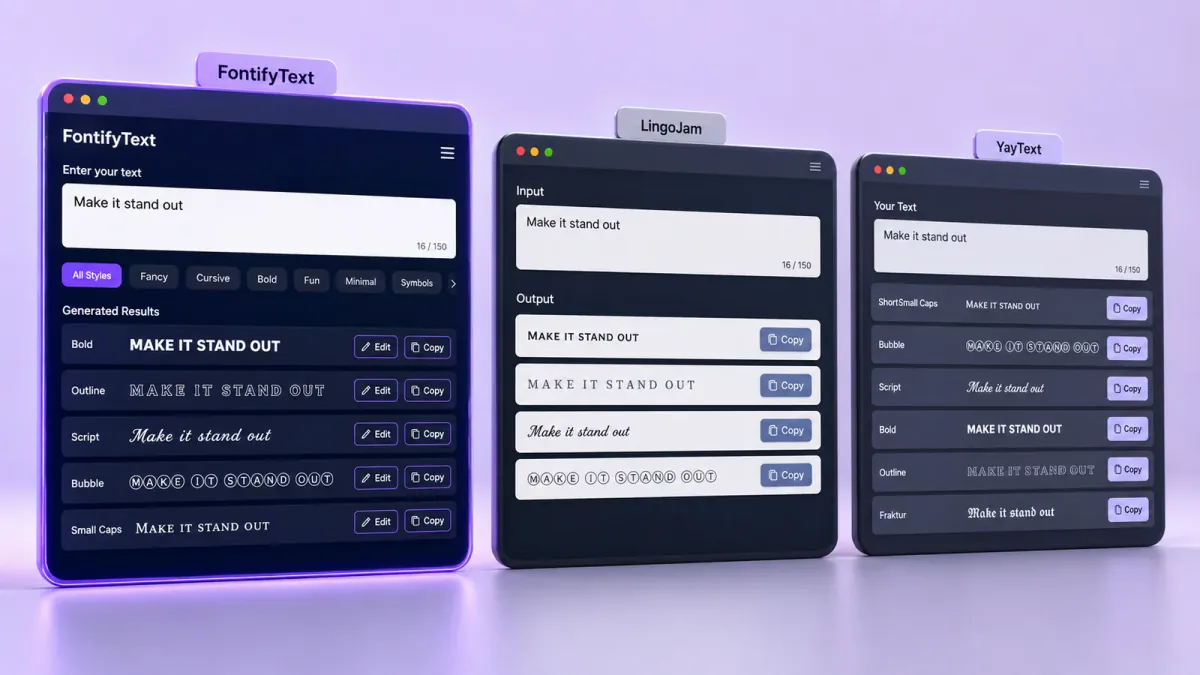
FontifyText vs LingoJam vs YayText compares three Unicode text generators by their visible style choices, navigation, editing and copy controls. As reviewed on June 27, 2026, FontifyText emphasizes categorized browsing, LingoJam uses a direct converter layout, and YayText arranges many effects by name.
Readers searching for the best font generator online should begin with the workflow they prefer. These tools replace ordinary letters with other Unicode characters. They do not create downloadable TTF or OTF font files.
Publisher disclosure: FontifyText publishes this comparison and is one of the tools reviewed. Findings are based on features visible on the official tool pages on June 27, 2026. This review does not include independent performance, accessibility or cross-device testing.
Quick verdict: which font generator should you choose?
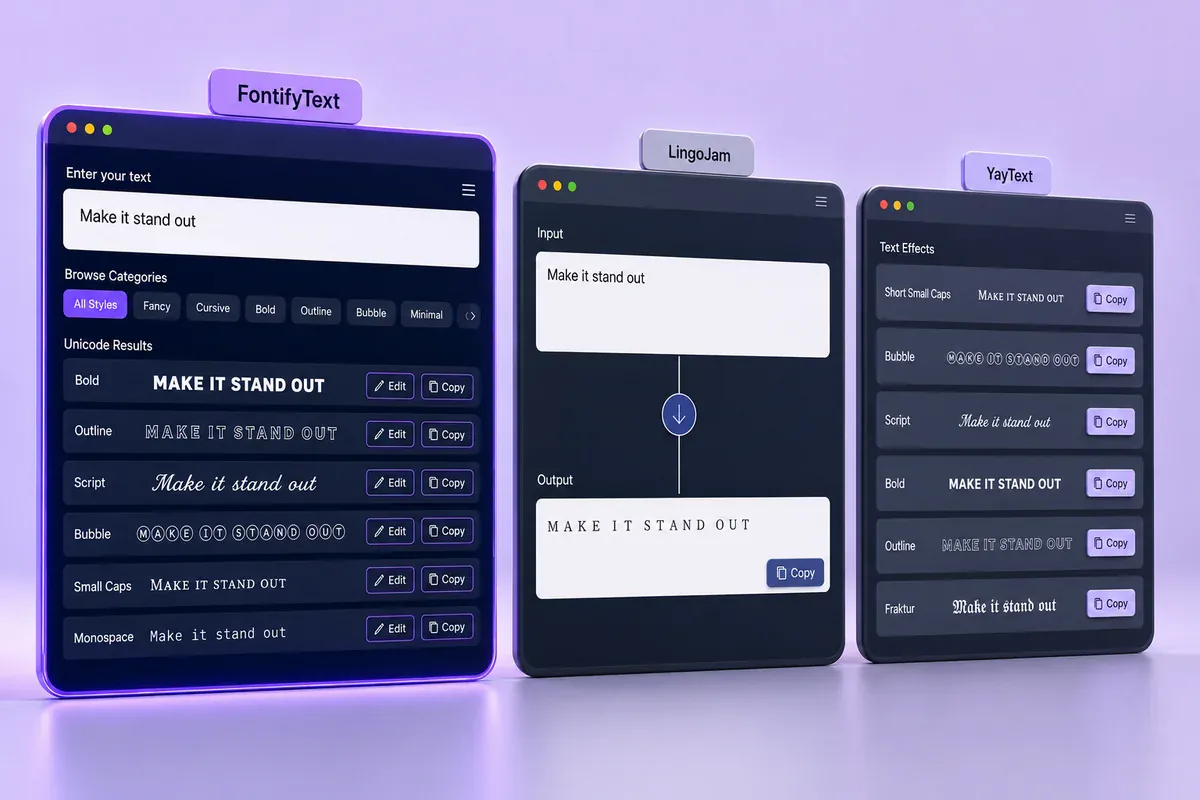
Choose FontifyText when you want to explore categories, compare many result cards and edit an output before copying it. Its interface reports 405 output cards and more than 25 categories.
Choose LingoJam when you want a direct input-and-results layout without selecting a category first. It suits someone who prefers to type a phrase, scan generated options and copy a readable result.
Choose YayText when you already know the effect you want. Its interface labels options such as bold serif, cursive, Fraktur, fullwidth, superscript and bubble text.
Quick choice checklist
- Pick FontifyText for categories, editing and a large selection of output cards.
- Pick LingoJam for a direct converter with fewer navigation choices.
- Pick YayText for individually named effects and preview controls.
- Test copied text inside the app where it will appear.
- Keep essential details in ordinary text.
Try the same phrase in the free FontifyText generator before choosing a style.
How the three font generators were evaluated
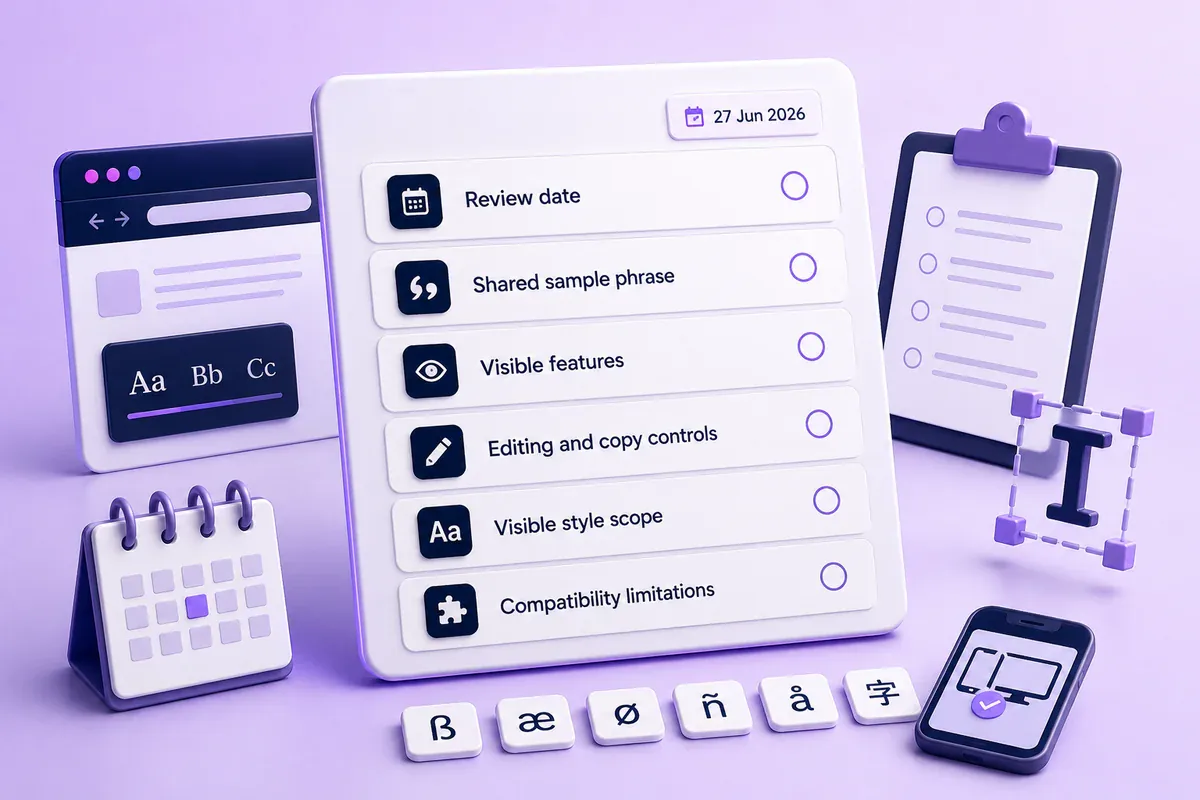
This font generator comparison covers documented and visibly available features rather than assigning scores based on unrecorded performance tests.
The review considered:
- How users enter and view their text
- Whether options are categorized or individually named
- Editing, preview and copy controls
- Published output or style totals
- Explanations of how Unicode text works
- Warnings about unsupported characters
- How much navigation the visible interface requires before a result can be copied
The totals shown by different services are not directly comparable. FontifyText reports output cards, while YayText refers to available text styles. LingoJam does not show a clear total on the reviewed generator page.
How to run your own comparison
Use the same phrase in each generator:
Create Better Content 2026 — @FontTest #123
This sample includes uppercase and lowercase letters, numbers, punctuation, spaces, a symbol and a hashtag. It can expose effects that do not contain every required character.
Follow these steps:
- Open each official generator page.
- Enter the sample phrase.
- Find one readable result.
- Copy it into the intended profile, post or message field.
- Check for empty boxes, unchanged letters or awkward spacing.
- View the result on another device when possible.
- Keep important wording in ordinary characters.
Judge the pasted result inside the destination app rather than relying only on its appearance inside the generator.
FontifyText vs LingoJam vs YayText comparison table
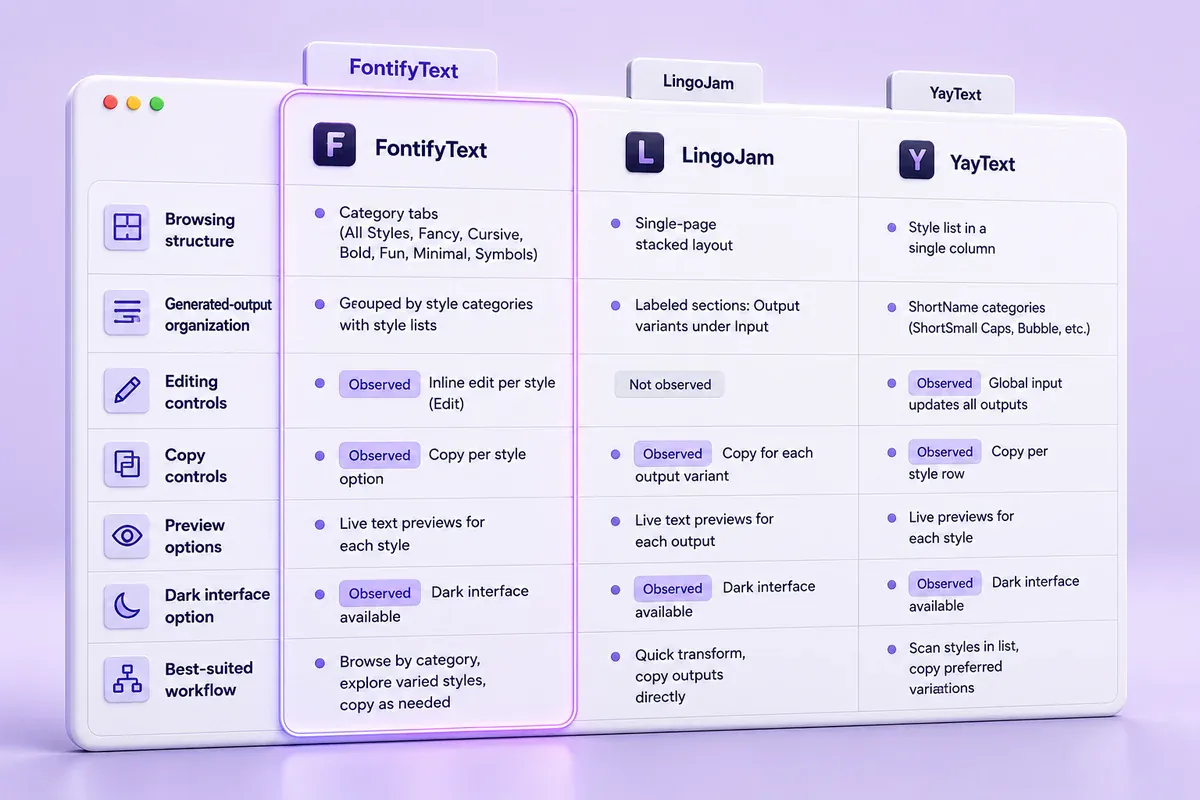
| Criterion | FontifyText | LingoJam | YayText |
|---|---|---|---|
| Main workflow | Enter text, browse categorized results, edit and copy | Enter text and browse generated Unicode symbols | Enter text and browse individually named effects |
| Published scope | Reports 405 output cards | No clear total on the reviewed page | Official guide states that more than 60 styles are available |
| Organization | More than 25 categories | General results list | Named effects and separate style pages |
| Editing | Edit control appears with result cards | Basic conversion interface | Separate tools are available for many effects |
| Copy controls | Copy control appears with results | Generated outputs can be selected and copied | Copy controls appear beside individual effects |
| Preview options | Live generated results | Converted results appear after input | Preview controls appear beside many effects |
| Other visible features | Dark mode and platform-focused generators | Supporting explanation of Unicode symbols | Tweet controls, multilingual navigation and an unstyle tool |
| Suitable for | Readers who prefer categories and many choices | Readers who prefer a direct converter | Readers searching for a specific effect name |
| Main trade-off | The result library can take time to review | Fewer filters and decision aids | Later effect groups can require substantial scrolling |
Count note: FontifyText’s reported 405 output cards and YayText’s 60-plus styles use different counting methods. They should not be treated as equivalent totals.
Individual tool reviews
FontifyText: categorized browsing and editable results
The official FontifyText generator currently displays “16 of 405 fonts” and states that its styles are arranged across more than 25 categories. Visible options include fancy, Instagram, Discord, cursive, bold, Gothic, bubble, small, glitch, aesthetic and WhatsApp text.
Generated cards include Edit and Copy controls. The site’s About page also describes real-time previews, dark mode, account-free use and layouts intended for phones, tablets and desktop computers.
This arrangement suits someone who wants to explore several directions before deciding. A user can start with the fancy font generator and then move to a narrower group.
Practical example: a Discord role name
A community manager could enter “Raid Team,” check bold, Gothic and small-text categories, and copy two readable candidates. The better option is the one that stays clear inside Discord’s actual role or channel list.
A large library can create choice fatigue. Some cards also add symbols, borders or emoji around the letters, so the reported total should not be read as hundreds of unrelated alphabets.
For profile text, the Instagram text generator offers a narrower starting point than the complete result library.
LingoJam: a direct input-and-results layout
The LingoJam Fancy Text Generator keeps the core task simple. Users enter ordinary text, browse generated versions and copy a suitable result without selecting a category first.
Its official explanation states that the outputs are Unicode symbols rather than installed font files. It also warns that unsupported characters can appear as generic boxes when the destination font does not contain the required glyph.
LingoJam suits someone who does not need detailed categories or effect names.
Practical example: a short status
A user writing a casual status can enter one line, inspect the first readable options and copy a result without opening another section.
The trade-off is that the page provides fewer ways to narrow the list. Its supporting copy also refers to a mix of current and older services, including Instagram, Facebook, Tumblr, Twitter, Agario and Steam.
FontifyText is a practical categorized alternative to LingoJam when editing and focused platform pages matter.
YayText: named effects and preview controls
YayText presents many outputs as individually named effects. Current examples include bold serif, italic sans, double-struck, monospace, cursive script, Fraktur, strikethrough, underline, fullwidth, small caps, superscript, subscript, bubble text and square text.
Many options include Preview, Copy and Tweet controls. Others provide Copy and Tweet buttons without a separate preview. The site also offers focused effect pages and an unstyle tool that returns styled characters to ordinary text.
YayText’s official usage guide states that the service can generate more than 60 text styles.
Practical example: a restrained post heading
A small business seeking a clear opening line can go directly to bold serif or bold sans rather than browsing symbol-heavy choices. Someone seeking script text can compare YayText’s named effects with FontifyText’s cursive text generator.
Because YayText presents a long list of effects, reaching later groups may require substantial scrolling, particularly in a narrow viewport.
Best font generator by use case

Instagram bios
FontifyText is useful when you want a focused Instagram page and several categories to compare. Style only the display name or one short label while leaving services, contact information and instructions in ordinary text.
Example
- Styled name:
𝑀𝒶𝓎𝒶 𝒮𝓉𝓊𝒹𝒾𝑜 - Plain description:
Portrait photography in Toronto - Plain contact line:
Bookings: example@email.com
This gives the first line a distinct look without making the entire bio harder to scan.
Quick copy-and-paste text
LingoJam fits a user who wants to type one phrase, scan a general results list and copy an acceptable version without working through categories.
Named bold, cursive or Fraktur effects
YayText is easier to browse when the search starts with a specific effect name. Its labels help readers compare serif, sans, script, Fraktur, superscript and bubble options.
Discord and gaming names
FontifyText’s categories are useful for comparing short bold, Gothic, small-text and decorated names. Paste each candidate into the game or community app before saving it.
A name that is readable in a large result card can become crowded in a compact member list.
Professional social headings
Start with a restrained bold or italic option instead of a symbol-heavy result. YayText provides clearly named basic effects, while FontifyText has a separate bold category.
Use styled characters for one short heading rather than an entire announcement containing prices, dates, instructions or contact details.
Compatibility, accessibility and Unicode limits
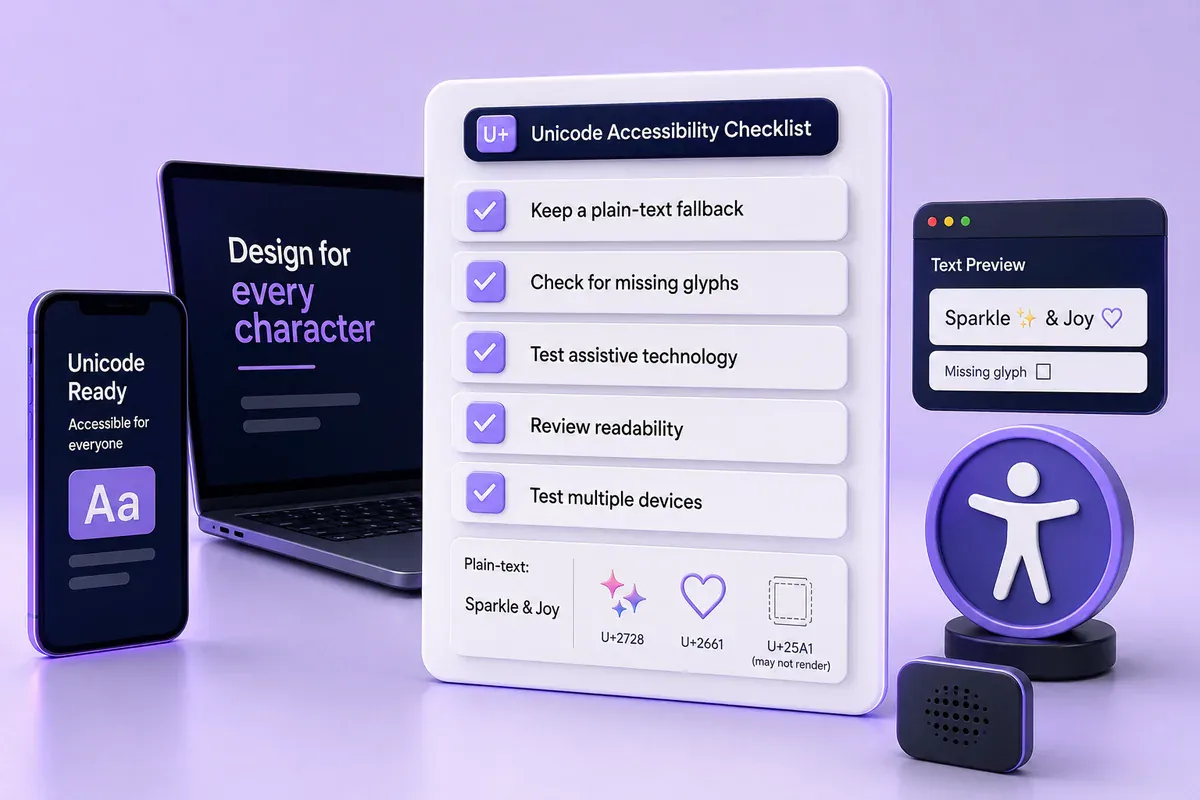
These generators replace ordinary letters with visually related Unicode characters. They do not install a typeface or produce a downloadable font file.
For example, A and 𝐀 are separate Unicode characters even though both resemble the same letter. Software can store, search, sort or announce them differently.
The Unicode Mathematical Alphanumeric Symbols documentation explains that these characters are intended for mathematical variables where visual differences carry meaning. Unicode recommends ordinary letters with markup for general styled text.
This distinction creates practical limits:
- Some characters may appear as empty boxes or replacement symbols.
- A style may not contain every letter, number or punctuation mark.
- Text can render differently across applications and operating systems.
- Decorative Unicode may be announced differently by assistive technologies.
- Search and username matching can treat styled characters differently.
- Combining marks used for glitch effects can overlap nearby lines.
Use decorative text for short visual accents. Keep prices, dates, addresses, instructions, safety information and contact details in ordinary text.
Check the result in the destination app and on another device when possible.
Frequently asked questions
What does the FontifyText vs LingoJam vs YayText comparison show?
The comparison shows how the three interfaces approach the same task. FontifyText groups many results into categories, LingoJam uses a direct converter layout, and YayText labels many effects individually.
What is the best free font generator?
The best free font generator depends on how you prefer to find text. FontifyText suits category browsing, LingoJam suits direct conversion, and YayText suits searches for named effects.
What is a good LingoJam alternative?
FontifyText is a suitable LingoJam alternative for readers who want categories, Edit controls and separate platform or style pages. YayText is another option when effect names and previews matter more.
Are online font generators creating real fonts?
Most copy-and-paste generators create alternate Unicode characters. They do not usually create TTF or OTF files, install a font or change an app’s font family.
Do fancy fonts work on Instagram, TikTok and Discord?
Many styled Unicode characters can be pasted into these platforms, but support varies by character, device, operating system and app version. Test the result before using it in a public name, bio or important message.
Final recommendation
The practical choice in FontifyText vs LingoJam vs YayText depends on the workflow you prefer. FontifyText suits categorized browsing and editable output cards. LingoJam suits direct conversion without category selection. YayText suits readers looking for a clearly named effect.
Use readable characters and keep essential details in ordinary text. Enter your phrase in the free FontifyText generator and check the copied result inside the app where it will appear.