
Font Generator Comparisons
10 Best Free Font Generators Online in 2026 Compared
Compare the 10 best free font generators online for Unicode text, logos, handwriting, and font files. See free limits, accounts, outputs, and best uses.
Contents
- Quick Verdict: Best Free Font Generators Online by Task
- What Does an Online Font Generator Create?
- Copy-and-paste Unicode text
- Image-based lettering
- Installable font files
- Why the output type matters
- How We Reviewed the Font Generator Tools
- Free-access labels used below
- A repeatable test phrase
- A simple test process
- Best Free Font Generators Online for Copy-and-Paste Text
- 1. FontifyText — Our pick for categorized social text
- 2. LingoJam — A direct input-and-results workflow
- 3. YayText — Our pick for clearly named effects
- 4. Namecheap Font Generator — Our no-login pick
- 5. FontSpace — A link between styling and font browsing
- 6. Font-Generator.com — A choice between text and images
- Best Free Text-Logo Generators
- 7. Cool Text — Our pick for quick graphic lettering
- 8. FlamingText — A choice for decorative and animated effects
- Best Free Font Makers for Real Font Files
- 9. Calligraphr — Our pick for handwriting fonts
- 10. FontStruct — Our pick for modular font building
- Compare the Tools and Choose the Right One
- Copy-and-paste text tools
- Image and real-font tools
- Choose by destination
- Safety, Accessibility, Licensing, and Troubleshooting
- Avoid sensitive input
- Download from official pages
- Check the exact licence
- Keep important information readable
- Why fancy text shows as boxes
- Why a username is rejected
- Test on mobile before publishing
- Frequently Asked Questions
- What are the best free font generators online?
- Are online font generators really free?
- Do copy-and-paste generators create real fonts?
- Which tools create TTF or OTF files?
- Can generated fonts be used commercially?
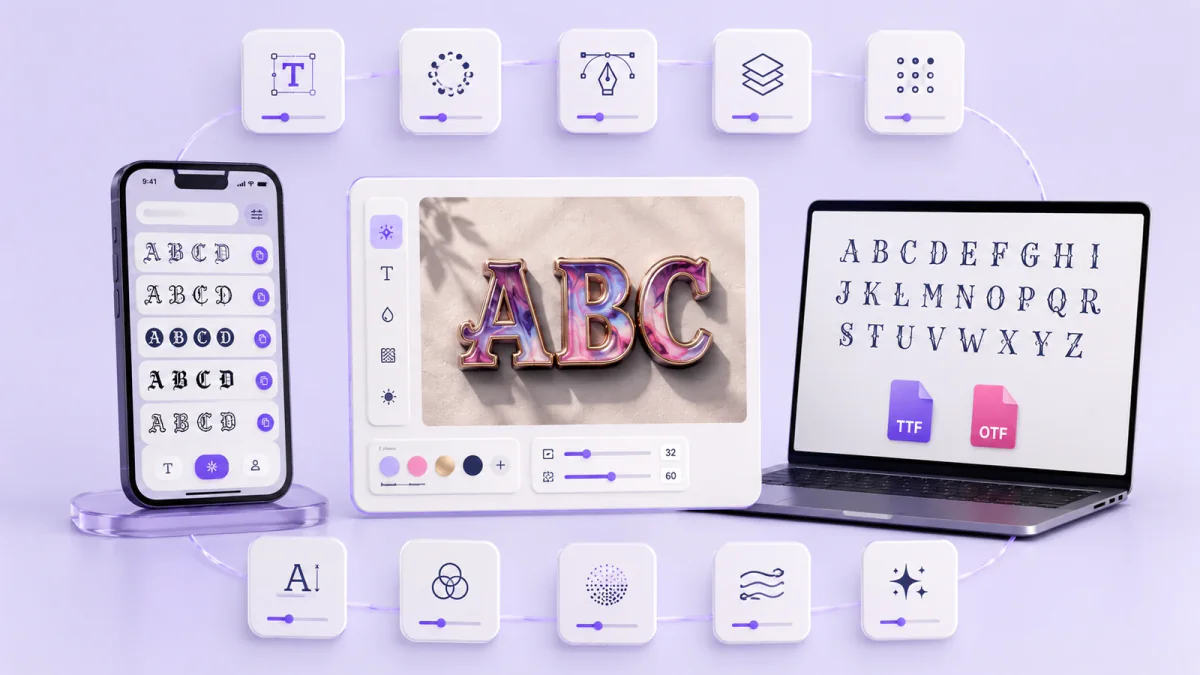
The best free font generators online create three very different results. Some make decorative text that you can copy into a bio or username. Others produce text-logo images, handwriting-based typefaces, or installable font files.
Your destination should guide your choice. A Discord nickname needs copyable text, while a reusable handwriting typeface needs a TTF or OTF file.
Publisher disclosure: FontifyText publishes this comparison and is one of the tools covered. The recommendations are grouped by output type and intended use rather than an overall numerical score. Official product information was reviewed on June 30, 2026. Free access, account requirements, exports, and licence terms can change, so check the relevant official page before commercial use.
Quick Verdict: Best Free Font Generators Online by Task
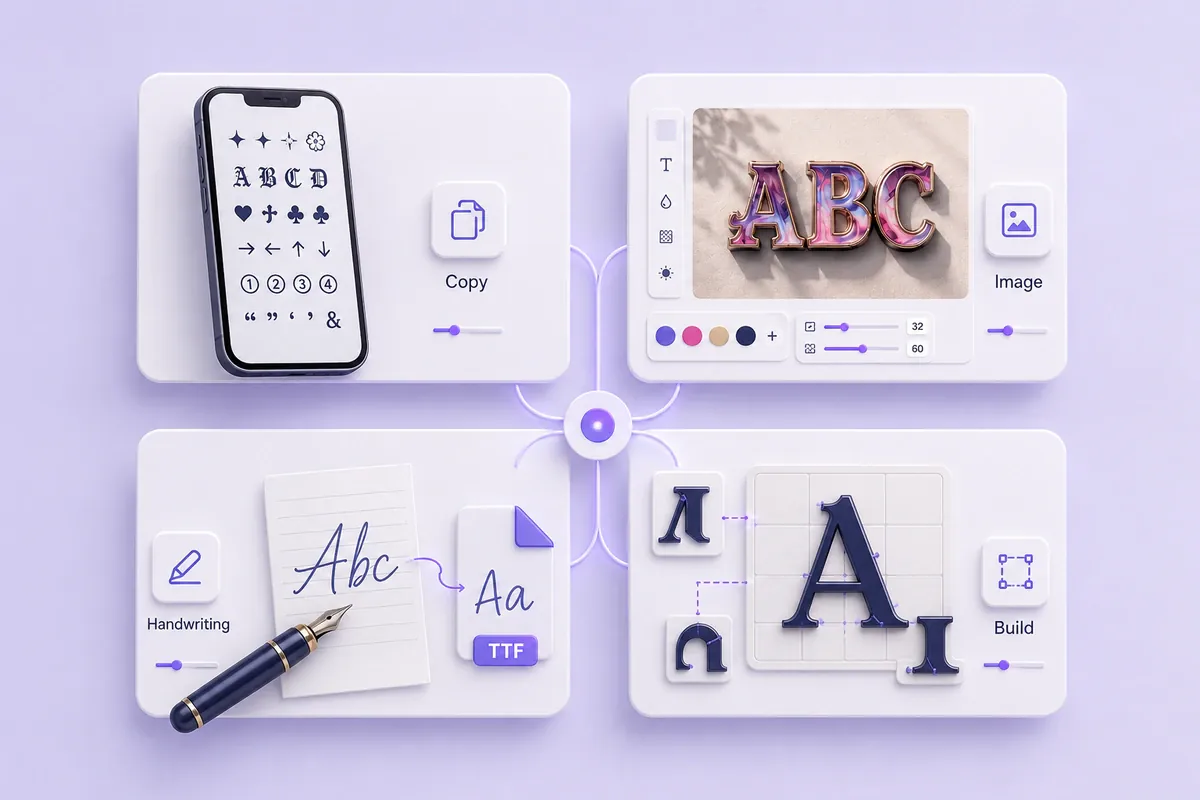
Use this checklist before opening a tool:
- Choose a Unicode text generator for bios, captions, usernames, and messages.
- Choose a text-logo generator for banners, headings, and image-based lettering.
- Choose a handwriting font maker when you want to type with your own letterforms.
- Choose a font builder when you want to draw each character and export a font file.
- Choose a case converter when the letters are right but the capitalisation is not — and note that most of them silently fail on styled Unicode, returning the text unchanged.
- Check whether an account is required before preparing templates or uploads.
- Test decorative characters in the final app before confirming a username.
- Read the current licence before using a downloaded font or graphic in paid work.
| Task | Suggested starting point | Result |
|---|---|---|
| Categorized social text | FontifyText | Copyable Unicode text |
| Simple text conversion | LingoJam | Copyable Unicode text |
| Clearly named effects | YayText | Copyable Unicode text |
| Text styling without login | Namecheap Font Generator | Copyable Unicode text |
| Text styling and font browsing | FontSpace | Unicode text and font listings |
| Text and image choices | Font-Generator.com | Unicode text or image output |
| Quick logo graphics | Cool Text | Image-based lettering |
| Decorative logo effects | FlamingText | Image-based lettering |
| Personal handwriting font | Calligraphr | TTF or OTF font |
| Modular type design | FontStruct | Downloadable font files |
For profile text, captions, messages, and gaming names, start with the free FontifyText generator. You can also browse all FontifyText generators by platform or visual category.
Practical example: A creator who needs a Discord nickname should select a Unicode generator. A logo-image tool would create a graphic that cannot be pasted into the nickname field.
What Does an Online Font Generator Create?
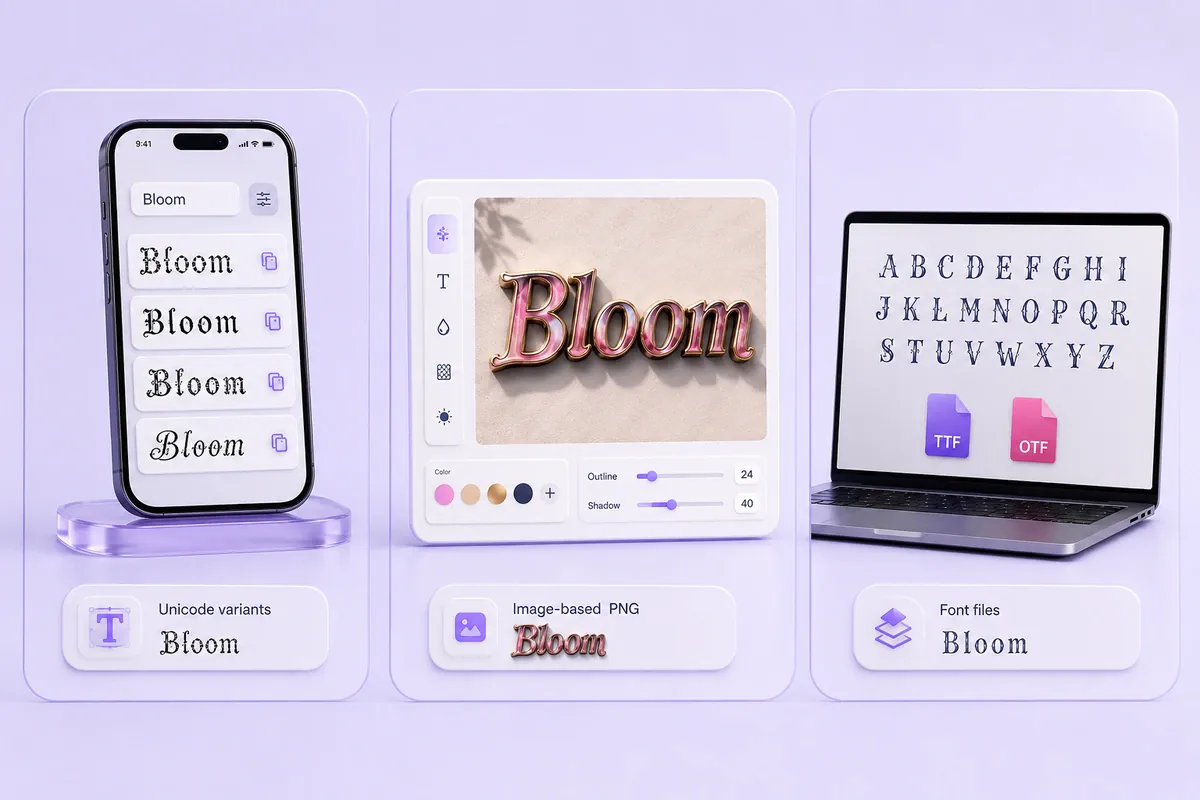
The phrase “font generator” is used for three different kinds of tools.
Copy-and-paste Unicode text
A Unicode generator substitutes ordinary letters with other characters that resemble bold, cursive, Gothic, bubble, outlined, or decorative writing.
The result remains text rather than becoming an image. You can copy it into a supported profile, caption, message, or username field.
The Unicode Standard is a character-encoding system designed for the exchange, processing, and display of written text. Unicode characters are not downloadable typefaces. Their appearance can vary because each device or application selects an available font to display them.
Example: Enter Maya Studio, choose a restrained bold style, and paste it into an Instagram display name. Keep the email address and booking link in ordinary text.
Image-based lettering
A text-logo generator turns words into a graphic. It may provide color, outlines, shadows, textures, gradients, backgrounds, or animated effects.
The output can work well in banners, channel images, posters, event headings, and informal logo drafts. It cannot normally be pasted into a username or searched as ordinary text.
Example: A school club can create a decorative event heading and place the date, venue, and ticket details beneath it in plain text.
Installable font files
A real font maker creates a file that can be installed or opened in supported writing and design programs. Common formats include TTF and OTF.
These tools require more work because the user must draw, scan, upload, or construct the required characters. The finished font can then be typed repeatedly.
Example: An illustrator completes a handwriting template, checks each letter, and exports a typeface for personal stationery.
Why the output type matters
One project may require more than one tool:
- Unicode text for a profile name
- An image generator for a banner
- An installable font for repeated design work
Choosing by output prevents the common mistake of expecting a copy-and-paste generator to provide a font file.
How We Reviewed the Font Generator Tools
This roundup groups the tools by purpose instead of treating unrelated outputs as direct competitors.
Each review reports the same details:
- Best for: The task that fits the tool
- Access: Whether the public generator can be opened without payment
- Account: Whether login is required for the reviewed workflow
- Workflow: How text is copied or exported
- Output: Unicode text, an image, or a font file
- Mobile use: Whether the main task is practical on a phone
- Free limits: Any limit stated on the official page
- Commercial note: The relevant ownership or licence point
- Main drawback: The reason another tool may be a better fit
The label “our pick” means the tool is a clear starting point for that specific task. It does not mean the tool won an overall numerical test.
Free-access labels used below
| Label | Meaning |
|---|---|
| No login required | The official page states that login is not required |
| Public generator accessible without login | The main generator can be opened and used without signing in |
| Account required | Registration or login is needed for creation or download |
| Not confirmed during review | The public page did not clearly state the condition for a later step |
A repeatable test phrase
Enter the same phrase into each relevant generator:
Create Better Content 2026 — @FontTest #123
This sample contains:
- Uppercase and lowercase letters
- Numbers
- Punctuation
- An em dash
- An @ symbol
- A hashtag
These characters can reveal missing symbols, mixed styling, unreadable numbers, or decorative marks that fail after pasting.
A simple test process
- Enter the sample phrase.
- Check whether every character appears.
- Copy or export one result.
- Paste text output into a notes app.
- Open image or font output in the intended program.
- Test the result in its final destination.
- Record boxes, rejected symbols, missing punctuation, or export limits.
- Check current terms before paid work.
Practical example: A gaming name may look correct inside a generator but fail in the game’s name field. Testing before confirming a paid name change avoids that problem.
Best Free Font Generators Online for Copy-and-Paste Text
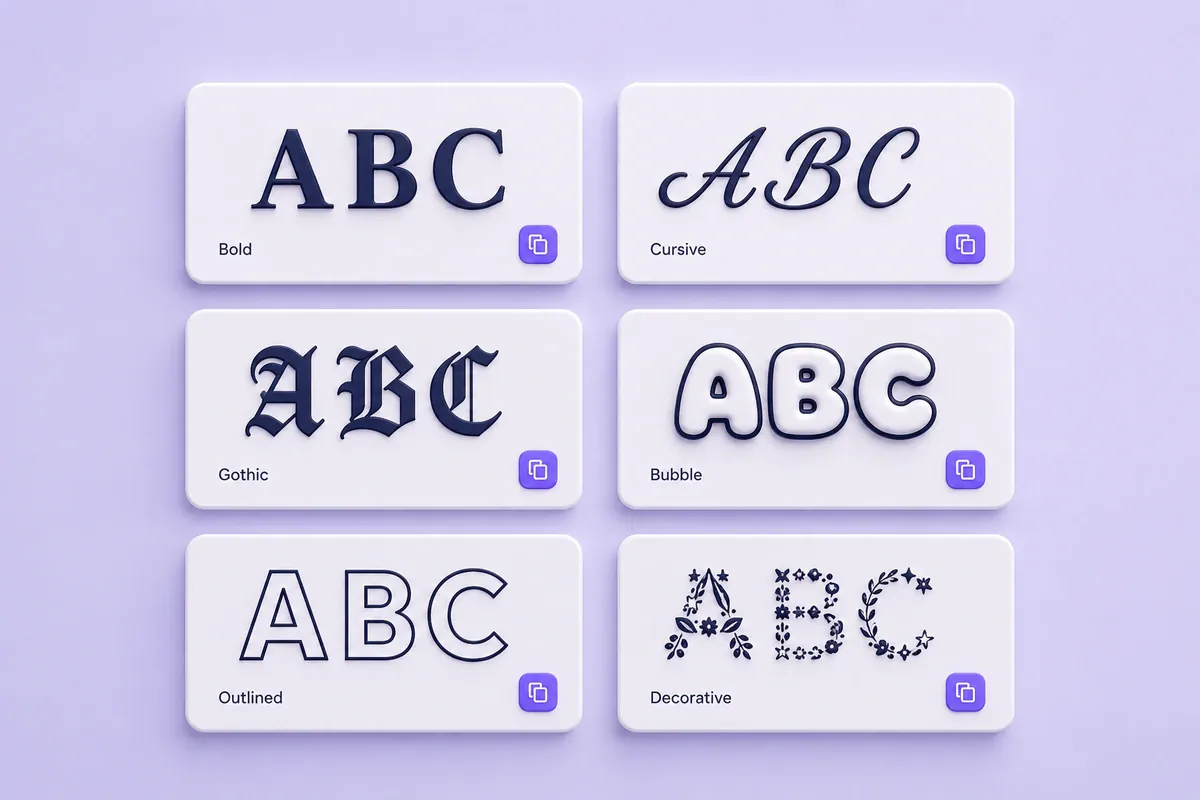
These six tools create text that can be copied into supported social profiles, messages, captions, and usernames.
1. FontifyText — Our pick for categorized social text
FontifyText creates decorative Unicode text for social profiles, captions, messages, and gaming names.
Its directory listed 26 generators when checked on June 30, 2026. Categories include fancy, Instagram, Discord, bubble, cursive, bold, Gothic, aesthetic, and WhatsApp text.
- Best for: Browsing styles by platform or visual category
- Access: Public generator accessible without login
- Account: No account step appears in the basic generator workflow
- Workflow: Enter text, review categorized results, edit a result, and copy it
- Output: Copyable Unicode text
- Mobile use: Practical for short text entry and copying
- Free limits: No basic text limit was stated on the reviewed pages
- Commercial note: The output consists of Unicode characters; destination rules still apply
- Main drawback: It does not create TTF, OTF, or logo-image files
Practical example: Enter a short creator name, compare bold and cursive categories, and paste two choices into a profile draft before selecting one.
For platform-specific output, open the Instagram font generator or Discord font generator.
2. LingoJam — A direct input-and-results workflow
LingoJam Fancy Text Generator places ordinary text in one input area and shows converted variations beside it.
The official page explains that the results use Unicode symbols rather than installed fonts.
- Best for: Quick conversion with few controls
- Access: Public generator accessible without login
- Account: No login was required to open the reviewed generator
- Workflow: Type in the input field, review the results, and copy a variation
- Output: Copyable Unicode text
- Mobile use: Practical for short phrases
- Free limits: No basic limit was stated on the generator page
- Commercial note: The copied result is text, not a licensed font file
- Main drawback: A long results list can take time to scan
Practical example: Enter a nickname, choose a short readable variation, and check every letter in a notes app before pasting it into a profile.
3. YayText — Our pick for clearly named effects
YayText groups text effects under descriptive labels such as bold, italic, cursive, Fraktur, bubble, square, small caps, superscript, and fullwidth.
Many styles include Preview and Copy controls. YayText also provides an Unstyle tool for changing decorative text back toward ordinary characters.
- Best for: Finding a known effect by name
- Access: Public generator accessible without login
- Account: No login was required for the reviewed text tools
- Workflow: Enter text, preview a labeled effect, and press Copy
- Output: Copyable Unicode text
- Mobile use: Practical for short text and individual copy buttons
- Free limits: No basic limit was stated on the reviewed pages
- Commercial note: Decorative characters should still be checked in the destination app
- Main drawback: Some effects cover only part of the alphabet or reduce readability
Practical example: A community manager can use bold Unicode for a short social heading while leaving the date and address in plain text.
4. Namecheap Font Generator — Our no-login pick
The Namecheap Font Generator includes grouped Unicode effects such as bold, cursive, Fraktur, circled, squared, monospace, italic, superscript, underline, and Zalgo text.
Namecheap states that the tool has no fee and requires no login.
- Best for: Fast text styling without an account
- Access: Free public access
- Account: No login required
- Workflow: Type text, choose a style, and copy it
- Output: Copyable Unicode text
- Mobile use: Practical for short text and copying
- Free limits: No basic limit was stated
- Commercial note: The result is Unicode text rather than a downloadable typeface
- Main drawback: It does not create a reusable font file
Practical example: A small shop can prepare a decorative display-name option and test it in a draft profile before saving the change.
5. FontSpace — A link between styling and font browsing
The FontSpace Font Generator changes ordinary text into several Unicode variations and places a Copy control beside each result.
FontSpace also hosts downloadable fonts. Those font listings are separate from the text generator and can carry individual licences.
- Best for: Text styling followed by font research
- Access: Public generator accessible without login
- Account: No login was required for the basic text generator
- Workflow: Type text, review the listed styles, and press Copy
- Output: Unicode text, plus access to separate font listings
- Mobile use: Practical for copying short results
- Free limits: No basic generator limit was stated
- Commercial note: Check the licence for every downloaded font
- Main drawback: The text generator and font directory follow different usage rules
Practical example: A designer can create a social heading with the generator, then browse actual fonts for a poster and check the licence attached to each download.
6. Font-Generator.com — A choice between text and images
Font-Generator.com provides separate modes for Unicode copy-and-paste text and text-to-image output.
The official page describes the tool as free and tells users to check the licence supplied with each font used for image output.
- Best for: Comparing copyable text with image lettering
- Access: The official page states that the tool is free
- Account: Public generator accessible without login
- Workflow: Choose text or image mode, enter a phrase, then copy or download
- Output: Unicode text, PNG, or other listed image formats
- Mobile use: Text mode is practical on a phone; image controls may need more screen space
- Free limits: No basic use limit was stated on the main page
- Commercial note: Image-font licences can differ
- Main drawback: Users must confirm which output mode they are using
Practical example: A streamer can create copyable profile text in one mode and a banner title in image mode.
Best Free Text-Logo Generators
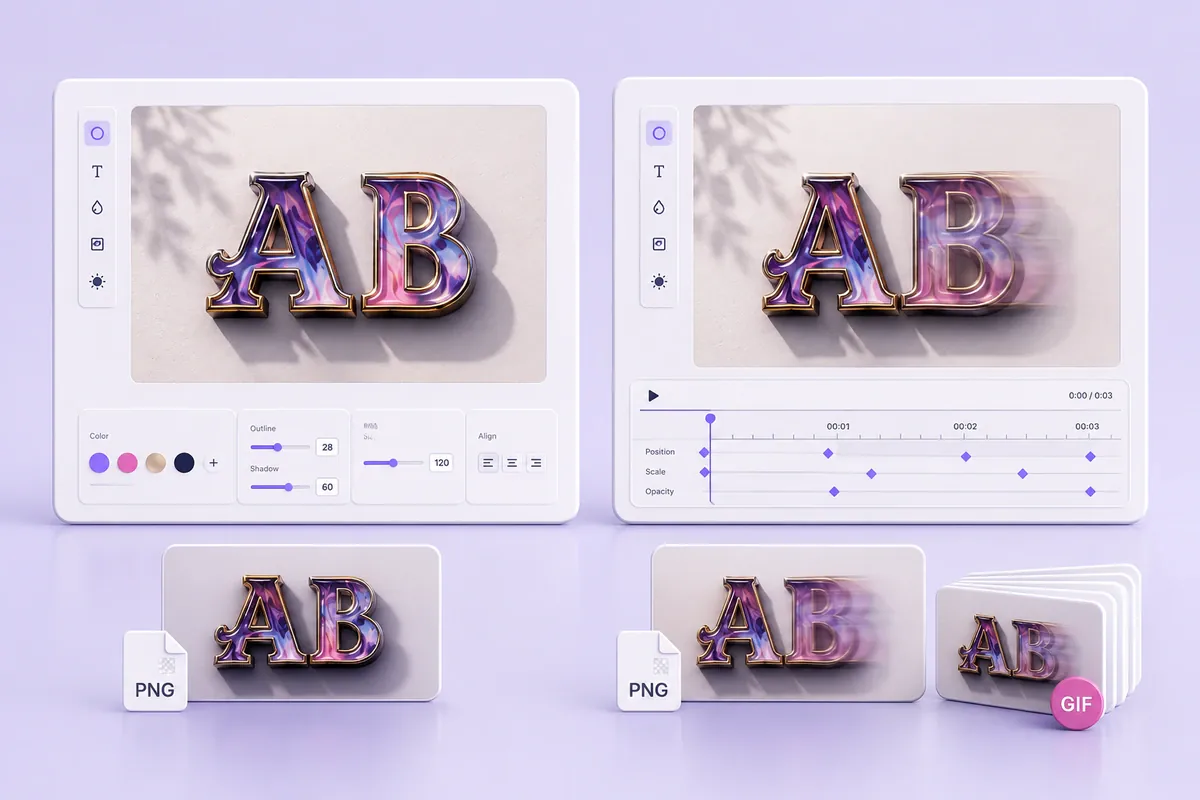
Text-logo generators are the right choice when the finished result should be an image rather than selectable text.
7. Cool Text — Our pick for quick graphic lettering
Cool Text describes itself as a free graphics generator for web pages, logos, and other image needs.
Users select a visual style, enter their wording, adjust the available settings, and create an image.
- Best for: Quick decorative headings and informal logo graphics
- Access: Public generator accessible without login
- Account: No account was required to start the reviewed workflow
- Workflow: Choose a style, enter text, adjust settings, render, and download
- Output: Image-based lettering
- Mobile use: Basic edits are possible in a browser; detailed controls are easier on a larger screen
- Free limits: No universal limit was stated on the home page
- Commercial note: Check the current terms and any font information for the chosen design
- Main drawback: The result cannot be pasted into a bio or username as text
Practical example: A local event can create a decorative heading graphic while keeping the date, location, and ticket details in ordinary text.
8. FlamingText — A choice for decorative and animated effects
FlamingText provides logo templates across categories such as 3D, animated, business, decorated, fire, glow, gold, horror, neon, and retro.
Users can select a template and adjust elements such as text, fonts, and colors.
- Best for: Decorative logo experiments and animated-style headings
- Access: The official page describes the generator as free
- Account: Public editor accessible without login at the start of the workflow
- Workflow: Choose a template, edit the text and appearance, then create the graphic
- Output: Image-based lettering and animated effects where offered
- Mobile use: Browsing is possible on a phone; detailed edits are easier on a larger display
- Free limits: Final download conditions were not confirmed for every template
- Commercial note: Check the selected template’s download and usage terms
- Main drawback: Access, attribution, or download conditions may differ by output
Practical example: A gaming group can create a decorative banner heading and keep the group name in plain text elsewhere for searching and readability.
Best Free Font Makers for Real Font Files
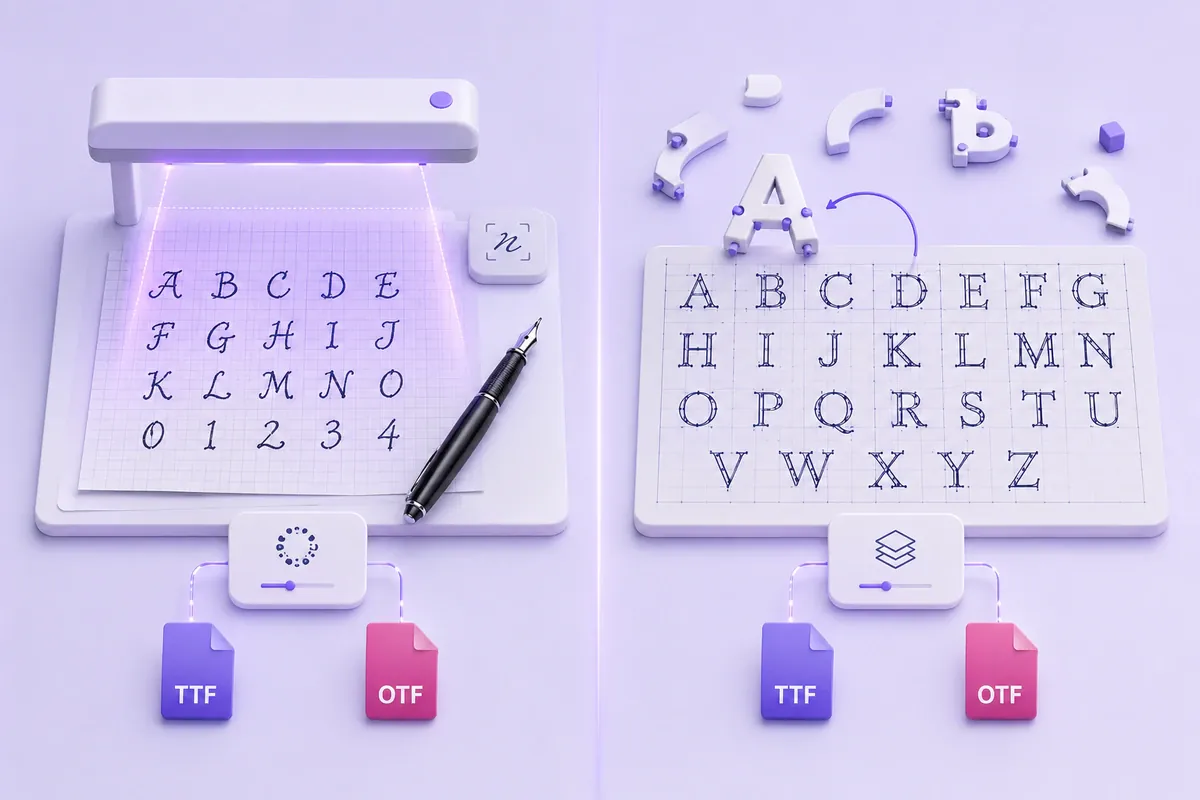
These tools create reusable files rather than one-time decorative phrases.
9. Calligraphr — Our pick for handwriting fonts
Calligraphr turns handwritten or drawn characters into standard TTF or OTF files.
The workflow starts with a character template. Users fill it in, scan or photograph it, upload the completed template, review the glyphs, and create a font.
- Best for: Turning personal handwriting into a reusable typeface
- Access: A free plan is available
- Account: Registration required
- Workflow: Create a template, fill it in, upload it, review characters, and export
- Output: TTF or OTF
- Mobile use: Photos can be taken on a phone, but template setup and character correction are easier on a desktop
- Free limits: One concurrently editable font with up to 75 characters
- Commercial note: Calligraphr states that user-created fonts are the user’s property and may be used commercially
- Main drawback: The free character allowance may not cover a large alphabet, many symbols, or several languages
Practical example: Start with uppercase letters, lowercase letters, numbers, and common punctuation. Check the height and spacing of each character before creating the final file.
10. FontStruct — Our pick for modular font building
FontStruct is a browser-based editor for building characters from geometric shapes placed on a grid.
An account is required before users can build or download FontStructions. FontStruct supports TrueType downloads and added WOFF2 and COLR formats in 2025. COLR applies to color fonts, while color-font creation remains a patron feature.
- Best for: Pixel fonts, block lettering, modular alphabets, and type-design practice
- Access: Free account available
- Account: Required for building and downloading
- Workflow: Create glyphs on a grid, preview words, adjust spacing, and download
- Output: TrueType, WOFF2, and other available formats based on the font
- Mobile use: The grid editor is better suited to a laptop or desktop
- Free limits: Some advanced or color-related features have separate access conditions
- Commercial note: Creators own original FontStruct work; cloned or derivative designs remain subject to the original licence
- Main drawback: Building a usable character set takes much longer than converting a phrase
Practical example: A design student can build a block-style alphabet, preview several words, correct letter widths, and then download the finished font.
Compare the Tools and Choose the Right One
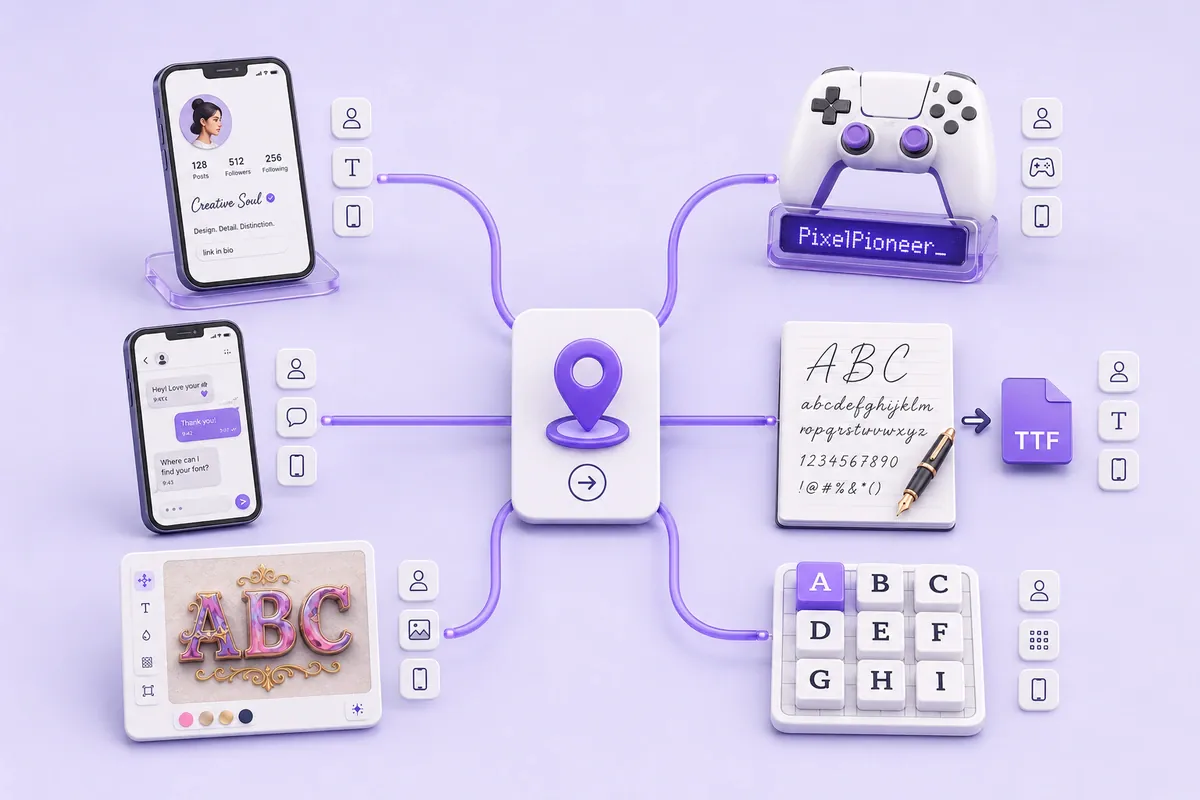
The comparison is split into smaller tables so it remains easier to read on mobile.
Copy-and-paste text tools
| Tool | Access and account | Workflow | Mobile use | Main limit |
|---|---|---|---|---|
| FontifyText | Public; no account step in the basic workflow | Enter, edit, copy | Good for short text | No font-file export |
| LingoJam | Public; no login required to open the tool | Enter and copy | Good for short text | Long result list |
| YayText | Public; no login required for reviewed tools | Enter, preview, copy | Good | Some styles have incomplete character coverage |
| Namecheap | Free; no login required | Type, select, copy | Good | Unicode text only |
| FontSpace | Public basic generator | Type and copy | Good | Downloaded-font licences vary |
| Font-Generator.com | Official page states free | Select mode, copy or download | Text mode is phone-friendly | Image-font licences vary |
If your shortlist is down to the first three, the head-to-head comparison of FontifyText, LingoJam and YayText tests those three against each other in more depth than this table allows.
Image and real-font tools
| Tool | Account | Output | Mobile use | Main free condition |
|---|---|---|---|---|
| Cool Text | Not required to start | Image lettering | Basic use is possible; larger screen helps | Check final output terms |
| FlamingText | Not required to start | Image or animated lettering | Larger screen helps with editing | Download conditions may vary |
| Calligraphr | Required | TTF or OTF | Desktop is better for setup | 75 characters and one active font |
| FontStruct | Required | TrueType, WOFF2, and available extra formats | Desktop is recommended | Some features have separate access |
Choose by destination
Instagram, TikTok, and social bios
Choose a Unicode generator because the result must remain text.
Style one short name or heading. Keep contact details, prices, locations, dates, and calls to action in ordinary characters.
Example: A photographer can style the studio name while leaving the booking email unchanged.
Discord and gaming names
Choose a Unicode generator with several short variations. Games and community platforms can reject certain symbols or decorative marks.
Generate three options and test each one in the actual name field. The gaming username font guide includes more practical examples.
WhatsApp and messages
Use a restrained style for a greeting or heading rather than a full long message.
Example: Style “Happy Birthday” and write the personal message beneath it in ordinary text.
Logo images and banners
Choose Cool Text, FlamingText, or the image mode in Font-Generator.com.
Check the image dimensions, background, transparency, file format, current download conditions, and intended usage rights.
Personal handwriting
Choose Calligraphr when you want to type with your own handwritten characters.
Prepare clean samples, include the punctuation you use most often, and inspect letters that appear too wide, narrow, high, or low.
A geometric custom font
Choose FontStruct when the design can be constructed from grid-based shapes.
It suits pixel fonts, block lettering, modular alphabets, and type-design exercises. It is not the fastest choice for a social caption.
Commercial work
Answer five separate questions:
- Is the website free to access?
- Is an account required?
- Is the required export included?
- Does the font, template, or image have a separate licence?
- Does that licence permit the intended use?
Free access does not automatically mean unrestricted commercial rights.
Safety, Accessibility, Licensing, and Troubleshooting
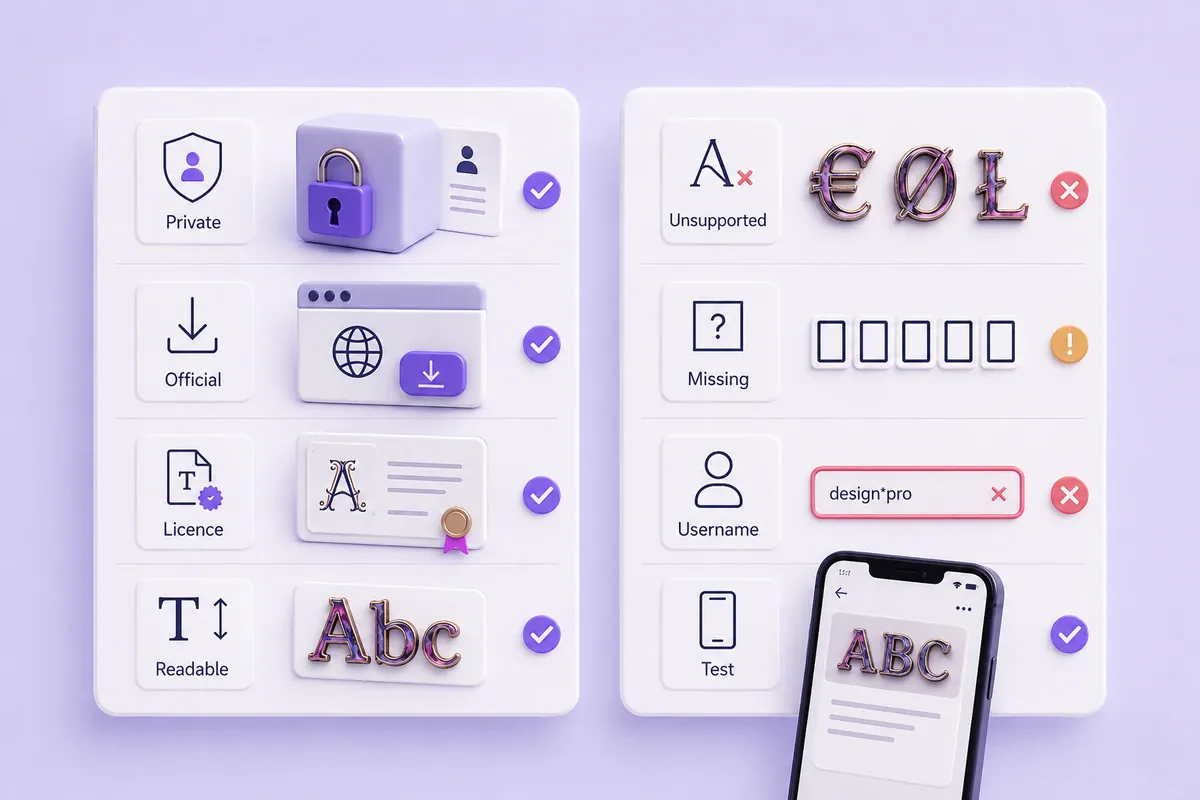
A few checks can prevent privacy, readability, compatibility, and licensing problems.
Avoid sensitive input
Do not enter passwords, private client details, unreleased campaign names, confidential documents, or personal records into an unfamiliar generator.
Use a short public-facing phrase for testing.
Font makers that accept handwriting or image uploads deserve extra care because the source files are sent to the service. Read the current privacy page before uploading valuable material.
Download from official pages
Image and font makers may provide files for installation or design work.
Use the official website, keep your browser and security software current, and avoid unrelated download buttons or third-party installers.
Check the exact licence
A free browser tool does not automatically grant the same rights for every output.
Check the licence when:
- Downloading a font made by another designer
- Using generated lettering on merchandise
- Creating paid client work
- Placing a design in advertising
- Reselling a template or graphic
- Sharing an editable font file
Calligraphr currently states that fonts created by its users belong to those users and may be used commercially. Original FontStruct creations also belong to their creators, but cloned or derivative work remains subject to the source licence.
FontSpace listings and image generators may carry different conditions for individual fonts or outputs.
This guidance is general information and not legal advice.
Keep important information readable
Decorative Unicode can affect reading, copying, searching, and screen-reader pronunciation.
Keep these details in ordinary text:
- Email addresses
- Phone numbers
- Prices
- Dates and times
- Street addresses
- Medical information
- Safety instructions
- Legal notices
- Password guidance
Use decorative text as an accent rather than a replacement for essential information.
Why fancy text shows as boxes
A square box, empty space, or question mark often means the current app or device cannot display a character.
Try this repair process:
- Paste the result into Notes, Google Keep, or another plain-text field.
- Check every letter, number, and punctuation mark.
- Remove decorative marks from the beginning and end.
- Shorten the text.
- Replace rare symbols.
- Choose a simpler style.
- Test the revised result in the final app.
Why a username is rejected
Some profile and game fields allow only a restricted character set. A generator can create a valid Unicode character that the destination field refuses.
A result that works in a caption may still fail in a username, payment form, game profile, or account handle.
Test on mobile before publishing
Rendering can differ between an iPhone, Android phone, desktop browser, and individual application.
The guide to copying and pasting fonts on iPhone and Android explains a practical mobile workflow.
Practical example: Generate three short Gothic gaming names, paste each into a notes app, and then test the readable options in the actual game field. Choose the shortest version that appears without boxes.
Frequently Asked Questions
What are the best free font generators online?
The best free font generators online depend on the required result. FontifyText, LingoJam, YayText, and Namecheap suit copyable Unicode text. Cool Text and FlamingText create image lettering. Calligraphr turns handwriting into TTF or OTF files, while FontStruct supports grid-based font construction.
Are online font generators really free?
Many generators provide free public access, but the conditions differ. A tool may require an account, restrict character counts, place some exports behind a paid plan, or apply separate licences to downloaded fonts and images. Check the official pricing, terms, and licence pages before starting paid work.
Do copy-and-paste generators create real fonts?
Usually not. Copy-and-paste generators map ordinary letters to Unicode characters that resemble other styles. The result remains text. A real font maker creates an installable file, such as TTF or OTF, for use in supported writing and design programs.
Which tools create TTF or OTF files?
Calligraphr creates TTF or OTF files from handwritten or drawn characters. FontStruct creates downloadable fonts from geometric shapes and supports TrueType, WOFF2, and other available formats. Review each tool’s current export conditions before building a large character set.
Can generated fonts be used commercially?
Commercial rights depend on the tool, source material, output, and licence. Calligraphr states that user-created fonts may be used commercially. Original FontStruct creations belong to their creators, while derivative work must respect the original licence. Downloaded fonts and generated images can follow different terms.
Final recommendation: The best free font generators online become easier to choose once you decide whether you need copyable text, a graphic, or an installable font. For social bios, captions, messages, and usernames, try FontifyText and test the selected style in the final app before publishing it.