
Unicode Fonts
Italic Text Generator — Unicode Italic Copy and Paste
Copy and paste Unicode italic text that works everywhere CSS italic gets stripped - plus bold italic and mathematical italic styles for bios and captions.
Contents
- Quick checklist
- Copy-ready italic examples
- What an italic text generator does
- Italic styles you can copy and paste
- Mathematical italic — the italic for equations and variables
- Important — this is Unicode text, not a real italic font
- How to use the italic text generator
- Where italic text may work — compatibility guide
- Fix boxes, question marks, or a strange "h"
- When to use italic text and when to keep it plain
- Suitable short-form uses
- Text that should usually remain plain
- Frequently asked questions
- Is this italic text generator free to use?
- Does italic text work on Instagram and X?
- What is mathematical italic used for?
- Why does my italic text turn into boxes or show a strange "h"?
- Is Unicode italic the same as a real italic font?
- Create a short italic phrase and check the result
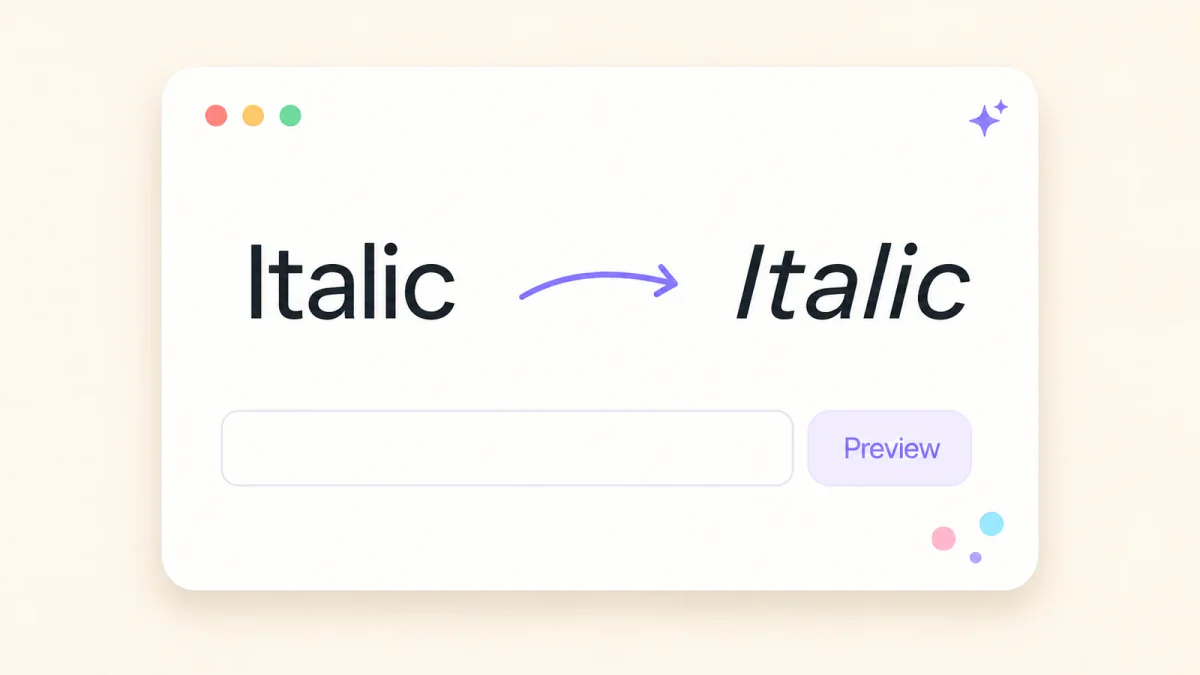
This italic text generator gives you slanted and decorative Unicode text that you can copy into many bios, display names, captions, comments, and messages. Enter a short phrase, compare the results, and test your chosen version in the exact field where you plan to use it.
Clipboard controls and character rendering can vary between phones, computers, apps, and fonts. A correct generator preview does not confirm that another app will accept or preserve the characters, so inspect the saved or published result.
Quick checklist
- Enter a short word, name, or phrase.
- Compare the available results.
- Choose a clear, readable style.
- Copy and paste it into the intended field.
- Save or publish, then check the final result.
- Keep links, handles, contact details, and essential information plain.
Copy-ready italic examples
These examples show common Unicode italic forms. The live generator may also show script-like or decorative results under different labels.
| Style | Copy-ready sample | Possible use |
|---|---|---|
| Sans-serif italic | 𝘐𝘵𝘢𝘭𝘪𝘤 𝘛𝘦𝘹𝘵 | Short labels and headings |
| Serif italic | 𝐼𝑡𝑎𝑙𝑖𝑐 𝑇𝑒𝑥𝑡 | Quotes, titles, or variables |
| Bold serif italic | 𝑰𝒕𝒂𝒍𝒊𝒄 𝑻𝒆𝒙𝒕 | Brief, heavier emphasis |
| Bold sans-serif italic | 𝙄𝙩𝙖𝙡𝙞𝙘 𝙏𝙚𝙭𝙩 | Short display text |
| Mathematical italic | 𝐸 = 𝑚𝑐² | Variables and short expressions |
Open the FontifyText Italics Generator to enter your own text and review the available results.
What an italic text generator does
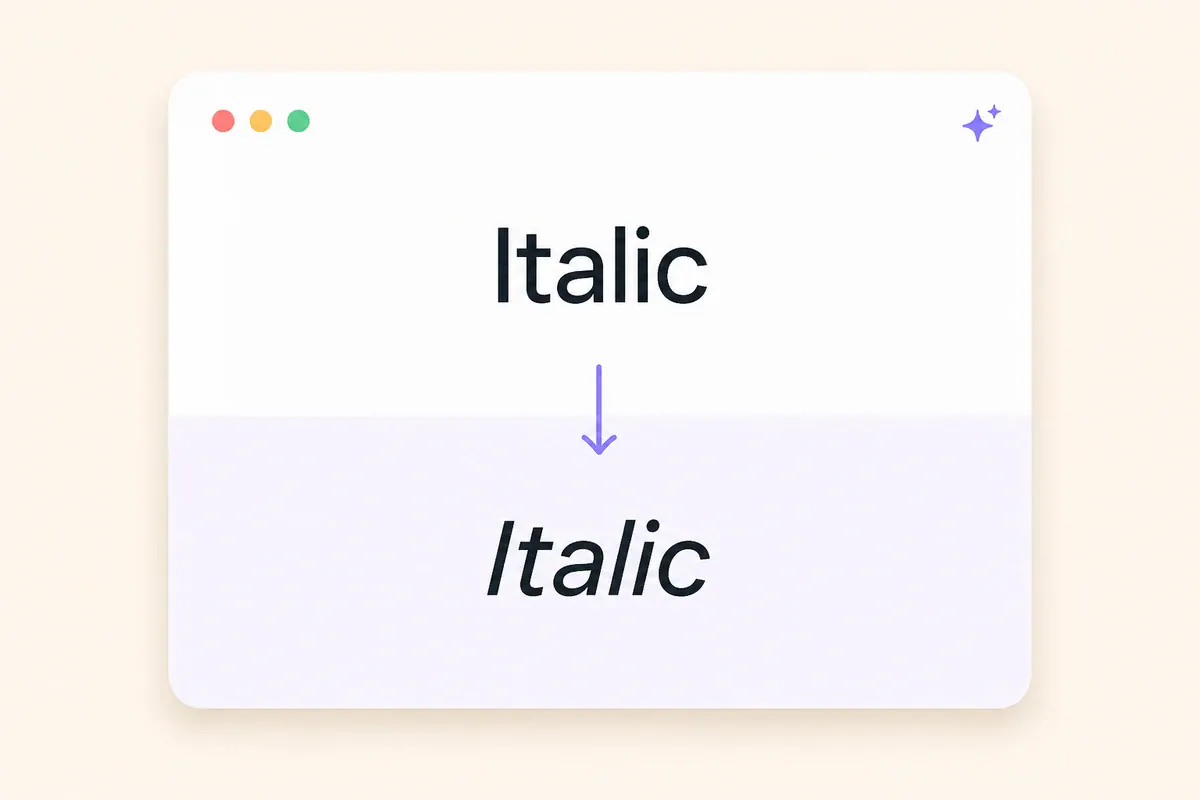
An italic text generator substitutes ordinary letters with separately encoded Unicode characters. Supporting fonts normally display those replacement characters with italic, slanted, script-like, or decorative shapes.
For example, the ordinary word Italic may appear as:
- 𝘐𝘵𝘢𝘭𝘪𝘤
- 𝐼𝑡𝑎𝑙𝑖𝑐
- 𝑰𝒕𝒂𝒍𝒊𝒄
- 𝙄𝙩𝙖𝙡𝙞𝙘
These are different characters rather than ordinary letters carrying rich-text formatting. That is why their appearance may remain when pasted into a plain-text field.
The destination still controls what it accepts. An app may preserve the characters, replace unsupported ones, or reject them in restricted fields such as account handles.
Practical example: A book reviewer could use 𝐶𝑢𝑟𝑟𝑒𝑛𝑡𝑙𝑦 𝑟𝑒𝑎𝑑𝑖𝑛𝑔 as a short profile heading while keeping the book link and email address in ordinary text.
Italic styles you can copy and paste
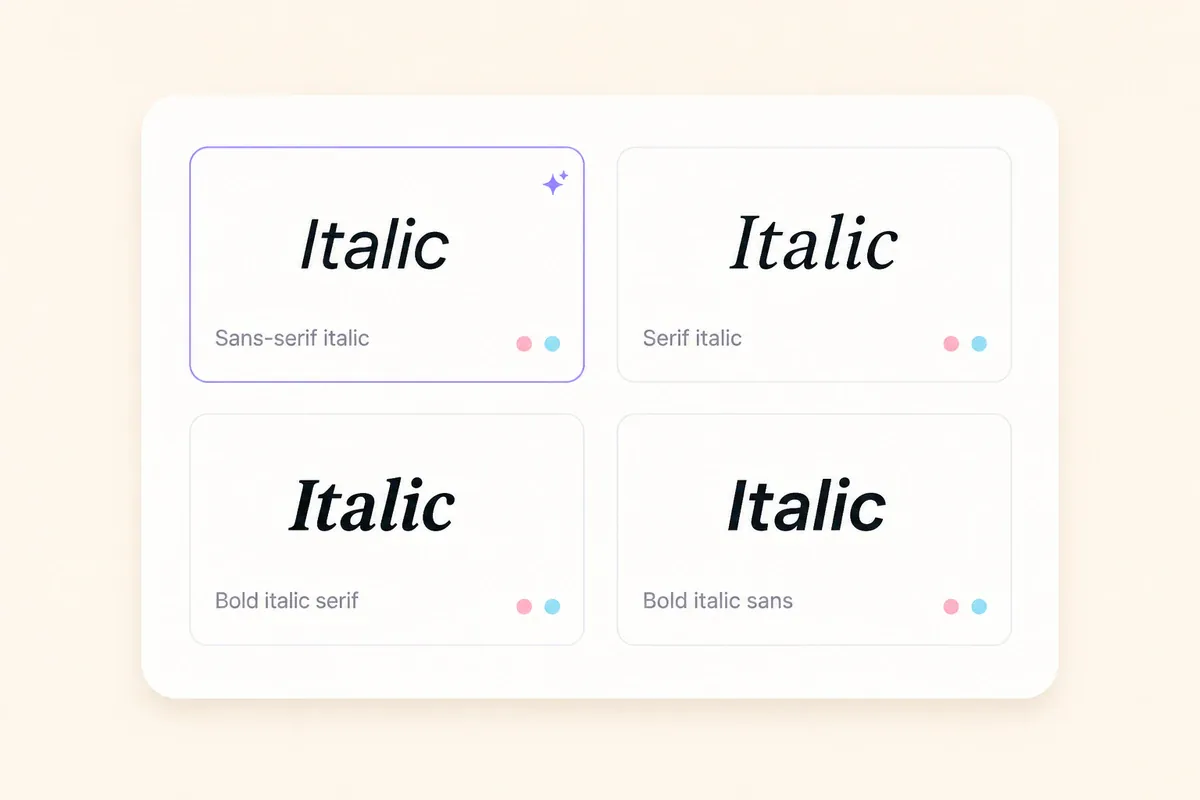
Unicode contains several alphabets whose characters may be displayed with slanted, bold, or script-like forms. Generator labels can differ, so compare the actual output rather than relying only on a style name.
- Sans-serif italic has slanted strokes without serifs.
- Serif italic has a more traditional printed appearance.
- Bold italic combines slanted forms with heavier strokes.
- Script forms resemble handwriting or calligraphy.
- Decorative results may mix letters with symbols or ornaments.
No one style works identically in every app, field, operating system, and font. Paste a short sample into the intended location and choose the clearest saved result.
For other text weights and letterforms, visit the bold text generator or the cursive text generator.
Mathematical italic — the italic for equations and variables
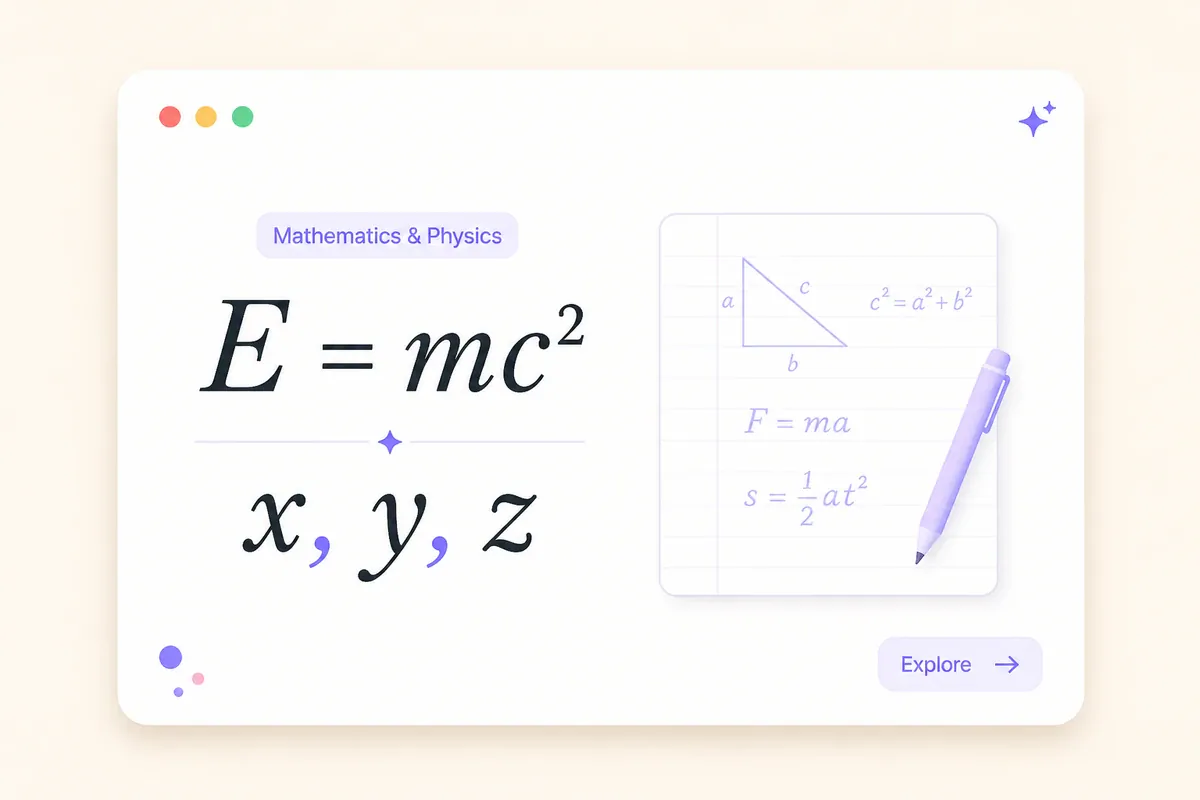
Many copy-and-paste italic letters are associated with Unicode sets created for mathematical notation. In mathematics and science, letter style can carry meaning. An italic 𝑥, for example, may represent a variable rather than an ordinary letter in a sentence.
Common short examples include:
- Variables:
𝑥,𝑦,𝑧 - Function notation:
𝑓(𝑥) - A short expression:
𝐸 = 𝑚𝑐² - Labelled quantities:
𝑎,𝑏,𝑟
Most of these characters come from the Mathematical Alphanumeric Symbols range, while several older characters are stored elsewhere.
The Unicode names list for Mathematical Alphanumeric Symbols explains that these alphabets are intended for technical situations where letter style has mathematical meaning. Ordinary letters with markup are preferred for general prose.
That distinction matters because decorative mathematical characters can behave differently in screen readers, search systems, copied text, and data processing. Keep decorative use brief and nonessential.
Use a proper equation editor, MathML, or another mathematical formatting system for fractions, matrices, roots, stacked notation, and other structured expressions.
Important — this is Unicode text, not a real italic font
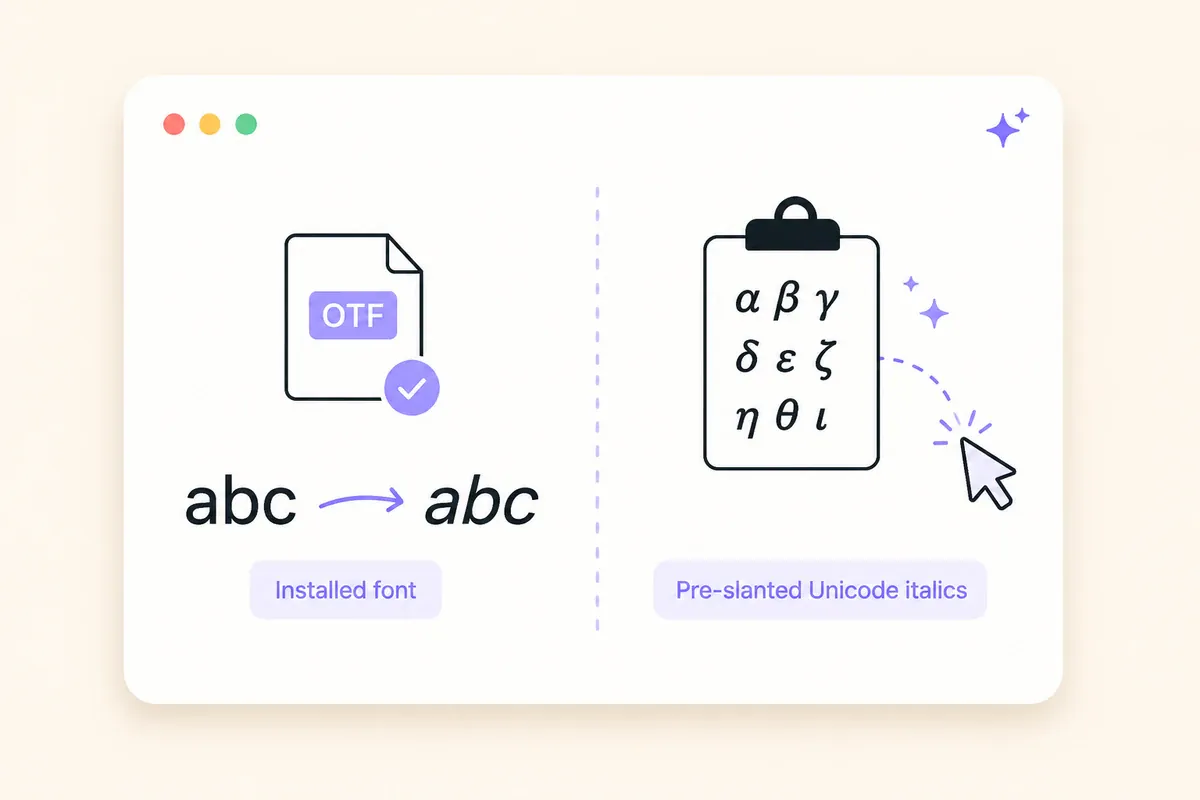
A real italic font and Unicode italic text can look similar, but they work in different ways.
A real italic may be a separately drawn face within a font family. Some software can also create an oblique appearance by slanting the regular face. In either case, the underlying text still uses ordinary letters, while the application controls how those letters look.
Unicode italic text substitutes different characters. Those characters can travel with copied text, but they are not a font file that can be installed or selected for an entire document.
For websites, choose HTML according to meaning:
- Use
<em>for stress emphasis. - Use
<cite>for the title of a creative work. - Use
<i>for text set apart from surrounding prose, such as an alternate voice or technical term. - Use CSS
font-stylewhen the goal is only visual italic styling.
Practical example: In the sentence "I said now, not later," the word "now" carries stress emphasis and suits <em>. Substituting a mathematical italic character would change the text itself rather than adding semantic emphasis.
Unicode text is useful for short decorative phrases in plain-text fields. It should not replace normal italic formatting in articles, documents, accessible interfaces, or website content.
How to use the italic text generator

- Open the generator. Visit the FontifyText italic text generator.
- Enter your text. Start with a short word or phrase.
- Compare the results. Check every letter, number, space, and punctuation mark.
- Copy and paste. Place the chosen result in the exact field where it will appear.
- Save and inspect it. Review the final version rather than relying only on the preview.
Some apps filter characters only when a profile is saved or a post is published. Testing the final state helps you catch missing letters, square symbols, or rejected characters.
Practical example: Paste a two-word heading into a draft profile, save it, reopen the profile, and check it from another device when possible.
Phone selection menus differ by browser and operating system. The guide to copying and pasting fonts on iPhone and Android covers common mobile steps and failed-paste checks.
Where italic text may work — compatibility guide

Unicode support varies by character, app field, app version, operating system, device, and available font. The table below suggests places where short italic text may be worth testing; treat it as a starting point, not a confirmed outcome for every device.
| Destination | What may happen | Safer approach |
|---|---|---|
| Social-media bios | Some characters may be accepted and displayed | Test a short phrase after saving |
| Display-name fields | Styled text may appear, but filtering varies | Keep the account handle plain |
| Captions and comments | Many fields may display the characters | Inspect the published version |
| Messaging apps | Appearance may differ between devices | Use short, readable phrases |
| Usernames and handles | Characters may be restricted or rejected | Use ordinary letters |
| Links and email addresses | Styled characters may break matching | Keep the complete address plain |
| Hashtags and search terms | Search systems may treat them differently | Use standard characters |
| Documents and web pages | Text pastes as symbols, not formatting | Use the built-in italic controls |
| Essential instructions | Assistive tools may read characters oddly | Keep the information plain |
Italic text may appear correctly in Instagram, X, TikTok, Discord, and other apps, but acceptance can vary by field and device. Always check the result after saving or publishing.
Practical example: A creator could style a short first line in a bio while leaving the account handle, location, contact address, and website link in ordinary text.
For more profile examples, read the Instagram bio fonts guide.
Fix boxes, question marks, or a strange "h"
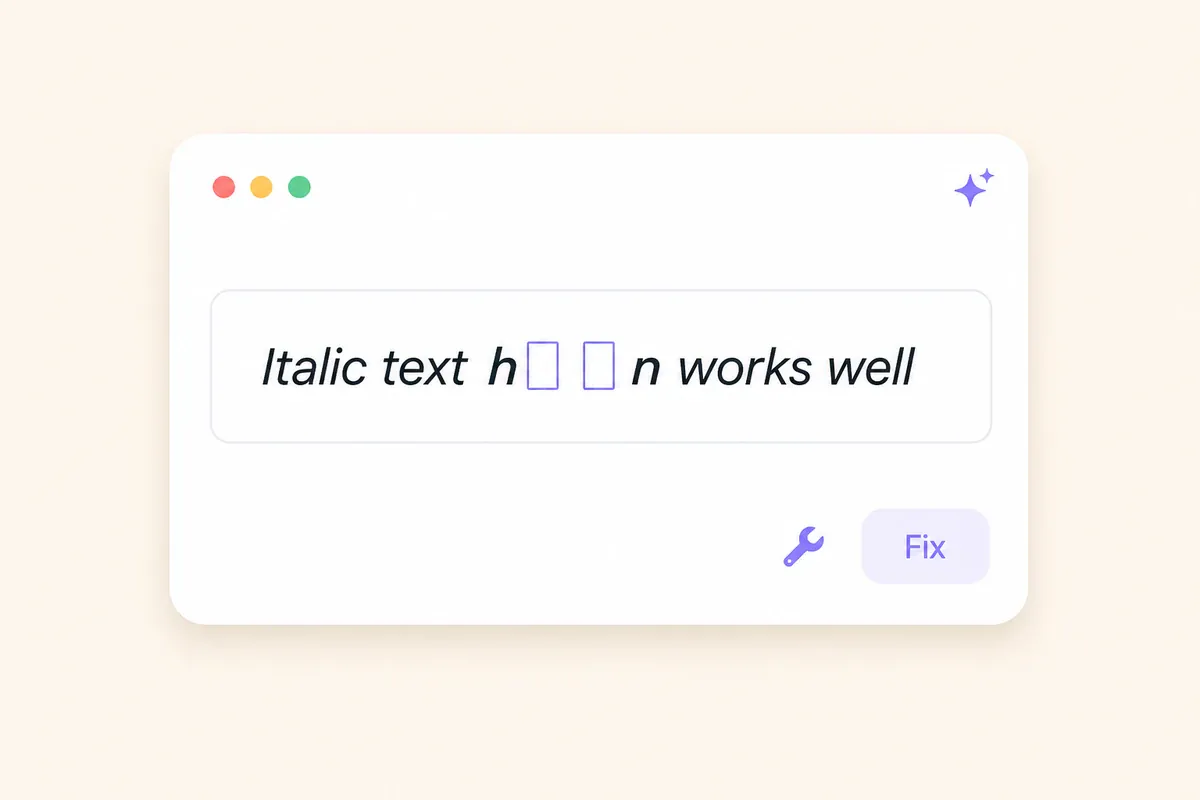
Boxes, replacement symbols, or mismatched letters usually point to font coverage or character filtering rather than a failed copy action.
- Empty boxes or squares: The viewing font may not contain a glyph for one or more characters. Try another result or return the affected word to plain text.
- Question marks or replacement diamonds: The app may have replaced characters while saving.
- Missing letters: The selected result may not contain a suitable counterpart for every original character.
- Different results on two devices: Each device may use a different font to draw the same Unicode character.
- A different-looking serif italic
h: Mathematical italic lowercasehuses the older characterℎat U+210E. The expected position at U+1D455 is reserved, so the letter can look slightly different in some fonts.
There is no universal fallback style for every device. Try another available result, shorten the decorated phrase, or use ordinary letters when clarity matters more than appearance.
Practical example: When 𝑇ℎ𝑒𝑚𝑒 shows an uneven h, compare another style or keep the word Theme plain.
When to use italic text and when to keep it plain

Unicode italic text suits short decorative text that remains understandable when the styling is removed or read imperfectly.
Suitable short-form uses
- A short profile heading
- A brief caption fragment
- One or two emphasized words
- A display name, where the field accepts it
- A mathematical variable in an informal explanation
- The title of a standalone work
Books, films, albums, and other independent works are often italicized in editorial styles. Individual songs, articles, chapters, and episodes are commonly placed in quotation marks instead.
Text that should usually remain plain
- Long paragraphs
- Account handles and usernames
- Links and email addresses
- Hashtags and searchable phrases
- Dates, prices, and contact details
- Safety information
- Instructions that must be understood quickly
- Text intended for frequent copying or data entry
Practical example: A profile could use 𝘐𝘭𝘭𝘶𝘴𝘵𝘳𝘢𝘵𝘰𝘳 as a visual label while keeping Bookings: name@example.com unchanged.
Frequently asked questions
Is this italic text generator free to use?
FontifyText presents the tool as a free copy-and-paste generator. You can open it in a browser, enter text, and copy available results. The website's current terms still apply to use of the site and its material.
Does italic text work on Instagram and X?
Many Unicode italic characters may appear in Instagram and X fields, but results can vary by character, field, app version, device, and available font. Test a short sample, save or publish it, and inspect the final version. Keep handles, links, and essential details in ordinary text.
What is mathematical italic used for?
Mathematical italic is used for variables and symbols whose style carries meaning. Examples include 𝑥, 𝑦, 𝑓(𝑥), and 𝐸 = 𝑚𝑐². Structured equations need a proper mathematical formatting system.
Why does my italic text turn into boxes or show a strange "h"?
Boxes often mean that the viewing font lacks a glyph for a character. A serif mathematical italic h can look different because Unicode uses the older character ℎ for that letter. Trying another result or returning the affected word to plain text may help.
Is Unicode italic the same as a real italic font?
No. A real italic font changes how ordinary letters are displayed through font styling. Unicode italic substitutes separately encoded characters. Those characters can be pasted into plain-text fields, but apps, fonts, search systems, and accessibility tools may handle them differently.
Create a short italic phrase and check the result
An italic text generator can give a slanted or decorative appearance to a short bio heading, caption fragment, display name, or mathematical variable. The output uses substituted Unicode characters rather than ordinary letters with italic formatting, so acceptance and appearance can vary.
Keep the styled section brief, leave essential information plain, and inspect the saved result in the intended field. Open the FontifyText italic text generator, enter your text, and copy the clearest result.