
Unicode Fonts
Serif Font Generator — Classic Serif Text Copy & Paste
Use this serif font generator to copy and paste classic serif text — bold, italic, small caps and more. Free Unicode styles for bios and posts.
Contents
- Serif Font Generator: Classic Text to Copy and Paste
- Copy-Ready Serif Examples
- What a Serif Font Generator Does
- Serif and Decorative Styles You Can Copy
- Important: This Is Unicode Text, Not an Installed Font
- Installed fonts
- Styled Unicode characters
- How to Use the Serif Font Generator
- Where Serif Text May Work
- Fix Boxes, Question Marks, or Missing Letters
- Empty boxes or squares
- Question marks or replacement symbols
- Some letters remain unstyled
- The text looks correct before saving but changes afterward
- Classic Serif Typefaces for Design Work
- When to Use Serif Text
- Suitable uses
- Uses to avoid
- Serif Font Generator FAQ
- Add a Classic Look to Short Text
Serif Font Generator: Classic Text to Copy and Paste
This serif font generator turns ordinary text into classic-looking characters you can copy and paste into bios, display names, captions, comments, and short posts. Enter your text, compare the available styles, and copy the version that fits your message.
Serif lettering often creates a traditional, editorial, or refined appearance. Unlike an installed typeface, however, the output from a Unicode font generator consists of special characters. Their appearance, availability, and accessibility can vary between apps and devices.
Copy-Ready Serif Examples
| Style | Sample |
|---|---|
| Bold serif | 𝐒𝐞𝐫𝐢𝐟 𝐓𝐞𝐱𝐭 |
| Italic serif | 𝑆𝑒𝑟𝑖𝑓 𝑇𝑒𝑥𝑡 |
| Bold italic serif | 𝑺𝒆𝒓𝒊𝒇 𝑻𝒆𝒙𝒕 |
| Small caps | ꜱᴇʀɪꜰ ꜰᴏɴᴛ |
| Blackletter | 𝔖𝔢𝔯𝔦𝔣 𝔗𝔢𝔵𝔱 |
| Double-struck | 𝕊𝕖𝕣𝕚𝕗 𝕋𝕖𝕩𝕥 |
These examples may not display identically everywhere. Test your selected text in the exact profile field, post editor, or message where you plan to use it.
What a Serif Font Generator Does
A serif text generator replaces ordinary letters with visually styled Unicode characters.
For example, entering Serif might produce:
𝐒𝐞𝐫𝐢𝐟𝑆𝑒𝑟𝑖𝑓𝑺𝒆𝒓𝒊𝒇𝔖𝔢𝔯𝔦𝔣
Because the style is part of the character rather than an installed font setting, the text can be copied into many apps. Whether it is accepted and displayed correctly depends on the characters, app field, device, operating system, and available system fonts.
A creator might use 𝐄𝐦𝐦𝐚 𝐇𝐚𝐫𝐭 as a display name to create a more traditional look. Important details such as links, email addresses, search terms, and account handles should remain in ordinary text.
Serif and Decorative Styles You Can Copy
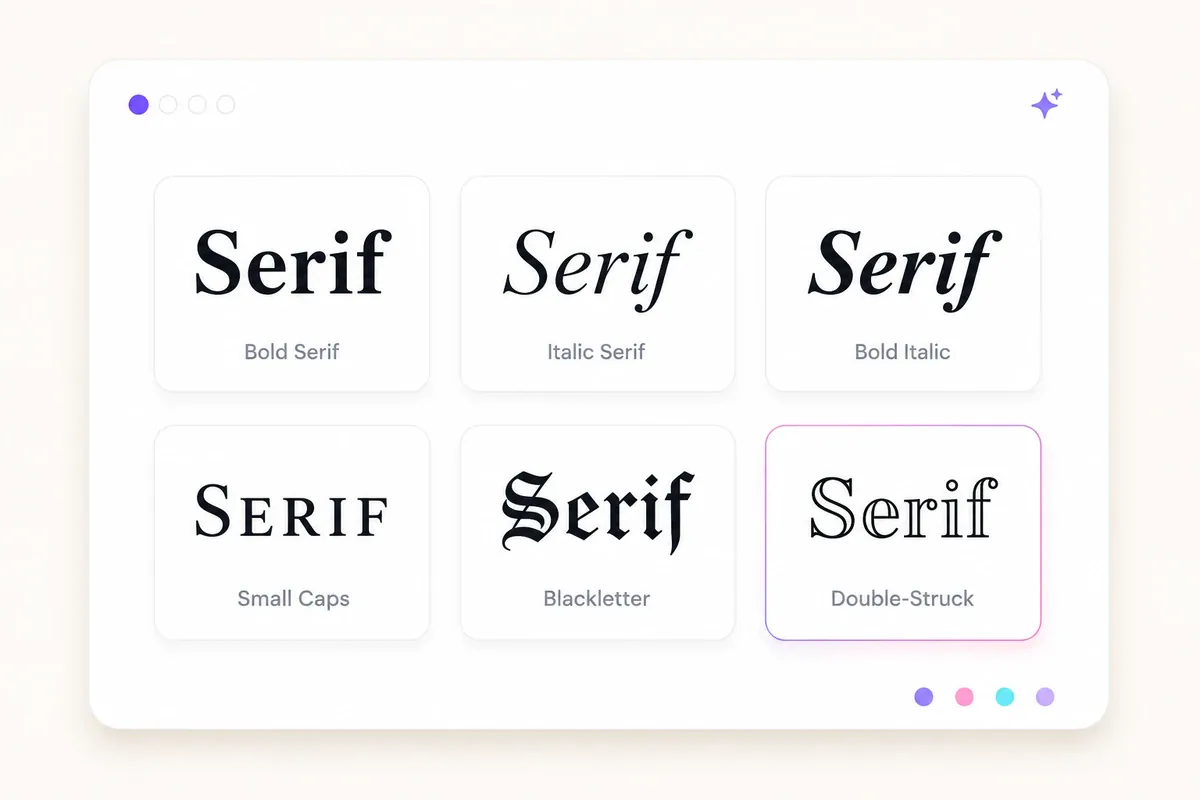
The generator may include serif styles alongside decorative Unicode styles that create a similar classic or formal effect.
| Style | Sample | Suggested use |
|---|---|---|
| Bold serif | 𝐂𝐥𝐚𝐬𝐬𝐢𝐜 | Short display names and headings |
| Italic serif | 𝐶𝑙𝑎𝑠𝑠𝑖𝑐 | Quotes and elegant captions |
| Bold italic serif | 𝑪𝒍𝒂𝒔𝒔𝒊𝒄 | Short names that need more emphasis |
| Small caps | ᴄʟᴀꜱꜱɪᴄ | Labels, profile text, and compact headings |
| Blackletter or Fraktur | ℭ𝔩𝔞𝔰𝔰𝔦𝔠 | Gothic or vintage styling |
| Double-struck | ℂ𝕝𝕒𝕤𝕤𝕚𝕔 | Mathematical or technology-inspired text |
Small caps, blackletter, and double-struck characters are not conventional serif typefaces. They are better understood as serif-adjacent or decorative Unicode styles.
A few practical considerations:
- Bold serif creates strong contrast but should still be tested at small screen sizes.
- Italic serif can look elegant, although thin or slanted characters may be harder to scan.
- Small caps may combine characters from different Unicode ranges, so letter coverage can vary.
- Blackletter is highly decorative and works best for a few words rather than complete sentences.
- Double-struck is associated with mathematical notation and may be interpreted differently by assistive technology.
For heavier decorative options, try the bold text generator or gothic font generator.
Important: This Is Unicode Text, Not an Installed Font
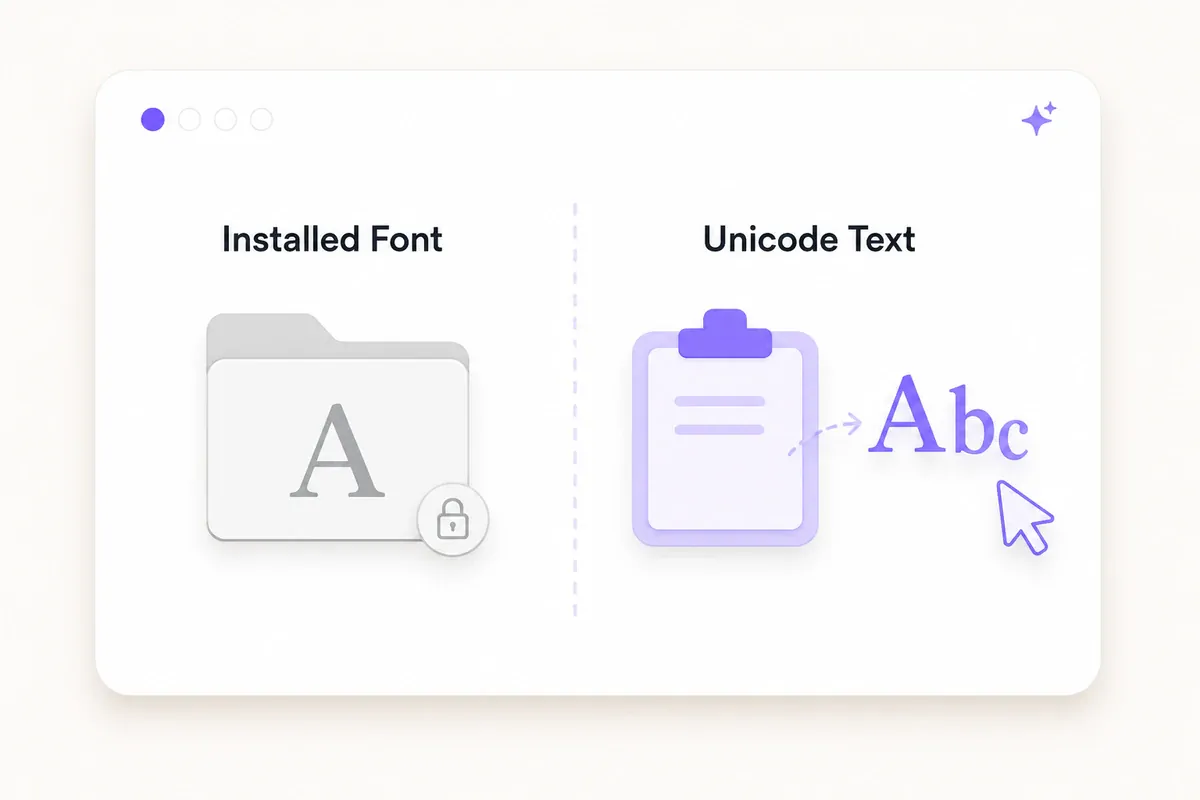
The output from this generator is Unicode text. It is not an installed typeface such as Georgia, Garamond, or Times New Roman.
Installed fonts
A real font is a software file installed on a device or loaded by a website. It changes how ordinary letters are drawn and gives designers control over features such as:
- Font size
- Weight
- Line spacing
- Letter spacing
- OpenType features
- Language coverage
The font must be available on the device, included in the document, or loaded by the website.
Styled Unicode characters
Unicode serif text uses separate encoded characters that already have a bold, italic, Fraktur, or double-struck appearance. You copy the characters themselves rather than applying a font setting.
Many of these characters come from the Mathematical Alphanumeric Symbols range, which was designed for mathematical notation rather than general decorative typography. Using them for styling can affect:
- Screen-reader output
- Search and indexing
- Copying and text processing
- Username validation
- Character limits
- Cross-device rendering
For that reason, styled Unicode text is best used for short decorative elements. Keep instructions, contact information, links, legal text, and other essential content in ordinary characters.
How to Use the Serif Font Generator
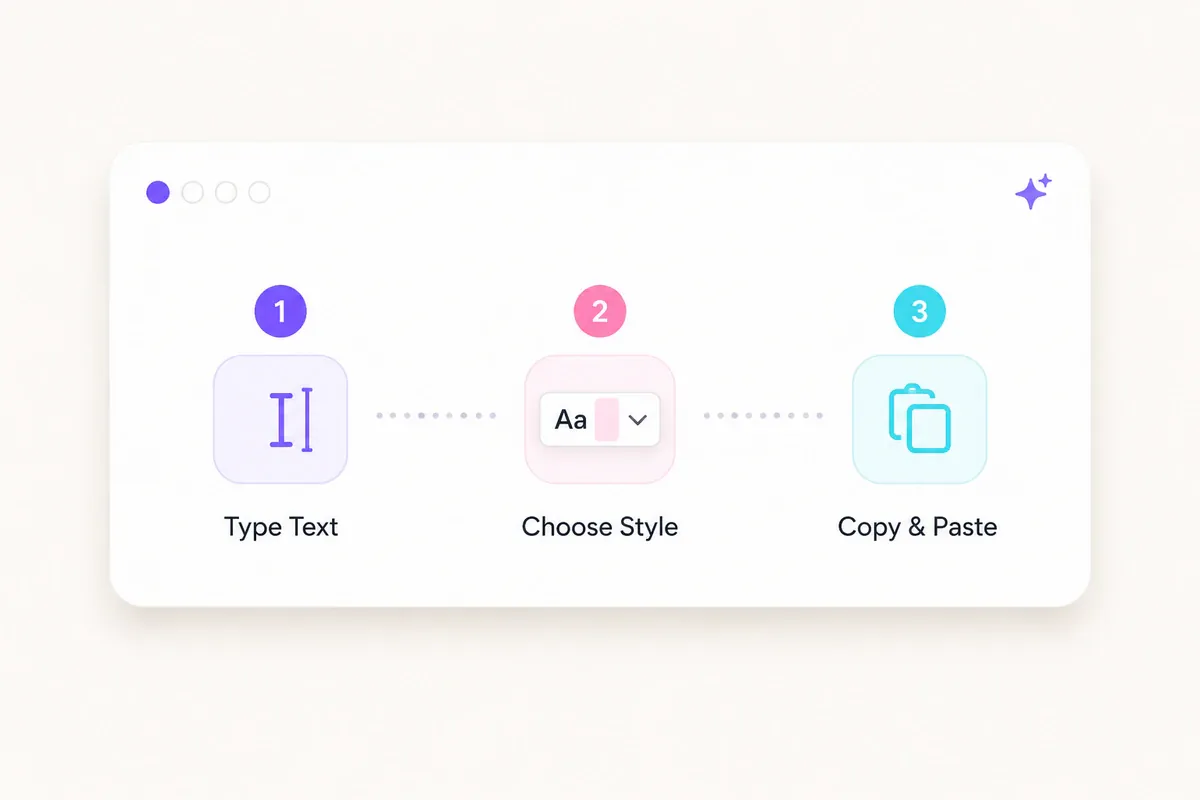
- Enter your text. Type a name, phrase, caption, or short heading into the input field.
- Compare the styles. Review the serif and decorative variations generated from your text.
- Copy your preferred option. Use the copy control next to the style you want.
- Paste it into the destination app. Add it to your bio, display name, caption, post, or message.
- Save and check the final result. Do not rely only on the editing preview. Confirm that the text still appears correctly after it has been saved or published.
Test the complete phrase at the length you intend to use. A short name may display clearly while a longer bio line becomes crowded or difficult to read on a phone.
Where Serif Text May Work

Unicode support varies by character, app field, app version, operating system, device, and available font. The following table identifies places where short styled text may be worth testing; treat it as a starting point, not a confirmed outcome for every device.
| Platform or app | Likely use | Guidance |
|---|---|---|
| Bios, captions, and display names | Commonly accepted, but test after saving | |
| TikTok | Bios, display names, and captions | Support varies by character and field |
| X | Display names, bios, and posts | Test the published result |
| Discord | Messages, nicknames, and server names | Acceptance can differ between fields |
| Posts, bios, and display text | Rendering may vary across devices | |
| Messages and status text | Keep essential information in ordinary text | |
| YouTube | Comments, descriptions, and channel text | Avoid styled text in important searchable phrases |
| Headings or limited profile emphasis | Use sparingly for clarity and professionalism | |
| Word or Google Docs | Decorative text inside documents | Characters paste as symbols, not as an editable font style |
Some services may accept styled characters in a display name but reject them in a username, account handle, URL, or login field.
Always check the saved result in the exact field where the text will appear. Also review it from another device when the text is important to your profile or brand.
Fix Boxes, Question Marks, or Missing Letters
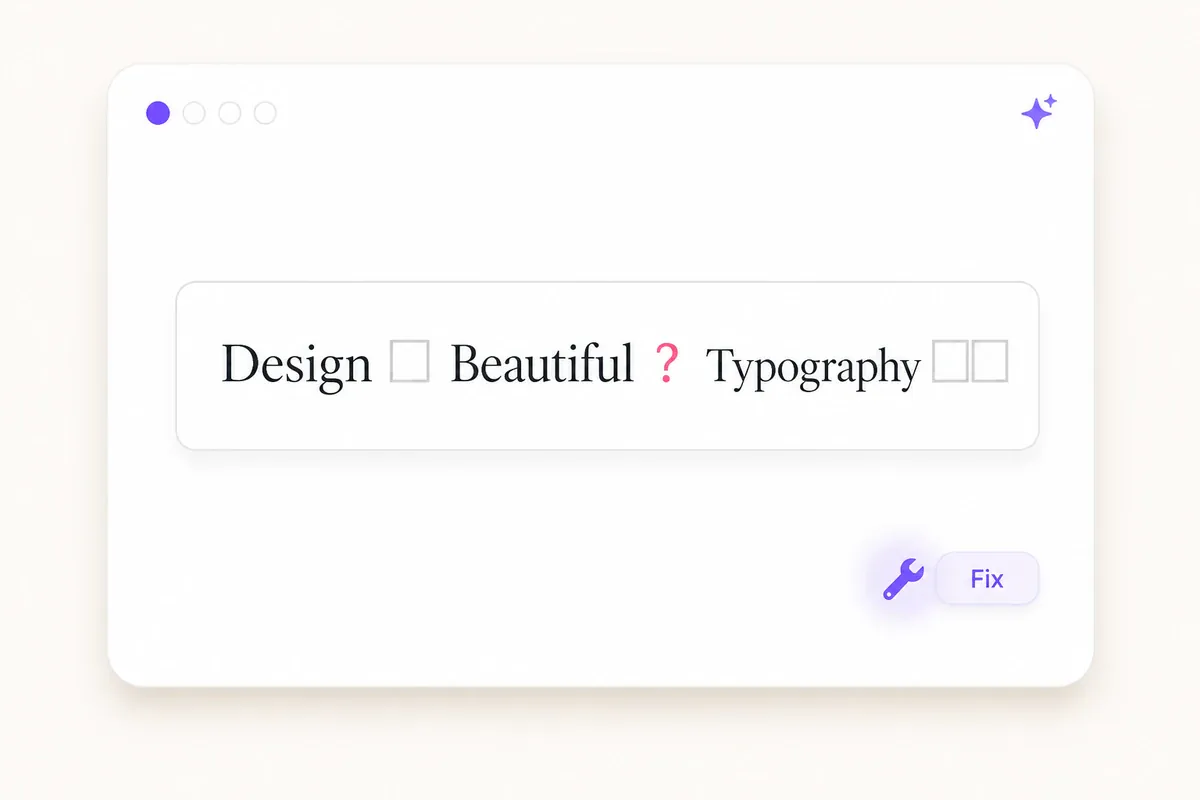
Styled text may occasionally appear as empty boxes, question marks, replacement symbols, or a mixture of styled and ordinary letters.
Empty boxes or squares
The device or application may not have a suitable glyph for one or more characters.
Try a less decorative style and check the result again. Updating the app, browser, or operating system may also improve character coverage.
Question marks or replacement symbols
The destination field may have rejected, stripped, or converted the pasted characters.
Try:
- Pasting into a different field
- Using fewer styled characters
- Removing symbols or unusual punctuation
- Switching to ordinary text
Some letters remain unstyled
Not every decorative alphabet contains a matching character for every letter, number, accent, or symbol. Small-cap sets are especially likely to mix characters from different writing systems or Unicode blocks.
Choose a style that covers more of your phrase, or leave unsupported characters in their normal form.
The text looks correct before saving but changes afterward
Some apps normalize or filter text when a profile, post, or username is saved. Reopen the page and inspect the published version rather than relying on the editor preview.
For device-specific steps, see the guide to copying and pasting fonts on iPhone and Android.
Classic Serif Typefaces for Design Work
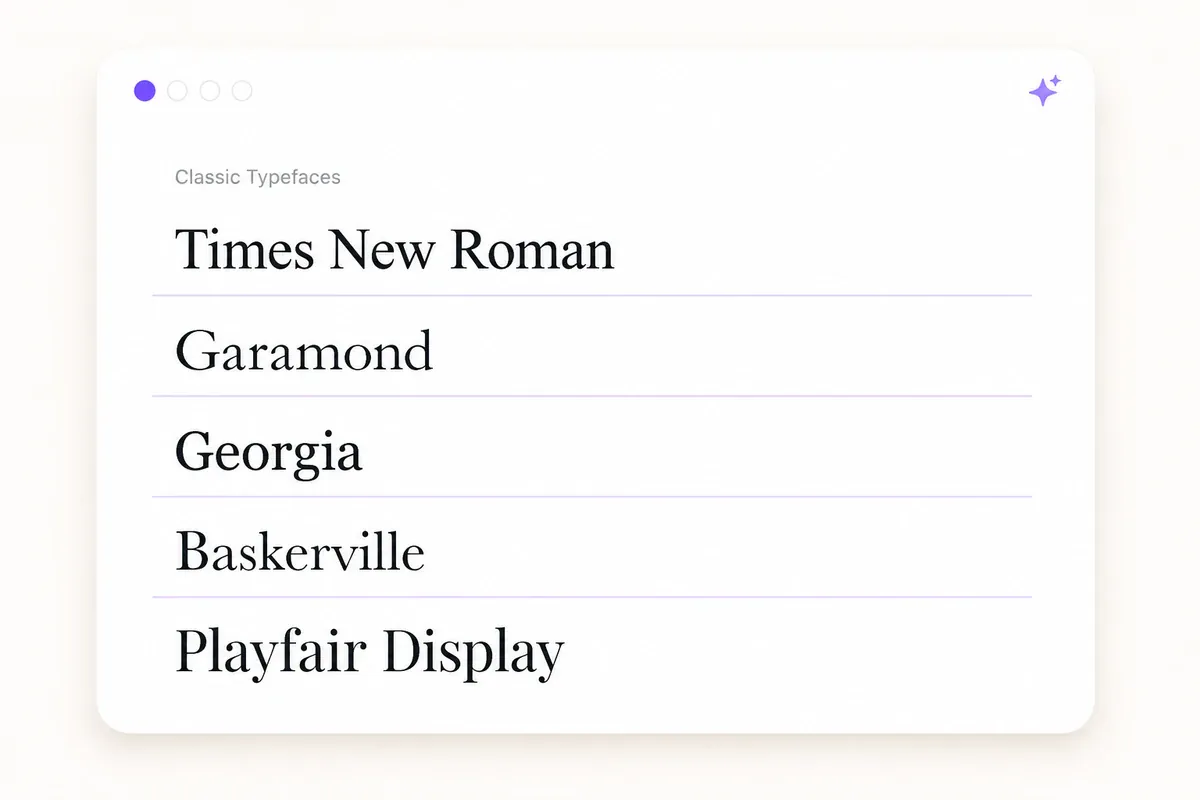
Use a real serif typeface when working in design software, presentations, documents, brand graphics, or websites. Installed and web-hosted fonts provide better readability, accessibility, spacing control, and language support than decorative Unicode text.
Well-known serif typefaces include:
- Times New Roman: Compact and closely associated with newspapers and formal documents.
- Garamond: A broad family of historic designs and modern revivals used for books and editorial work.
- Georgia: Designed for clear screen display, particularly at smaller sizes.
- Baskerville: Known for its contrast, formality, and precise appearance.
- Playfair Display: A high-contrast display face suited to large headings and editorial designs.
Availability and licensing depend on the particular font and version. Playfair Display and free alternatives or revivals such as Cormorant Garamond and Libre Baskerville are available through Google Fonts.
Review the license, supported languages, available weights, and intended use of any typeface before adding it to a commercial project.
When to Use Serif Text
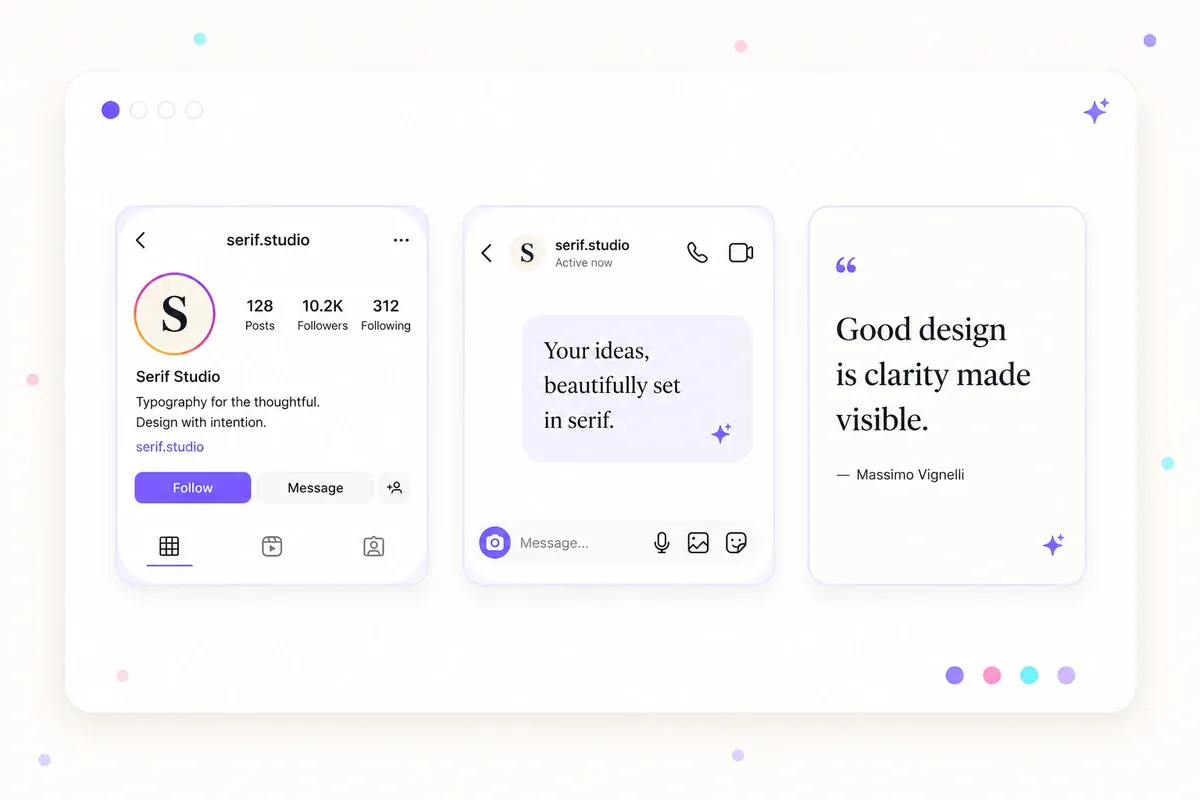
Serif-style Unicode text works best when decoration is more important than searchability or long-form readability.
Suitable uses
- Display names: Add limited visual emphasis to a creator or profile name.
- Social bios: Style one short line while leaving links and essential information plain.
- Short captions: Highlight a heading, quotation, or opening phrase.
- Gaming names: Create a distinct visual style where the platform accepts the characters.
- Personal branding: Repeat a short decorative name consistently across compatible profiles.
For more profile ideas, see the guide to fonts for an Instagram bio.
Uses to avoid
- Long paragraphs: Styled Unicode text can be tiring to read and difficult to navigate.
- Links and email addresses: Decorative characters can break recognition, search, copying, or autofill.
- Usernames and technical handles: Some platforms restrict characters or make accounts harder to find.
- Accessibility-critical information: Screen readers may announce characters individually or inconsistently.
- Keywords that need to be searchable: Styled letters may not match searches for the ordinary spelling.
A practical pattern is to use one styled phrase for emphasis and keep the rest of the message in normal text.
For a softer handwritten appearance, explore the cursive font generator or calligraphy text styles.
Serif Font Generator FAQ
Is this serif font generator free? The generator can be used to create and copy styled text without purchasing a downloadable typeface. Confirm the current features and applicable website terms on the tool page before use. Copying Unicode characters is different from downloading or distributing a font file. Any installed typeface used in a design project may have its own licensing requirements.
Does serif Unicode text work on Instagram and Discord? Many serif-style Unicode characters can appear in Instagram bios, captions, and display names, as well as Discord messages and nicknames. Acceptance and rendering can vary by field, character, app version, and device. Test a short sample and check it again after saving. Keep account handles, links, and essential profile details in ordinary text.
Why does my serif text turn into boxes or question marks? The device, app, or selected field may not support one or more characters. It may also replace or remove the text while saving. Try a less decorative style, use fewer styled characters, update the app or device, and inspect the saved result. Use ordinary text when consistent display is essential.
Is Unicode serif text the same as Times New Roman? No. Times New Roman is a typeface applied to ordinary letters through a font file. Unicode serif text consists of separate encoded characters that already have a styled appearance. Unicode text can be copied between apps, but it does not provide the editing control, readability, or accessibility of an installed typeface.
Which serif style should I use for a bio or display name? Choose the clearest style that suits the tone of your profile and remains readable at a small size. Test the complete name after saving, preferably on more than one device. Avoid styling links, account handles, contact details, or words people need to search for.
Add a Classic Look to Short Text
A serif font generator provides a quick way to give a name, caption, or profile line a traditional or editorial appearance. The output is made from styled Unicode characters rather than an installed typeface, so compatibility and accessibility can vary.
Use the serif font generator on this page to create your text, copy a style, and test it in the exact field where it will appear. Keep decorative text short, confirm the saved result, and leave essential or searchable information in ordinary characters.