
Unicode Text
Small Caps Generator: Free Tiny Text Copy-Paste
Free small caps generator: turn text into tiny capital letters, superscript and subscript. Copy-paste for Instagram, Discord and TikTok bios in seconds.
Contents
- Which Small Text Style Fits Your Situation?
- How to Use the Small Caps Generator (Copy & Paste in 5 Steps)
- Unicode Small Caps Are Not the Same as Font Small Caps
- Small Caps Examples for Bios, Names, and Formulas
- Small Caps Facts You Should Know
- Why Some Superscript and Subscript Letters Are Missing
- Readability and Platform Limitations
- Small Caps Generator FAQ
- Get Your Small Caps Text
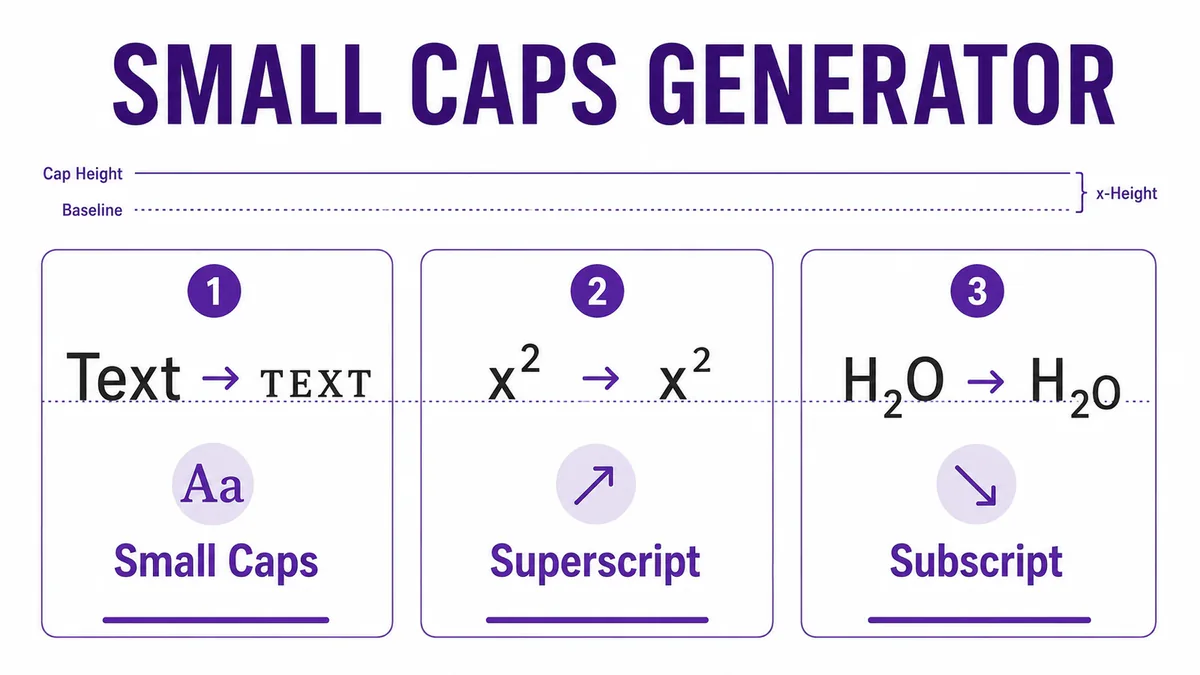
A small caps generator converts ordinary text into small-cap-like Unicode letters, such as Text becoming ᴛᴇxᴛ, along with related superscript and subscript styles for exponents and formulas. It works by substituting separate Unicode characters — not by applying a real font's small-caps feature, and not every letter has a matching miniature form.
Quick checklist
- Open the small caps generator and type your text.
- Compare small-cap-like, superscript, and subscript results side by side.
- Check that every letter in your word has a clean match — some don't.
- Copy the clearest version with one click.
- Paste it and check the destination platform's character rules before saving.
Use small caps when you want a compact label, subtle bio heading, short gaming tag, or formula-style notation rather than a loud decorative wrapper — browse the full Font Styles hub if you want to compare other directions first.
Which Small Text Style Fits Your Situation?
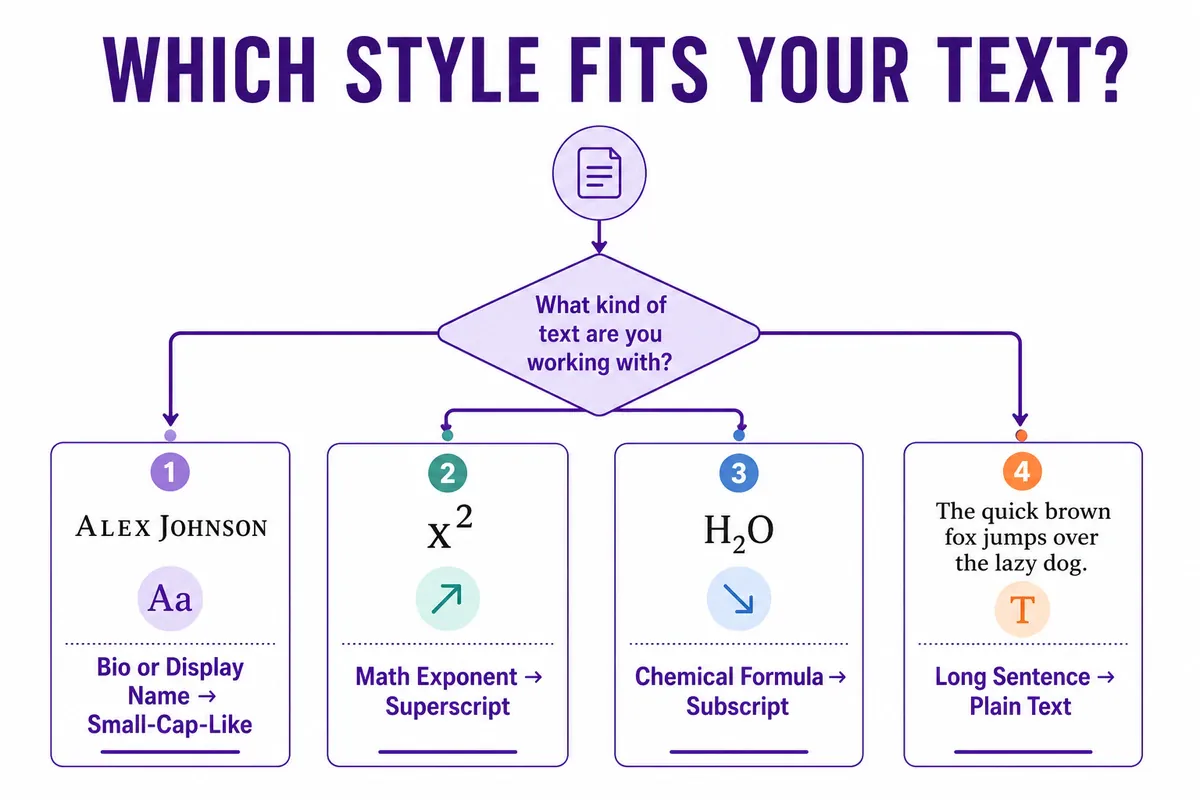
Small-cap-like, superscript, and subscript results solve different problems. Picking the wrong one is the most common reason the output looks uneven.
| Situation | Best For | Key Difference | Recommendation |
|---|---|---|---|
| Bio heading or display name | A short line that should read like a subtle caption | Stays close to the normal baseline, most letters are covered | Small-cap-like style |
| Math exponent or ordinal (x², 1st) | Short numbers or single letters | Sits above the baseline; full alphabet coverage is incomplete | Superscript style |
| Chemical formula (H₂O, CO₂) | Numbers, not full words | Digit coverage is broad; letter coverage is limited | Subscript style |
| A full sentence or paragraph | Body text, instructions, contact details | Any of these styles gets harder to scan at length | Plain text — skip styling here |
How to Use the Small Caps Generator (Copy & Paste in 5 Steps)
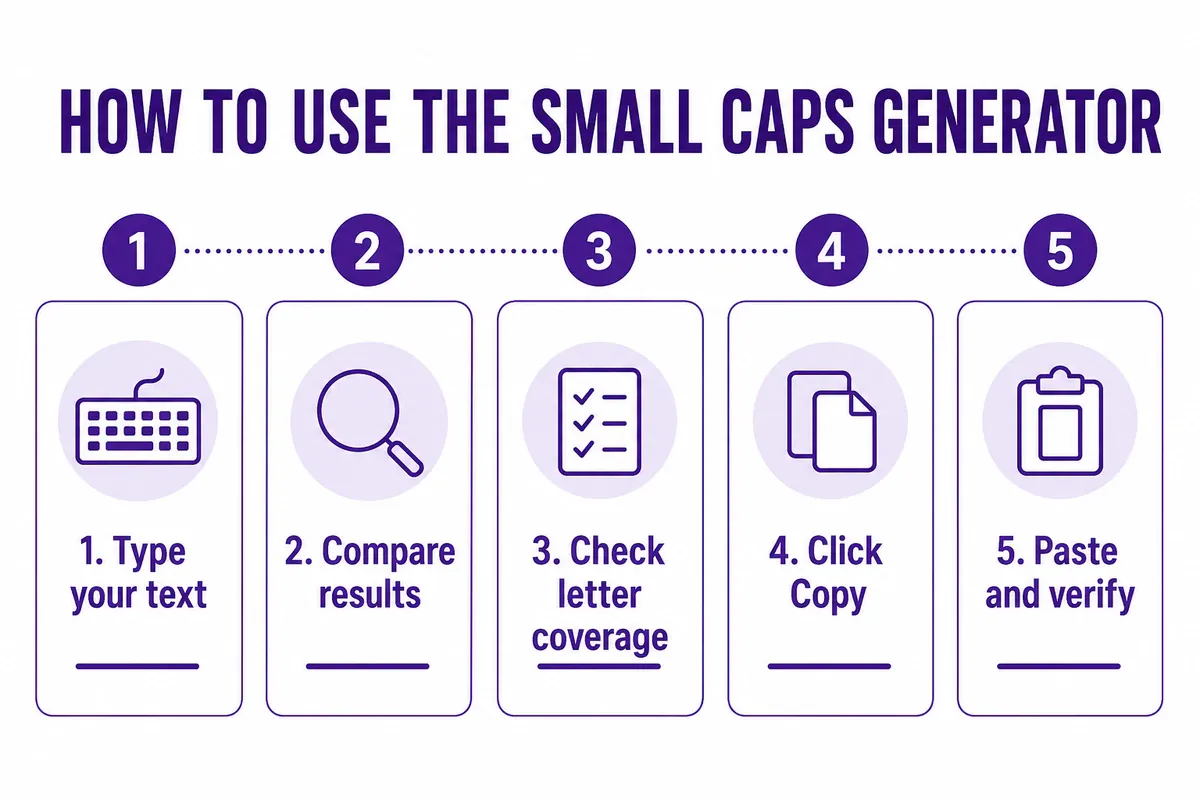
- Type your word, phrase, or formula into the input field — the results update as you type.
- Compare the result cards — small-cap-like, superscript, and subscript outputs appear side by side.
- Check letter coverage before committing — scan for any letter that stayed at normal height, since not every character has a styled match.
- Click Copy on the version you want — the text copies as plain Unicode characters, no special paste step required.
- Paste it and check the platform's rules — some fields accept it cleanly, others reject unusual characters in a username specifically.
A common failure point: judging a style only inside the generator. A result that looks tidy in the tool's preview box can look uneven once it's sitting inside a compact mobile display name or a member list — the same holds true for gaming tags, where the gaming username font guide covers picking names that stay readable in-game.
Unicode Small Caps Are Not the Same as Font Small Caps
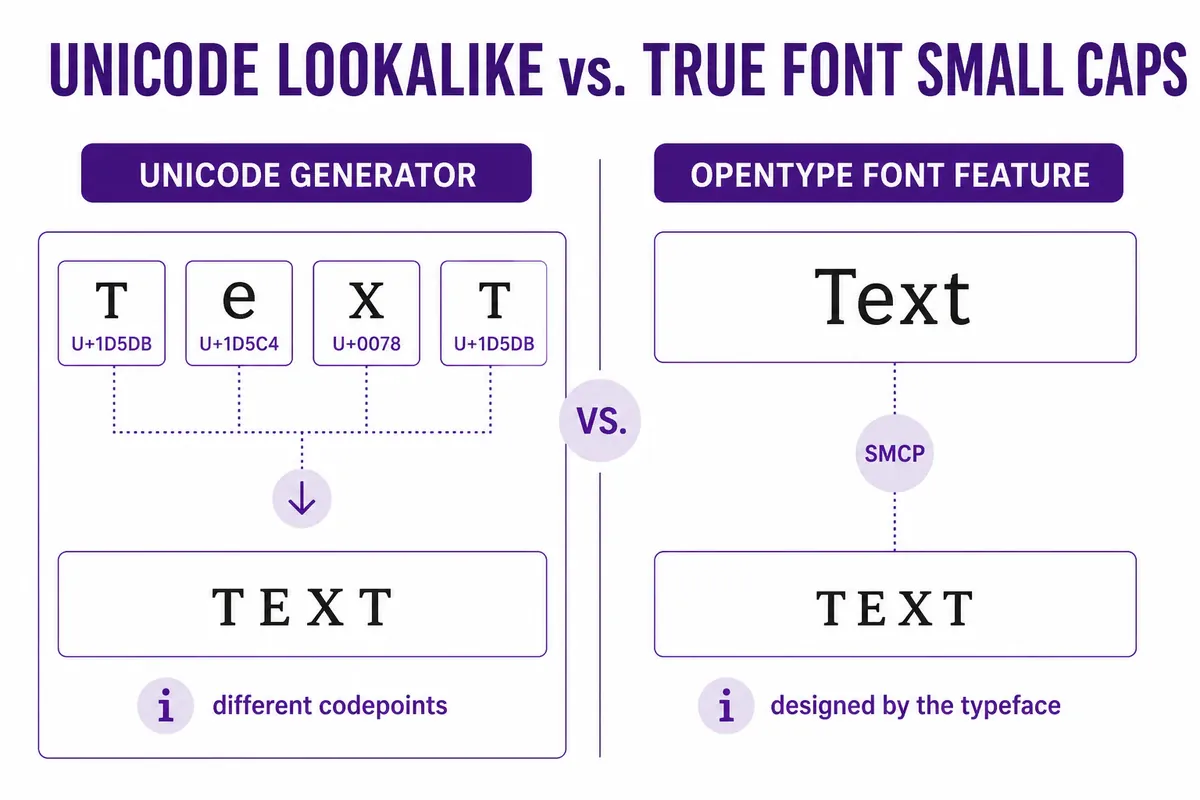
This is the distinction most competing tools skip, and it's the one that actually explains why some letters look slightly different from others in the same word.
A typeface's real small caps are drawn by the type designer as part of that specific font — every letter is proportioned to match, and the feature is usually turned on through software like InDesign or a word processor's OpenType panel.
A small caps generator does something different: it substitutes each letter with a separate Unicode character that happens to resemble a miniature capital, most of them originally added to the Unicode Superscripts and Subscripts block and related phonetic blocks for entirely different purposes — math notation and the International Phonetic Alphabet, not decorative text.
That's also why coverage is uneven. Superscript has full digit support (⁰¹²³⁴⁵⁶⁷⁸⁹) but only a partial lowercase alphabet, and a handful of superscript letters don't exist in Unicode at all. When a generator hits one of those gaps, it either leaves the letter at normal height or substitutes a visually close character — which is why a long word can come out looking slightly mismatched even though the tool worked correctly.
Small Caps Examples for Bios, Names, and Formulas
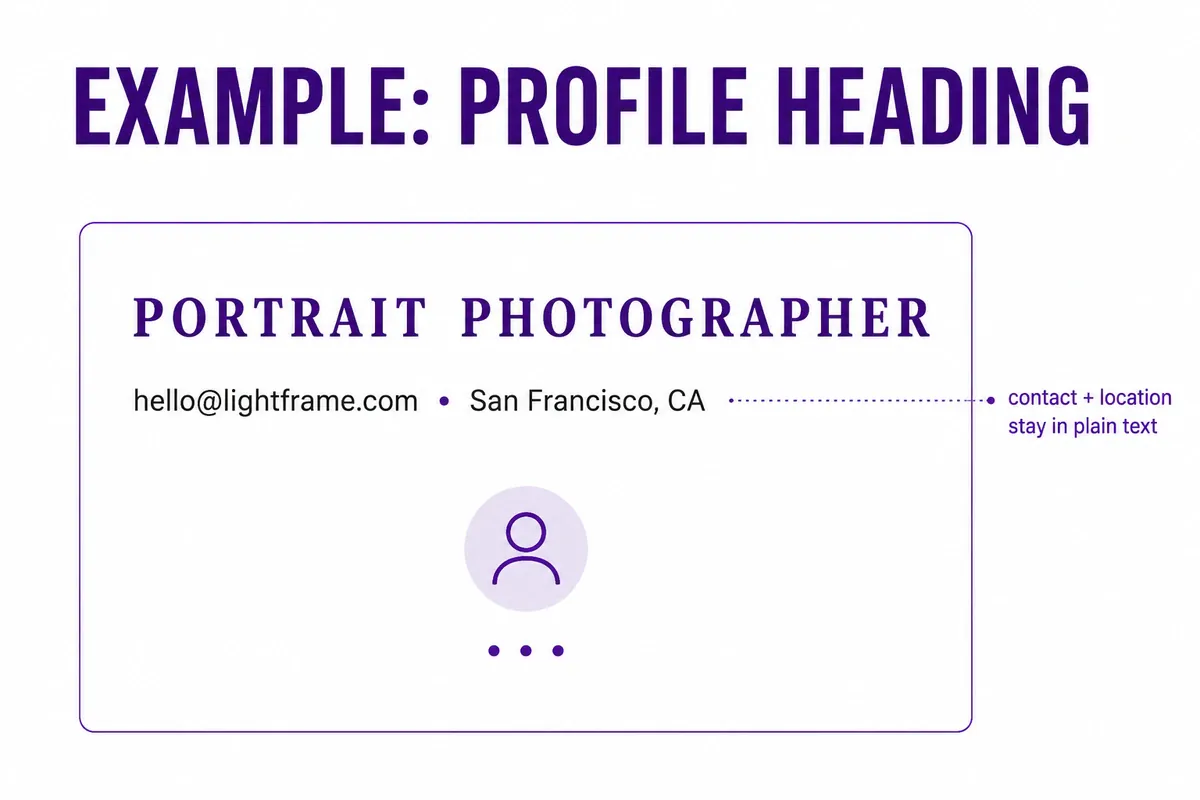
Example 1: Instagram bio heading
Style just the opening line — Creator Tips becomes ᴄʀᴇᴀᴛᴏʀ ᴛɪᴘꜱ — and leave the booking link, location, and contact details in ordinary text underneath. The heading stands out without making the essential information harder to copy or search — the Instagram font generator has more platform-specific styling options if a subtler small-cap heading isn't quite the look you want.
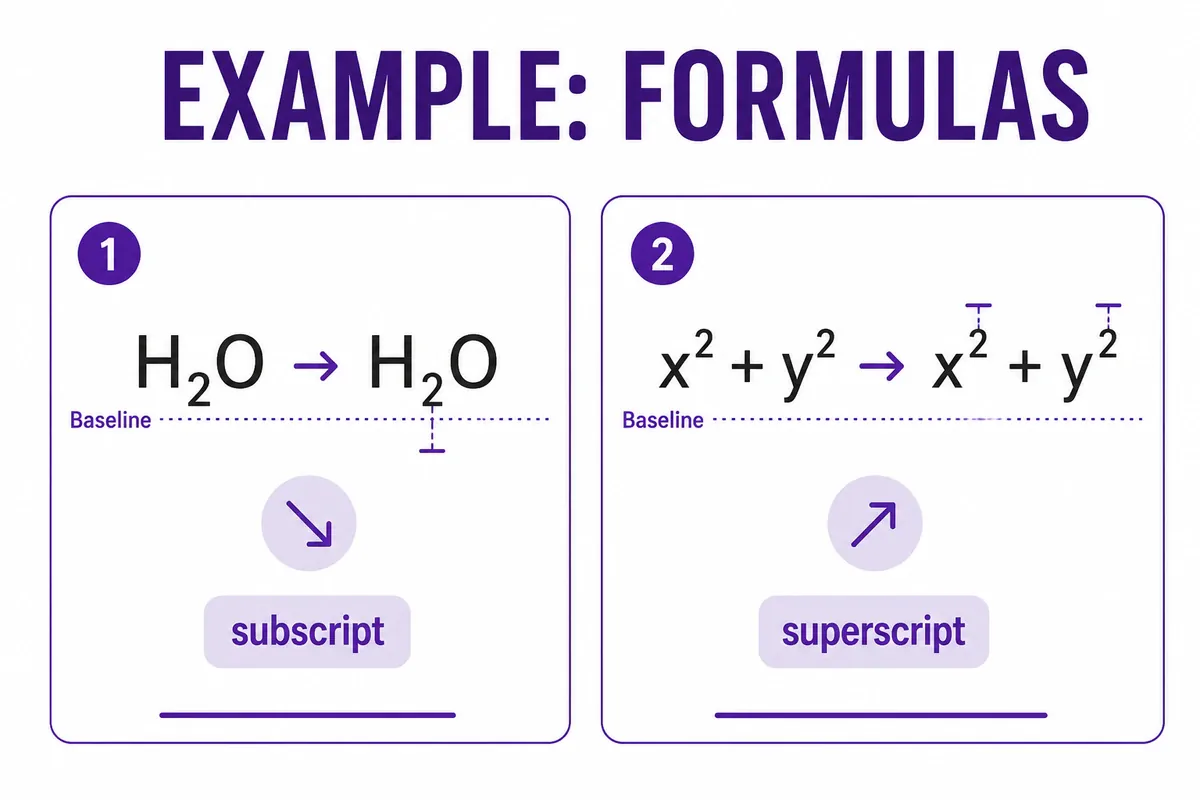
Example 2: A chemistry note
Typing H2O or CO2 into the subscript style produces H₂O and CO₂. Digit coverage in this Unicode block is broad, so short formulas like these render cleanly, though a word processor's actual <sub> element is still the better choice for a formal document.
Example 3: A Discord display name
Enter Night Crew and compare the small-cap-like result against a version with an added border or symbol. The simpler ɴɪɢʜᴛ ᴄʀᴇᴡ takes up less space in a member list than a version wrapped in extra characters — worth checking before you save it as your display name. The Discord font generator covers more styles built specifically for Discord's member list and nickname fields.
Small Caps Facts You Should Know
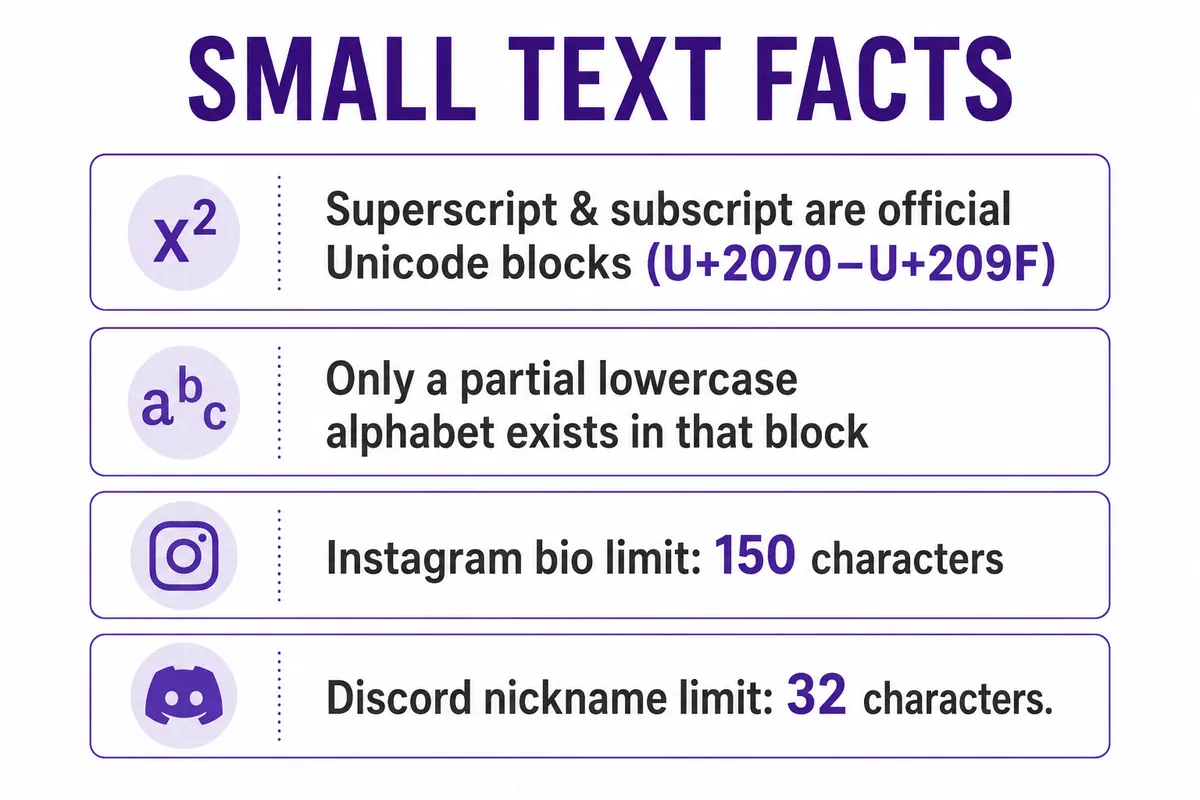
- Superscript and subscript characters come from the official Unicode Superscripts and Subscripts block (U+2070–U+209F), plus scattered characters from other blocks.
- That block does not contain a complete lowercase superscript or subscript alphabet — several letters have no Unicode equivalent.
- Small-cap-like Unicode characters are a separate character substitution, not the same feature as a typeface's built-in OpenType small caps.
- Instagram bios allow up to 150 characters.
- Discord nicknames and display names are capped at 32 characters and fully support Unicode.
Why Some Superscript and Subscript Letters Are Missing
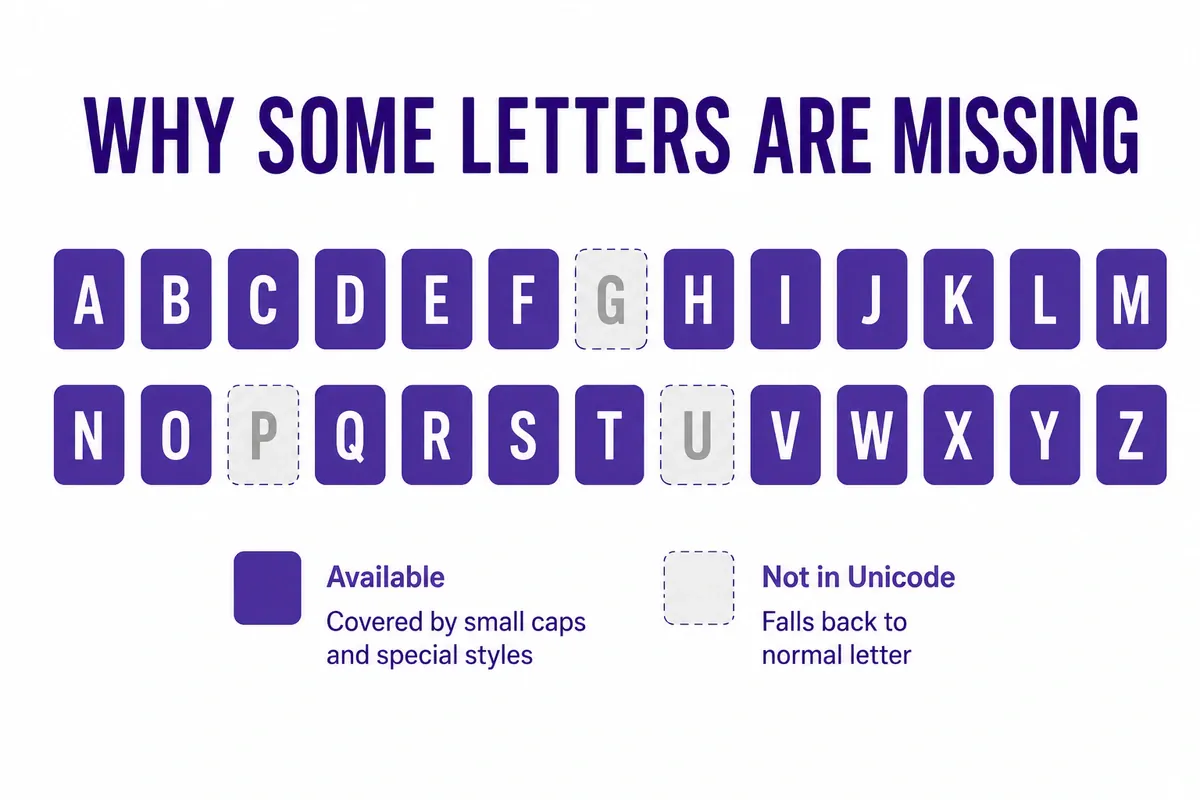
Unicode wasn't built to offer one complete decorative alphabet for every ordinary letter. The superscript and subscript characters that exist today were added over time for math notation, footnote markers, and phonetic transcription — not for styling social bios. So coverage stayed partial by design, not by mistake.
When a word contains a letter with no matching form, a generator has three options: leave that letter at normal height, substitute a visually close character from a different Unicode block, or skip styling that letter entirely. None of these are errors — they're the practical limits of a character set that was never meant to be a full font.
If consistent height matters for your specific word, compare a few small-cap-like results rather than assuming the first one covers every letter cleanly.
Readability and Platform Limitations
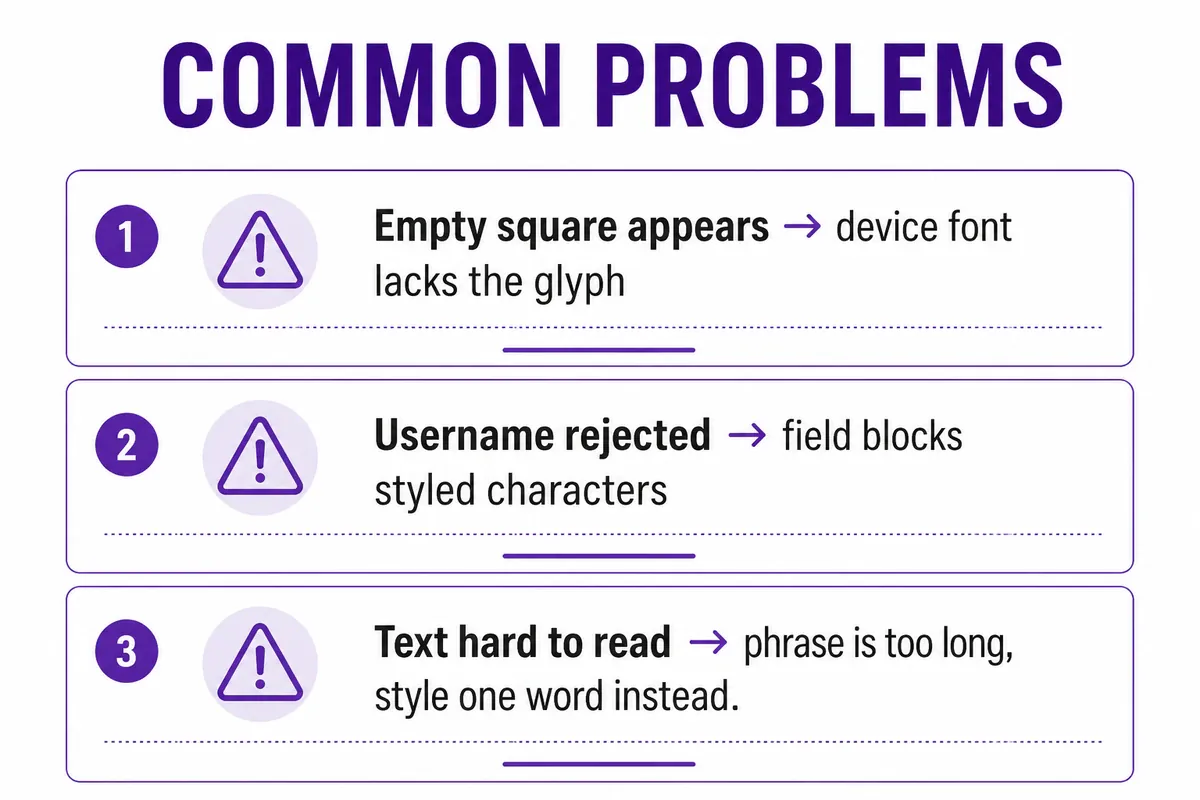
Small styled text is easiest to misuse in two ways: making it too long, or putting it somewhere a platform doesn't fully support it.
- Length: a short heading or single word stays easy to scan; a full paragraph in small-cap-like text gets noticeably harder to read at normal screen size, and can be difficult for screen readers to interpret consistently, per W3C's accessibility guidance on programmatically determinable text.
- Usernames vs. display names: most platforms allow Unicode in a bio or display name but restrict the actual @username to standard letters and numbers — check the field before assuming both will accept the same text.
- Device gaps: if a character shows up as an empty square, the destination device's font doesn't include that glyph. Switching to a simpler small-cap-like result usually fixes it.
- Character counts: styled text still counts against a platform's character limit the same as plain text — it does not shrink the count just because the letters look smaller.
If you're deciding how to pair a styled heading with a plain handle, the guide on how to build a readable username walks through that balance in more detail.
Small Caps Generator FAQ
What is a small caps generator? A small caps generator is a free tool that replaces ordinary letters with Unicode characters that resemble miniature capital letters, plus related superscript and subscript styles, so the result can be copied and pasted into any text field that accepts Unicode.
Is small caps text a real font? No. It substitutes separate Unicode characters for an appearance similar to a font's small caps, but it doesn't install a font or change the font-size setting in the destination app — a true typeface's small caps are drawn as part of that specific font.
Can I use small caps in an Instagram or Discord username? It depends on the field. Many platforms accept Unicode in a bio or display name but restrict the actual @username to plain letters and numbers, so test the exact field before relying on it.
Why are some superscript and subscript letters missing? Unicode's Superscripts and Subscripts block has full digit coverage but only a partial lowercase alphabet, so a handful of letters have no small, raised, or lowered form and stay at normal height in the result.
Does small caps text reduce a platform's character limit? No. The styled characters still count toward whatever limit the platform uses, whether that's Instagram's 150-character bio or another platform's own rule — check the destination's counter before publishing.
Get Your Small Caps Text
Small-cap-like headings, superscript numbers, and subscript formulas are ready whenever you need them — type your text once and copy the version that actually fits your platform and your letters.
Open the small caps generator, compare the small-cap-like, superscript, and subscript results, and copy the one that stays readable where you're pasting it.