
Unicode Text
Strikethrough Text Generator — Cross Out Text Online Free
Try this free strikethrough text generator to instantly cross out text. Copy and paste for Instagram, WhatsApp, Discord, and Twitter bios — no sign-up needed.
Contents
- What Is a Strikethrough Text Generator?
- Quick Guide: How to Use This Strikethrough Text Generator
- How Unicode Strikethrough Text Actually Works
- 8 Strikethrough Styles You Can Copy
- How to Strikethrough Text on Every Platform
- Common Uses for Strikethrough Text
- Why Strikethrough Text Sometimes Displays Wrong
- Strikethrough Text Generator FAQ
- Start Using the Strikethrough Text Generator Today
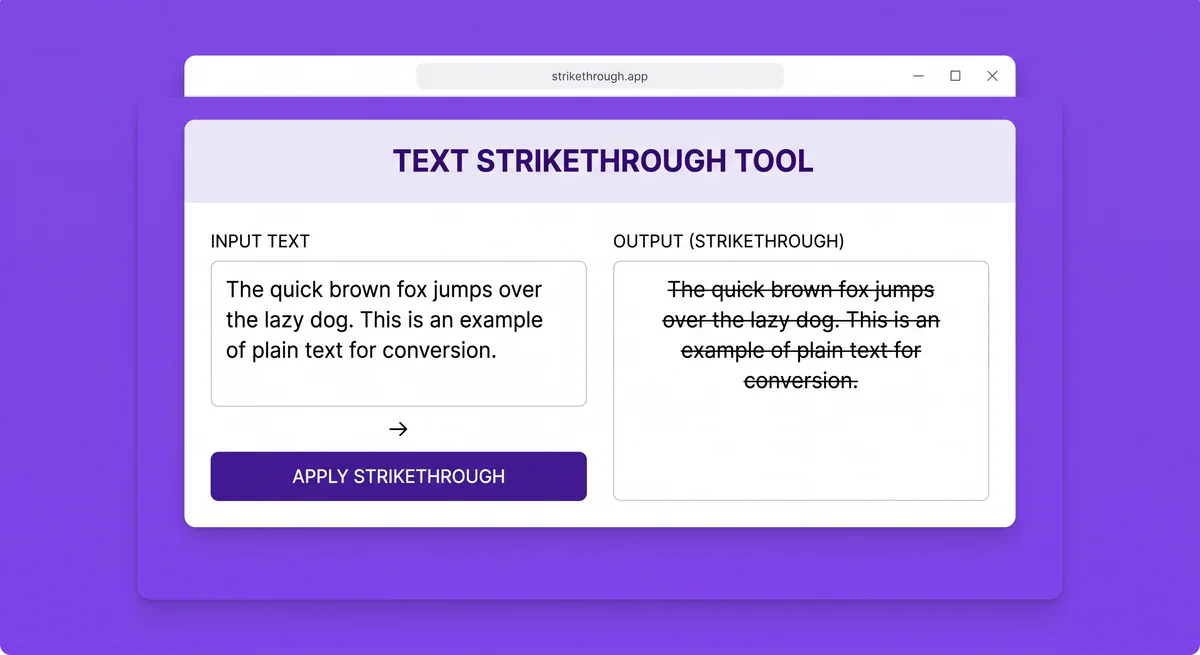
A strikethrough text generator turns normal letters into text with a line running through each character, so you can copy and paste it anywhere — no app, download, or account required. FontifyText's strikethrough text generator builds this using Unicode characters, which means the crossed-out look travels with the text itself instead of relying on formatting that gets stripped when you paste it somewhere else.
Quick steps:
- Type your text into the strikethrough text generator
- Copy the crossed-out result
- Paste it anywhere — Instagram, WhatsApp, Discord, Twitter/X, TikTok, and most chat apps
- No sign-up, no software — output is plain text, not an image or font file
That is the whole process. Some platforms (Discord, WhatsApp, Slack) also support their own built-in strikethrough shortcuts, which are covered further down.
What Is a Strikethrough Text Generator?
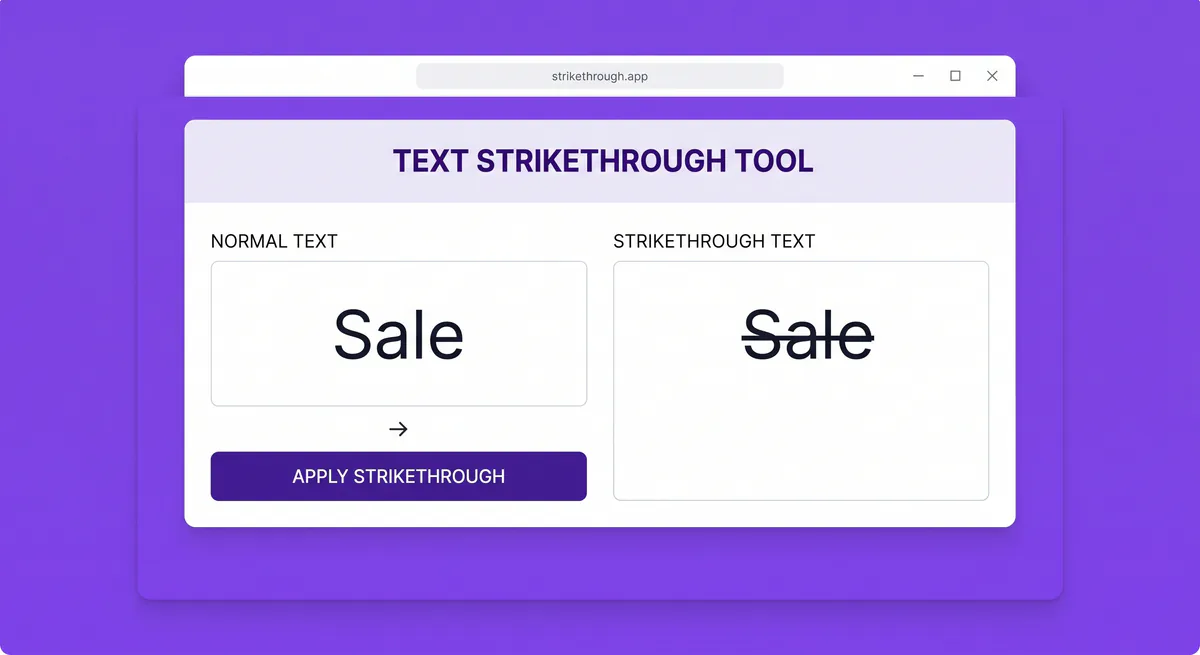
A strikethrough text generator is a tool that converts plain text into text that appears crossed out, using special Unicode characters instead of formatting tags like <s> or <del>. Type "sale" and it comes back as "s̶a̶l̶e̶" — a version that still displays with a line through it even on platforms that do not support text formatting, like Instagram captions or Twitter bios.
The result is not a picture and it is not HTML. It is a string of ordinary Unicode text, so it copies, pastes, and searches like any other text. That is the main difference between this and, say, drawing a line through text in a design tool.
Example: a seller running a flash sale might type "$40" into the generator to get "$̶4̶0̶" and paste it right next to the new price in a product caption, without opening any design software.
Quick Guide: How to Use This Strikethrough Text Generator

- Type or paste your text into the input box.
- The tool converts it instantly — no button press needed.
- Pick a style from the eight on offer — Classic, Thin, Bold, Italic, Script, Double, Diagonal, or Boxed.
- Click Copy next to the result.
- Paste it into your bio, caption, message, or document.
Because it produces plain Unicode text, you can also test how it looks by pasting into a plain notes app before posting it somewhere public. If pasting on mobile feels fiddly, this guide on copying and pasting fonts on iPhone and Android walks through it step by step.
How Unicode Strikethrough Text Actually Works
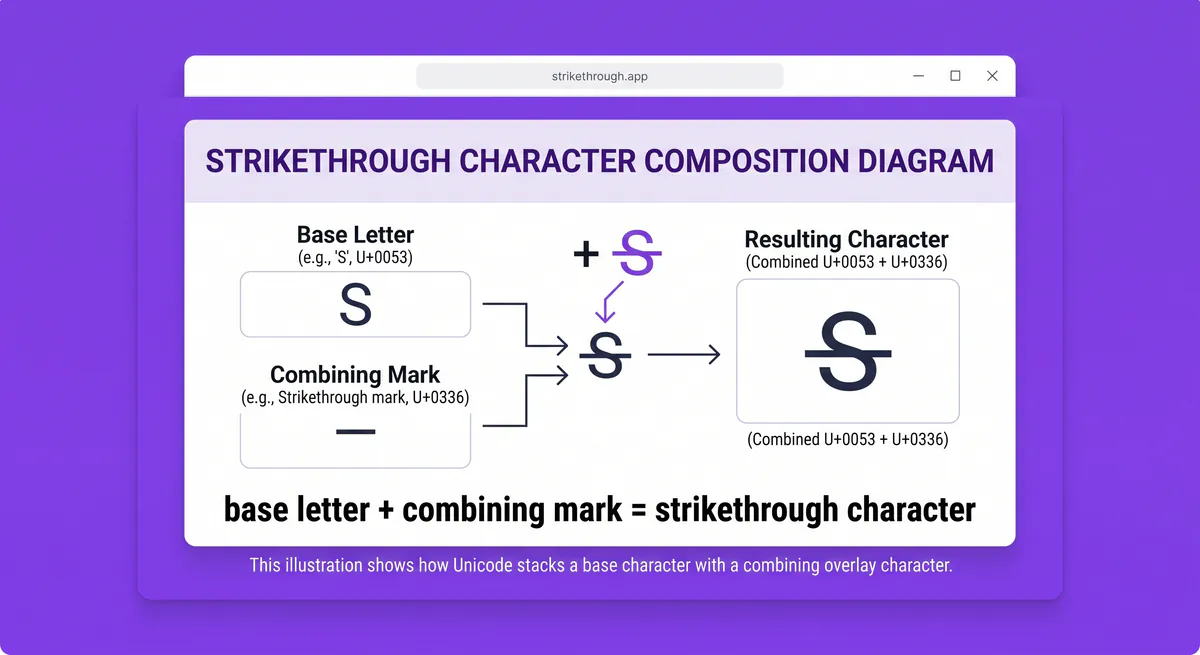
Unicode strikethrough text works through what is called a combining character — a character that does not stand on its own but attaches to the letter right before it. The strikethrough generator inserts one of these combining marks after every letter you type, and each mark draws a short line segment across that letter.
The most common one is U+0336, officially named COMBINING LONG STROKE OVERLAY, which sits in the Combining Diacritical Marks block of the Unicode standard. When you type "text," the generator outputs t + mark, e + mark, x + mark, t + mark, and your device renders those marks as one continuous line because the segments overlap. You can look up the full character record on Unicode reference sites like codepoints.net if you want the technical specification.
This is also why strikethrough Unicode text behaves differently from HTML strikethrough. An HTML page uses the <del> or <s> tag to apply a line visually through CSS, but that formatting only works inside a web page or rich text editor — copy it into a plain text field and the line disappears. Unicode strikethrough is baked into the characters, so it survives copy-paste into places that strip formatting, like Instagram bios or plain SMS messages.
8 Strikethrough Styles You Can Copy
The FontifyText strikethrough text generator does not stop at one plain cross-out line — it offers eight styles built from different combining marks, plus a few that layer the stroke onto Unicode's bold, italic, and script alphabets for a stronger or more decorative look. Copy any sample below, or generate your own text in each style with the tool.
| Style | Sample | Unicode mark | Best for |
|---|---|---|---|
| Classic Strikethrough | C̶r̶o̶s̶s̶ ̶O̶u̶t̶ | U+0336 (combining long stroke overlay) | The plain, reliable default — bios, captions, checklists |
| Thin Strikethrough | C̵r̵o̵s̵s̵ ̵O̵u̵t̵ | U+0335 (combining short stroke overlay) | A lighter line for checklists and to-do items |
| Bold Strikethrough | 𝗖̶𝗿̶𝗼̶𝘀̶𝘀̶ ̶𝗢̶𝘂̶𝘁̶ | U+0336 over Unicode bold letters | Stronger emphasis, announcements |
| Italic Strikethrough | 𝐶̶𝑟̶𝑜̶𝑠̶𝑠̶ ̶𝑂̶𝑢̶𝑡̶ | U+0336 over Unicode italic letters | Editorial-style corrections and asides |
| Script Strikethrough | 𝒞̶𝓇̶𝑜̶𝓈̶𝓈̶ ̶𝒪̶𝓊̶𝓉̶ | U+0336 over Unicode script letters | A handwritten "crossed off" look |
| Double Strikethrough | C̶̶r̶̶o̶̶s̶̶s̶̶ ̶̶O̶̶u̶̶t̶̶ | U+0336 stacked twice | Heavier emphasis than a single line |
| Diagonal Strikethrough | C̸r̸o̸s̸s̸ ̸O̸u̸t̸ | U+0338 (combining long solidus overlay) | A slash-style cross-out, more casual |
| Boxed Strikethrough | C̶̅r̶̅o̶̅s̶̅s̶̅ ̶̅O̶̅u̶̅t̶̅ | U+0336 plus U+0305 (combining overline) | Framing a word inside a line above and through it |
A practical example: a caption reading "Things I said I wouldn't do this weekend: s̶l̶e̶e̶p̶ ̶i̶n̶" reads more clearly with Classic Strikethrough, while a gaming username might lean on Diagonal Strikethrough for a rougher look.
Classic and Thin Strikethrough render most reliably across devices — the more layered a style (Double, Boxed, or the bold/italic/script versions), the more likely an older device shows slight misalignment, so test a style on your own phone before using it in a username or bio.
How to Strikethrough Text on Every Platform
Some platforms have their own built-in strikethrough shortcut, so you do not always need a generator. Here is what actually works where:
| Platform | Method | How |
|---|---|---|
| Discord | Native Markdown | Wrap text in double tildes: ~~text~~ |
| Native Markdown | Wrap text in single tildes: ~text~ | |
| Slack | Native Markdown | Wrap text in single tildes: ~text~, or press Ctrl+Shift+X |
| Google Docs | Keyboard shortcut | Alt+Shift+5 (Windows/ChromeOS) or Cmd+Shift+X (Mac) — see Google's official shortcut list |
| Microsoft Word | Menu or ribbon | Home tab → Strikethrough (ab), no single default shortcut |
| Excel | Keyboard shortcut | Ctrl+5 |
| Instagram, Twitter/X, TikTok | No native option | Paste strikethrough Unicode text generated separately |
| HTML/web pages | Code | <del> or <s> tag, or CSS text-decoration: line-through |
Instagram, Twitter/X, and TikTok do not have a built-in strikethrough button at all, which is the main reason people search for a generator in the first place — there is no menu option to fall back on, so Unicode is the only way to get the effect into a caption or bio.
A quick example: if you are editing a Discord message, typing ~~old plan~~ new plan is faster than pasting generated Unicode. But for an Instagram bio, the tildes just show up as literal characters, so you would paste the generated version from the FontifyText strikethrough text generator instead. Discord's Markdown also only works inside message content — it does nothing in a nickname, channel name, or server name, so Unicode strikethrough is the only option in those fields.
Common Uses for Strikethrough Text
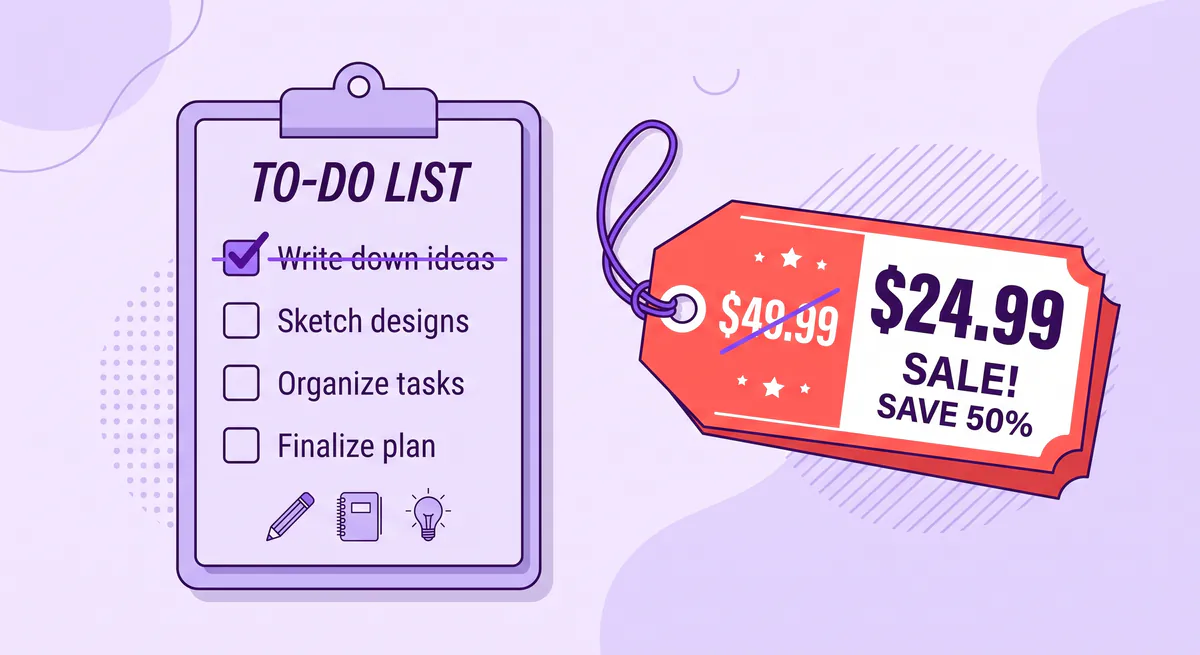
- Showing a price drop — crossing out the old price next to the new one in a product post or story.
- Marking completed tasks — crossing out finished items in a checklist shared in a bio or a chat.
- Correcting a statement without deleting it — crossing out the old wording so readers can still see what changed.
- Sarcasm or humor — crossing out a word to imply the opposite, a common Instagram bio format.
- Editing marks in shared text — a quick way to flag a deletion when a tool does not support tracked changes.
For instance, a small shop account might post "N̶o̶w̶ ̶$̶6̶0̶ — Now $42" to visually signal a discount without needing a graphic. For extra contrast, pick Bold Strikethrough for the old price instead of pairing it with a separate bold text generator — one paste gets both effects at once.
Why Strikethrough Text Sometimes Displays Wrong
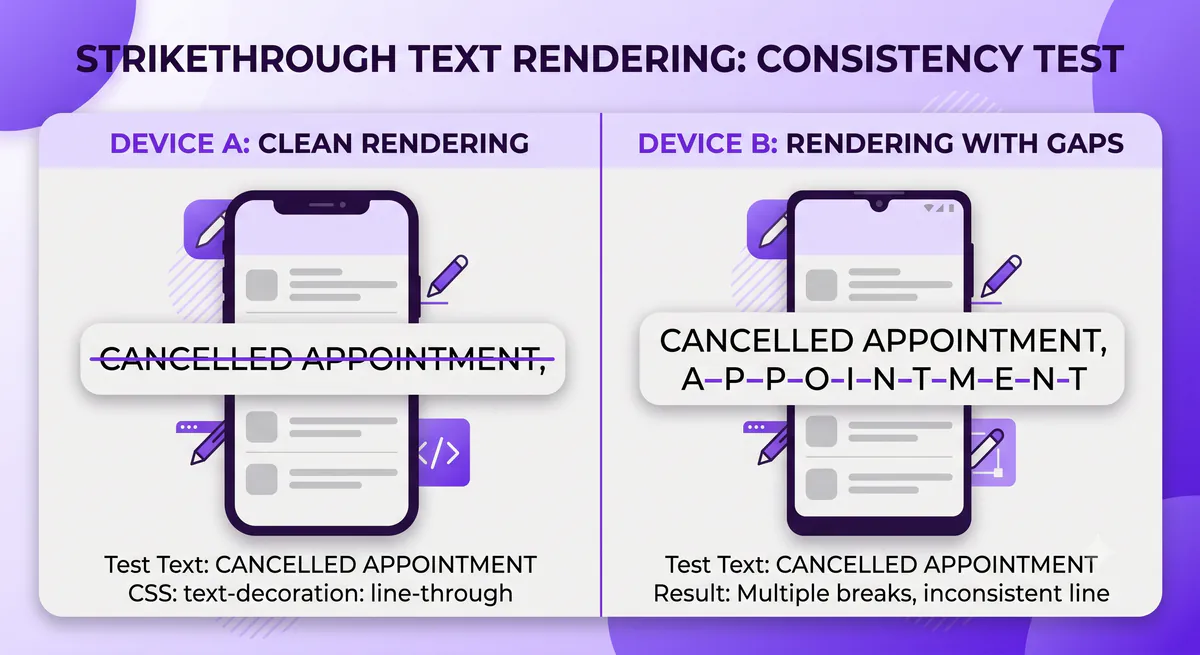
Unicode strikethrough relies on the device and font rendering the combining mark correctly, so it does not look identical everywhere:
- Small visual gaps. On some desktop browsers and older fonts, the line between letters can look slightly broken instead of continuous. Mobile devices usually render it more cleanly.
- Missing glyph boxes. A small handful of very old apps or fonts may not support the combining character at all and show a blank box instead of a line.
- Screen readers. Unicode strikethrough is a visual effect, not a semantic one — screen readers generally read the individual letters, sometimes with odd pauses from the combining marks, and it does not carry the same meaning as HTML's
<del>tag for accessibility purposes. It is a style choice for casual text, not a substitute for real formatting in a document meant to be accessible. - Numbers and symbols. Strikethrough marks apply to numerals too, but some platforms render numbers with a cross-out line less cleanly than letters.
If a crossed-out word looks broken on one platform, try Thin Strikethrough instead of Classic — the lighter mark tends to have fewer rendering gaps than the heavier or stacked styles.
Strikethrough Text Generator FAQ
Does strikethrough text work on Instagram bios and captions? Yes. Instagram has no native strikethrough button, so generated Unicode text is the standard way to get a crossed-out look in a bio, caption, or comment. Paste it the same way you would paste any other text.
Why does Discord's ~~text~~ sometimes not work?
Double tildes only apply Markdown formatting inside Discord messages and channel topics — they do not work in usernames or server nicknames. For those, use generated Unicode strikethrough text instead.
Is strikethrough Unicode text the same as HTML strikethrough?
No. HTML strikethrough (the <del> or <s> tag) is formatting applied by a web page and disappears if you copy the text into a plain field. Unicode strikethrough is embedded in the characters themselves, so it survives copy-paste anywhere.
Can I combine strikethrough with bold or italic text? Yes — the FontifyText generator includes Bold Strikethrough and Italic Strikethrough styles that layer the cross-out mark directly onto Unicode's bold and italic alphabets, so you get both effects in one paste. Results can vary slightly by platform since you are combining two sets of Unicode characters, so it is worth previewing before posting.
Will strikethrough text look the same on iPhone and Android? Mostly yes, since both use fonts with solid support for Unicode combining characters. Small rendering gaps are more common on desktop browsers than on modern phones.
Start Using the Strikethrough Text Generator Today
A strikethrough text generator solves a simple problem: most social platforms give you no way to cross out text, and the few that do use their own shortcuts that only work inside that one app. Typing your text once and copying the Unicode version out means it works consistently in a bio, a caption, a comment, or a chat message, no matter where you paste it.
Try the FontifyText strikethrough text generator to convert your own text, or check out the WhatsApp fonts, Discord fonts, and bold text generator if you want to style text beyond strikethrough.