
Social Media
Bubble Text Generator Copy Paste for Circle Fonts
Guide to bubble text generator copy paste: create circled Unicode fonts for Instagram, Discord, Twitter, and TikTok bios and captions - completely free.
Contents
- What Is a Bubble Text Generator?
- How Bubble and Circled Text Works
- Bubble Text Example
- Bubble and Circled Text Examples
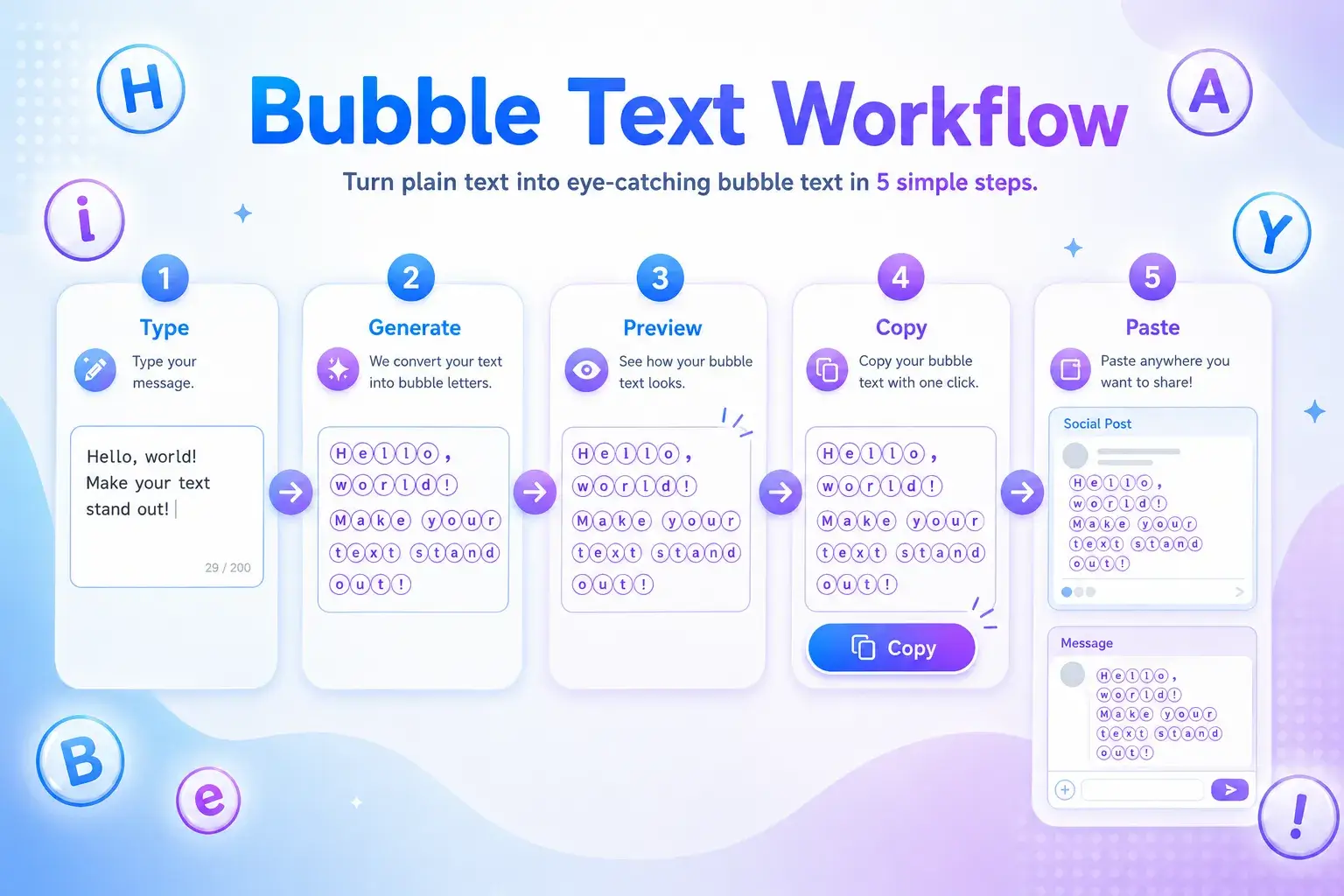
- How to Use the Bubble Text Generator Copy Paste Tool
- Best Places to Use Bubble Text
- Bubble Text Generator vs Circle Font Generator
- When Bubble Letters Work Best
- Tips for Better Bubble Text Readability
- Keep It Short
- Mix Plain Text With Bubble Text
- Test Before Posting
- Do Not Overuse Symbols
- Creative Bubble Text Ideas
- Instagram Bio Ideas
- Discord and Gaming Ideas
- Creator Caption Ideas
- Common Mistakes to Avoid
- FAQ
- What is a bubble text generator copy paste tool?
- Can I use bubble text on Instagram?
- Are bubble letters real fonts?
- What is the bubble text alphabet?
- Why does bubble text look different on some devices?
- Create Bubble Text With FontifyText
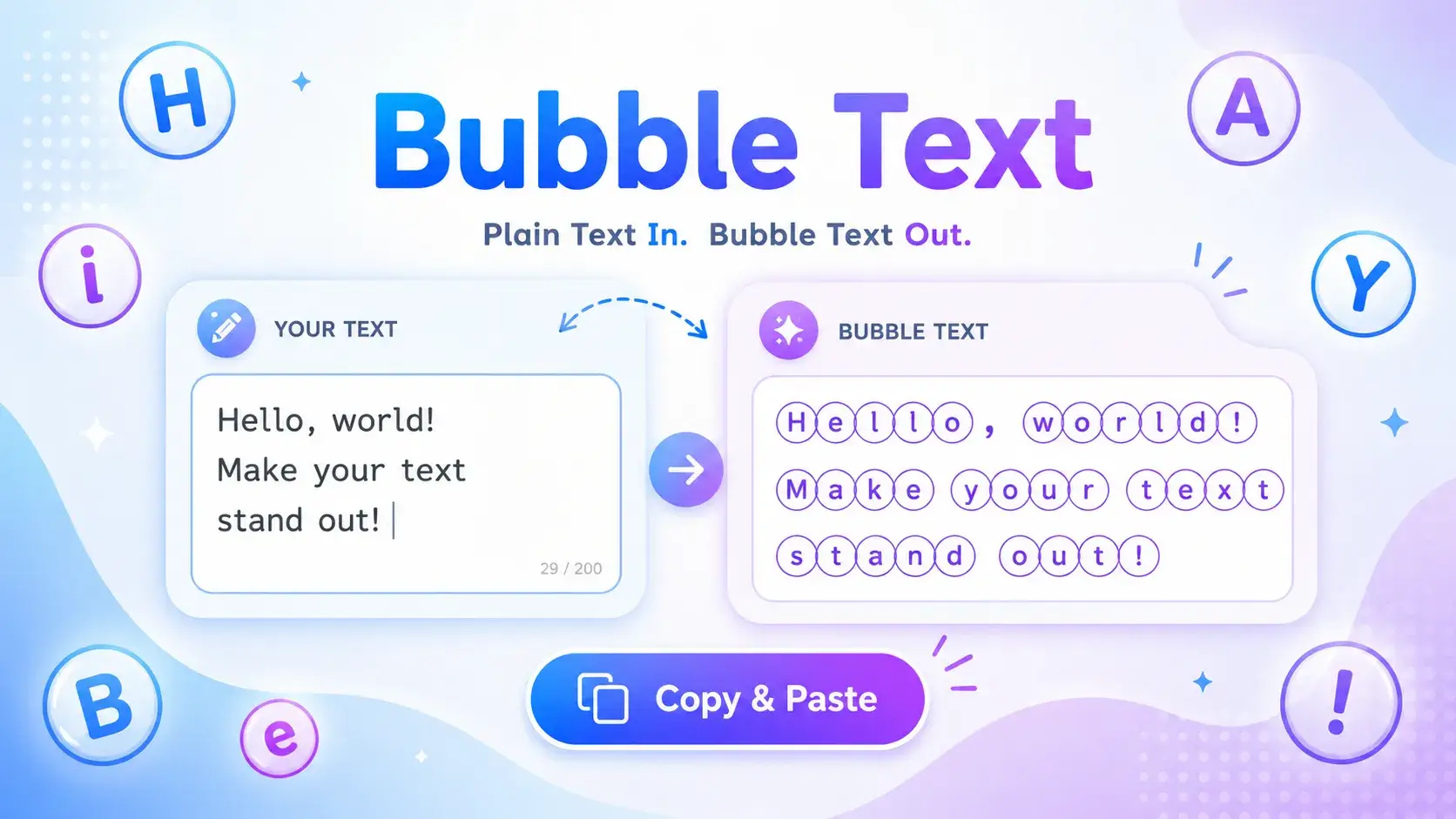
A bubble text generator copy paste tool turns normal letters and numbers into circled Unicode characters you can use in posts, bios, chats, usernames, and gaming profiles. Instead of installing a font, you type your text, copy the bubble version, and paste it where supported.
On FontifyText, bubble fonts are made for people who want quick style without design software. They work well for Instagram bios, Discord names, TikTok captions, gaming tags, and short decorative headings.
What Is a Bubble Text Generator?
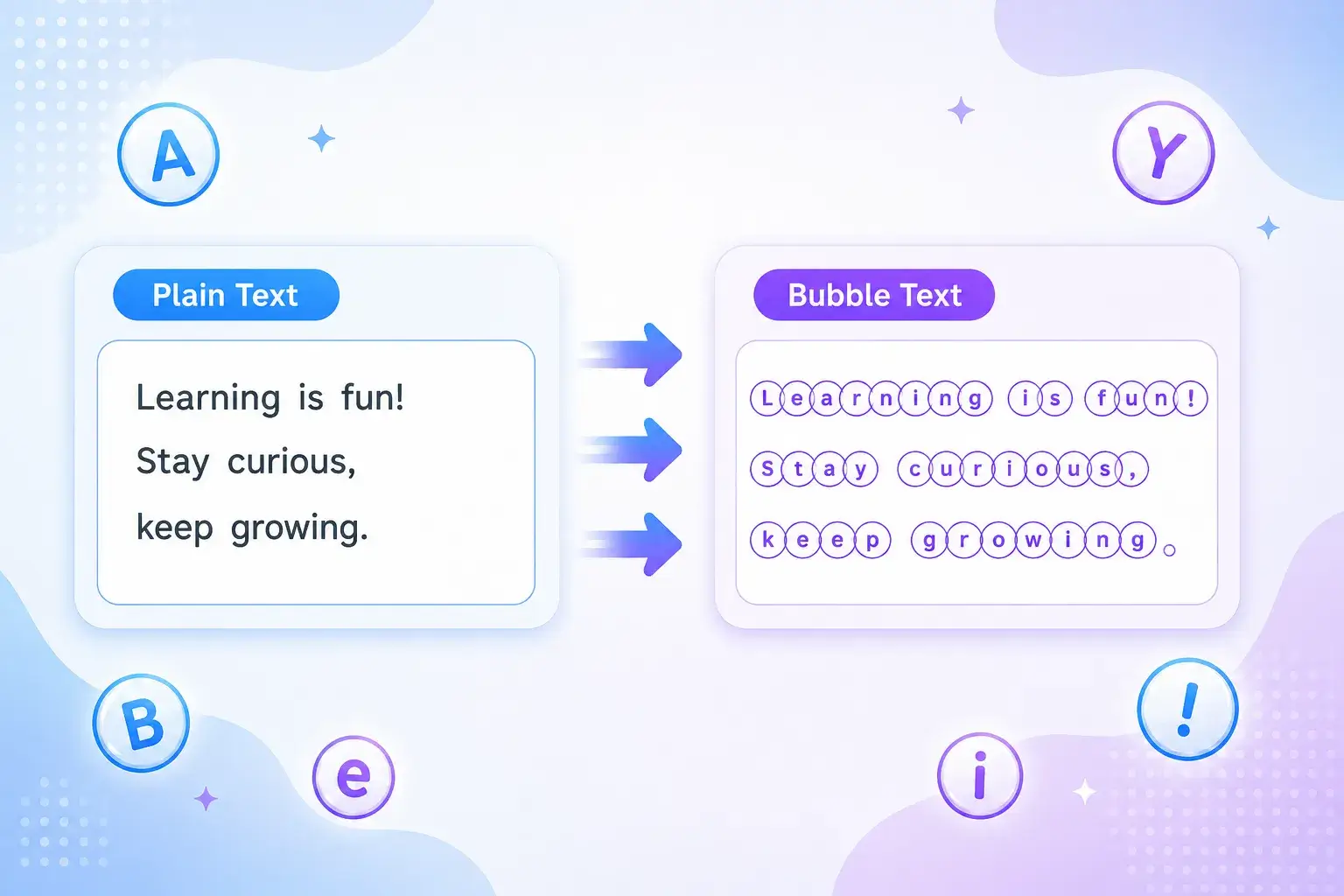
A bubble text generator converts plain text into rounded, circled, or enclosed characters. These characters look like letters inside circles, which gives your text a soft sticker-like style.
For example, hello can become ⓗⓔⓛⓛⓞ. A short word like VIP can become ⓋⒾⓅ.
This style is popular because it feels playful without being hard to read. It stands out in crowded feeds, usernames, and message threads.
Direct answer: A bubble text generator is an online tool that changes regular text into copy-paste circled letters and numbers using Unicode characters.
Try the main FontifyText font generator or visit the dedicated bubble fonts generator to create your own circle text.
How Bubble and Circled Text Works
Bubble text usually relies on Unicode characters, not image-based fonts. Unicode is the text standard that lets many devices display letters, symbols, emojis, and special characters. The official Unicode charts include enclosed and circled alphanumeric characters, such as ①, Ⓐ, and ⓐ. You can check the trusted reference in the Unicode Enclosed Alphanumerics chart.
That means your bubble text can often be copied like normal text. You do not need to upload an image or attach a special file.
Still, support can vary by app, device, browser, or font. Most major social platforms show common Unicode bubble letters clearly, but some rare characters may look different on older systems.
Bubble Text Example
Plain text:
FontifyText
Bubble text:
ⒻⓞⓝⓣⓘⓕⓨⓉⓔⓧⓣ
This makes the tool useful when you want a quick visual change without editing graphics.
Bubble and Circled Text Examples
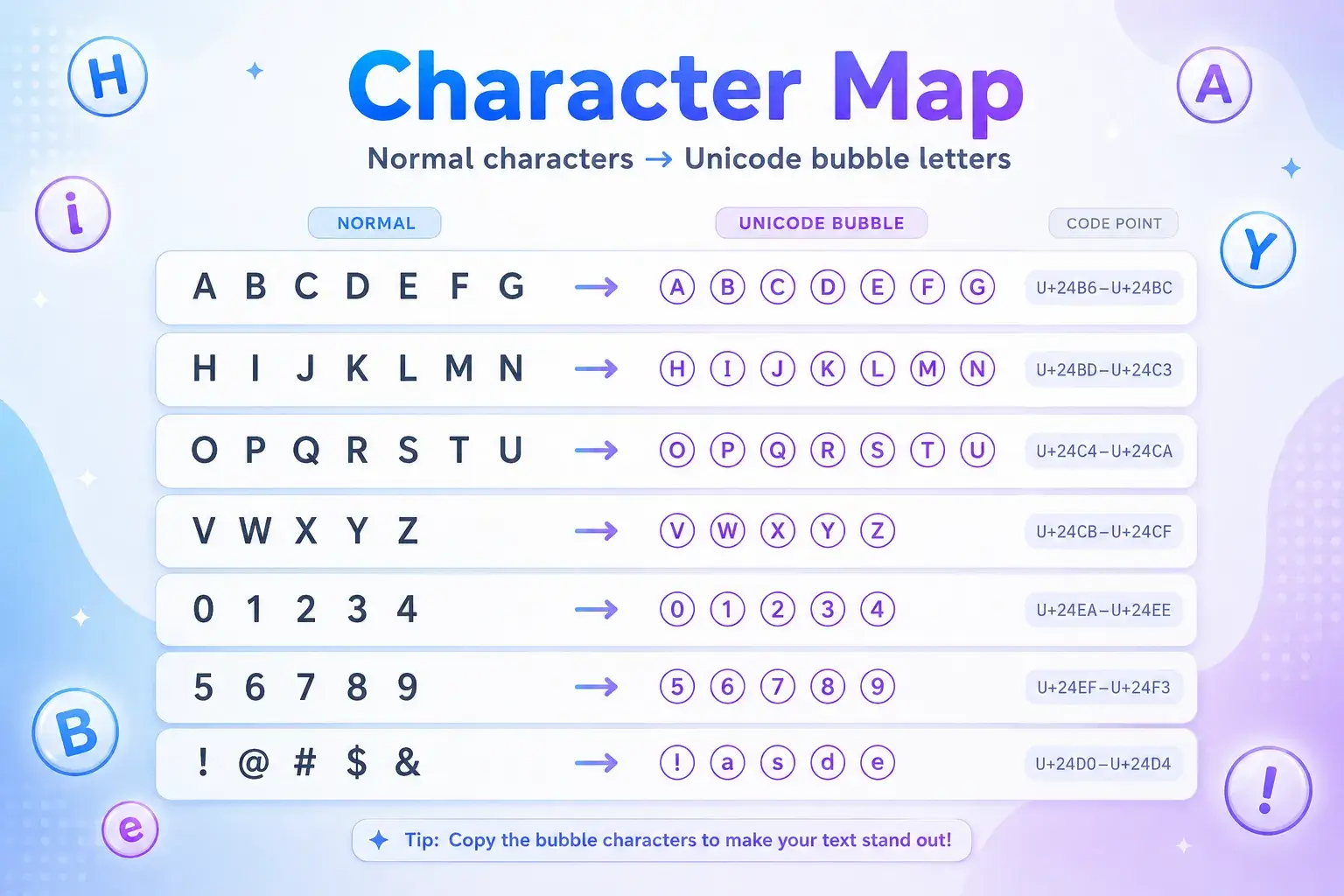
Use this table as a quick bubble text alphabet preview. It includes uppercase letters, lowercase letters, and common circled numbers.
| Type | Normal | Bubble / Circled Text | Example Use |
|---|---|---|---|
| Uppercase letters | A B C D E | Ⓐ Ⓑ Ⓒ Ⓓ Ⓔ | Short headings, initials |
| Lowercase letters | a b c d e | ⓐ ⓑ ⓒ ⓓ ⓔ | Bios, captions, nicknames |
| Word example | gamer | ⓖⓐⓜⓔⓡ | Gaming names |
| Brand-style word | creator | ⓒⓡⓔⓐⓣⓞⓡ | Profile labels |
| Numbers 1–5 | 1 2 3 4 5 | ① ② ③ ④ ⑤ | Ranked lists |
| Numbers 6–10 | 6 7 8 9 10 | ⑥ ⑦ ⑧ ⑨ ⑩ | Steps and sections |
| Mixed text | level 10 | ⓛⓔⓥⓔⓛ ⑩ | Gaming profiles |
| Short callout | new | ⓝⓔⓦ | Story captions |
For longer phrases, use bubble text sparingly. A full paragraph in circled letters can feel crowded, especially on mobile screens.
How to Use the Bubble Text Generator Copy Paste Tool
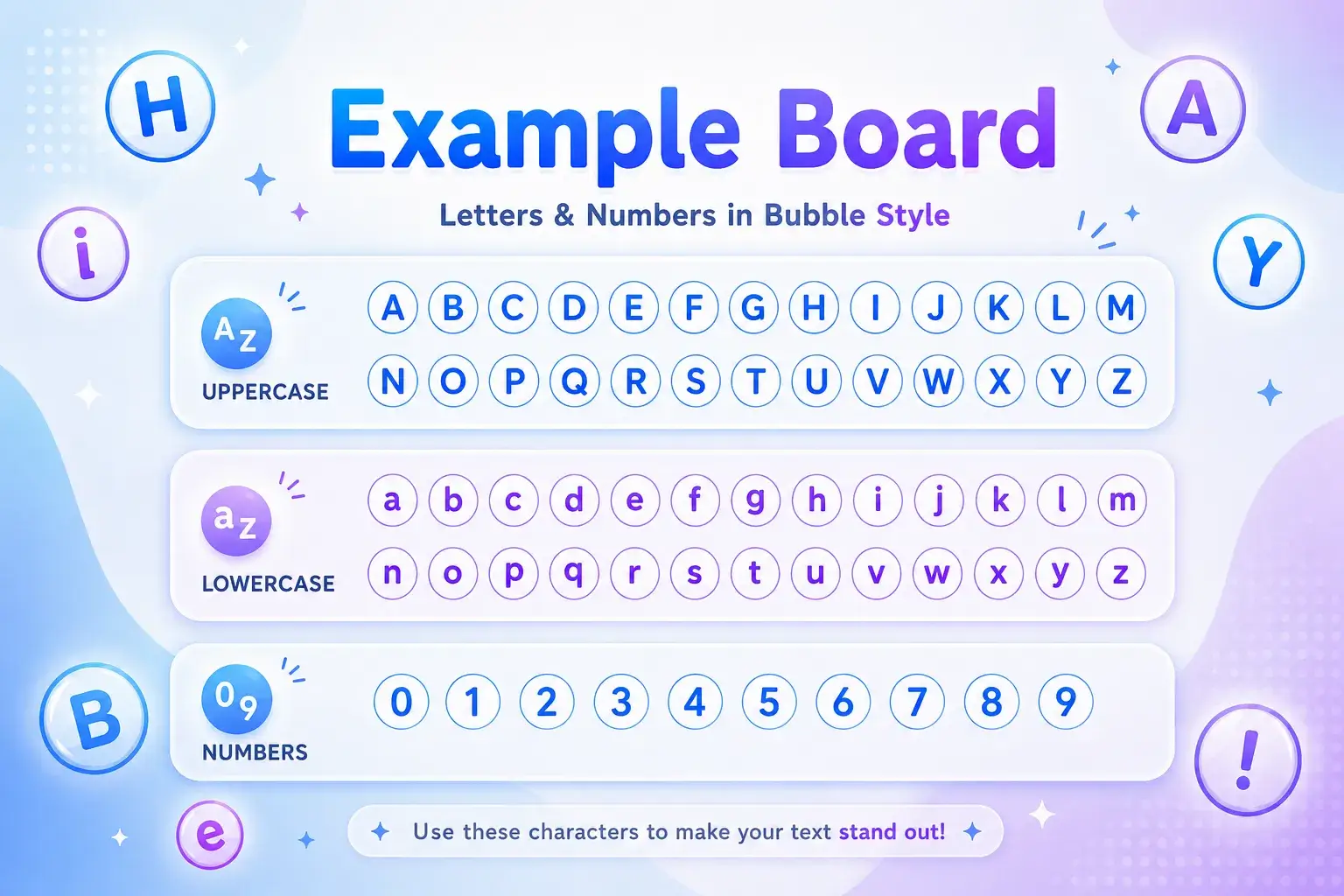
Using a bubble text generator copy paste tool should feel simple. The goal is to create text you can move into your favorite platform in seconds.
- Go to the FontifyText bubble fonts page.
- Type your word, username, caption, or short phrase.
- Preview the bubble letter style.
- Copy the version you like.
- Paste it into Instagram, Discord, TikTok, X, YouTube, a gaming profile, or a chat app.
- Check the final look before saving or posting.
A short phrase usually works best. For example, daily wins becomes ⓓⓐⓘⓛⓨ ⓦⓘⓝⓢ, which is clear and easy to scan.
Best Places to Use Bubble Text
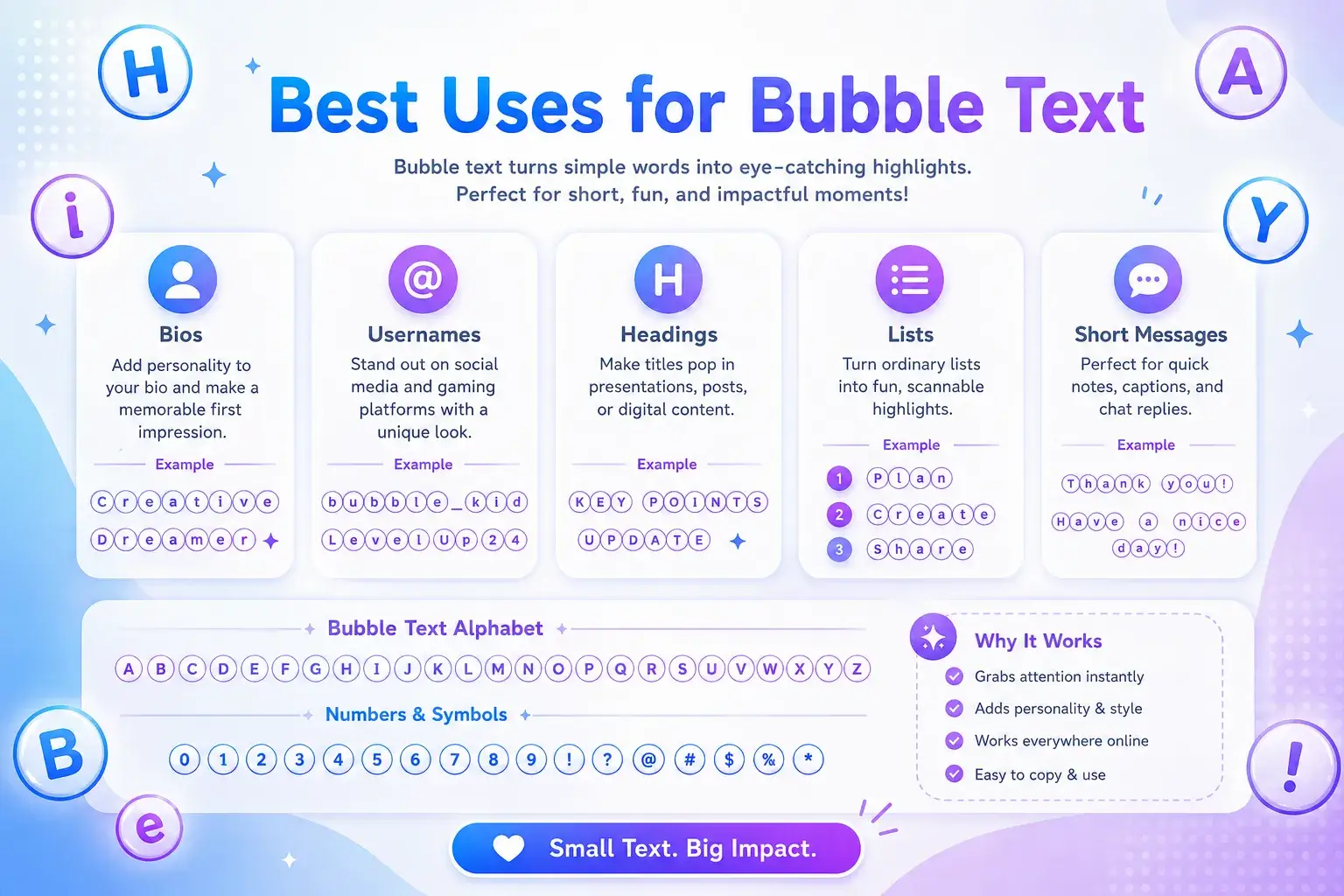
Bubble fonts are most useful in short, high-visibility text areas. They can help important words stand out without needing bold or color options.
Good places include:
- Instagram bios and highlight names
- Discord nicknames and server labels
- Gaming clan names and status lines
- TikTok captions and comment callouts
- YouTube channel sections
- Short list markers such as ①, ②, and ③
For a softer style, you may also like the cursive text generator guide. For a darker, dramatic style, compare it with the gothic text generator guide.
Bubble Text Generator vs Circle Font Generator
People use different names for the same type of tool. Some search for a bubble text generator, while others search for a circle font generator or circled text generator copy paste tool.
The main difference is usually wording, not function.
| Search Term | What It Usually Means | Best For |
|---|---|---|
| Bubble text generator | Turns normal text into rounded circled letters | Bios, captions, fun names |
| Circle bubble text generator | Focuses on letters inside circles | Stylish usernames |
| Bubble letter generator | May mean Unicode text or drawn bubble letters | Decorative text |
| Circle font generator | Creates circle-style copy-paste text | Social profiles |
| Circled text generator copy paste | Converts text into circled Unicode characters | Quick copying |
| Unicode bubble letters | Refers to the actual text characters | Compatibility checks |
FontifyText focuses on copy-paste Unicode output. That makes it faster than designing custom letters in an image editor.
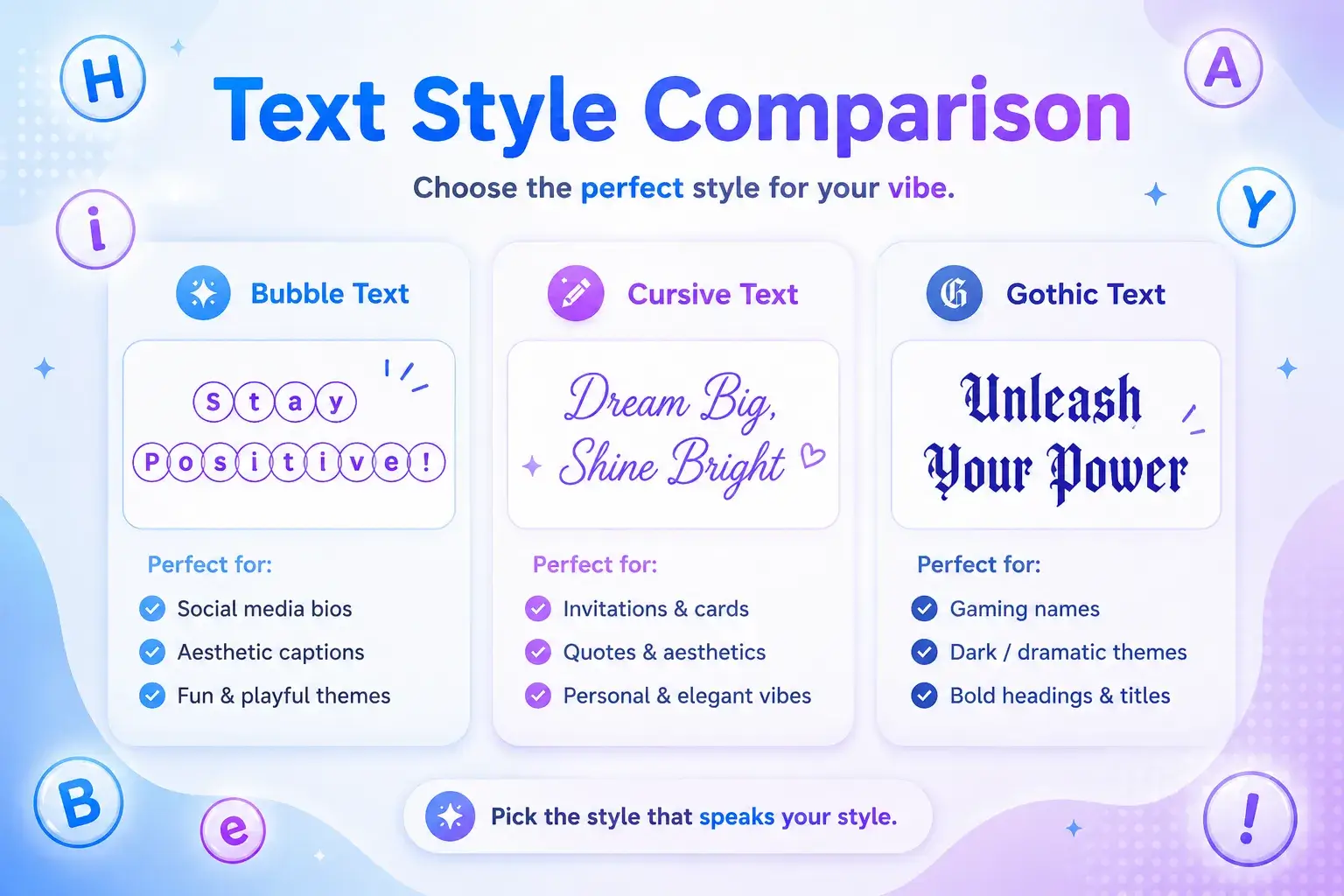
When Bubble Letters Work Best
Bubble letters copy and paste styles are strongest when they support the message instead of replacing it. They add personality, but the text should still be easy to understand.
Use bubble text for:
- Names:
ⓐⓛⓔⓧ - Labels:
ⓥⓘⓟ - Statuses:
ⓞⓝⓛⓘⓝⓔ - List numbers:
① ② ③ - Short titles:
ⓓⓐⓘⓛⓨ ⓠⓤⓔⓢⓣ
Avoid using bubble text for long bios, serious instructions, passwords, legal text, or anything that must be searched or read by assistive tools. Some screen readers may announce Unicode characters differently than plain letters.
A good rule is simple: decorate the highlight, not the whole message.
Tips for Better Bubble Text Readability
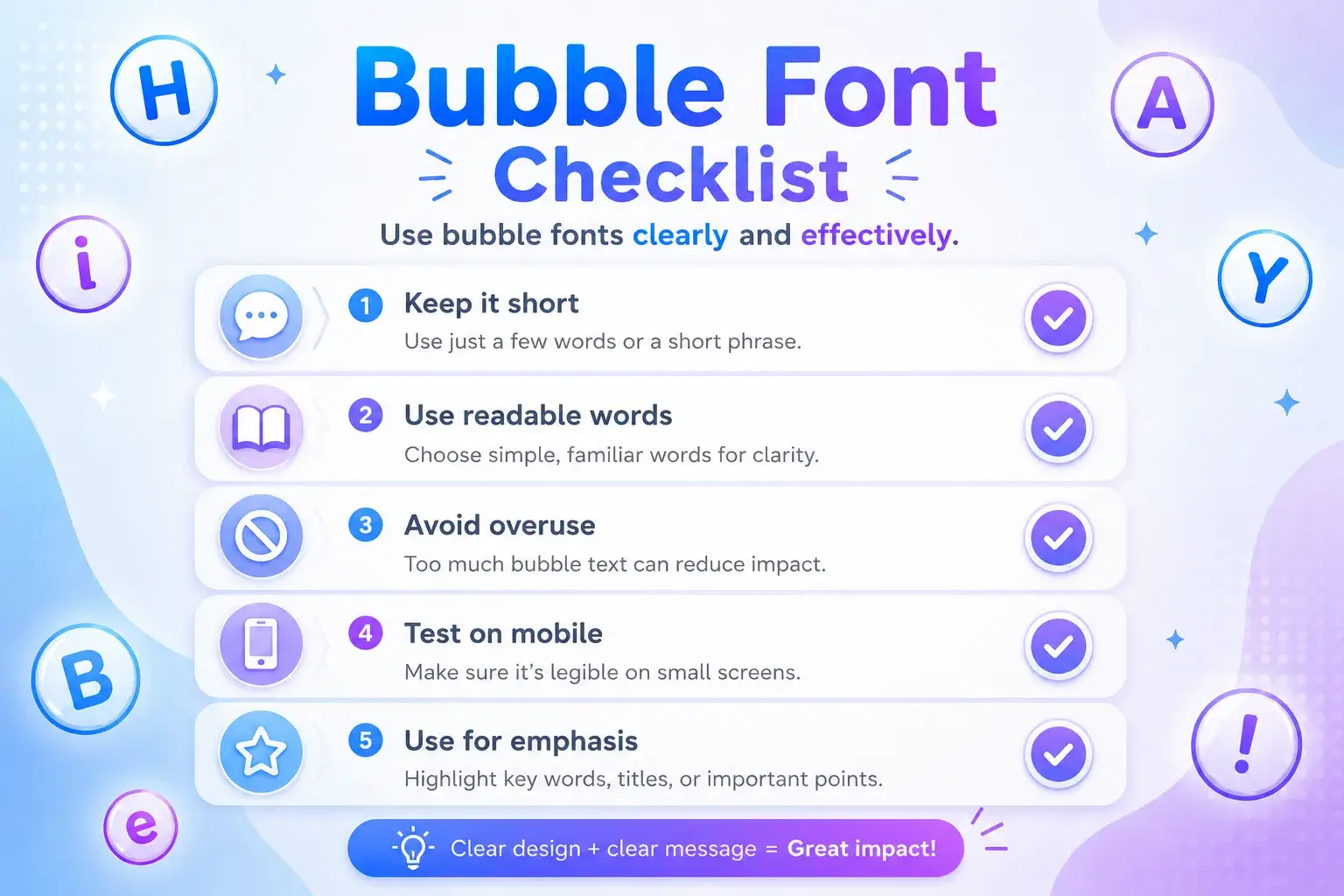
Bubble text should look fun, not messy. These tips help your text stay clear on small screens.
Keep It Short
Use bubble letters for one word, a short phrase, or a section label. Long bubble sentences can look heavy.
Better:
ⓒⓡⓔⓐⓣⓞⓡ
Harder to read:
ⓣⓗⓘⓢ ⓘⓢ ⓜⓨ ⓕⓤⓛⓛ ⓟⓡⓞⓕⓘⓛⓔ ⓓⓔⓢⓒⓡⓘⓟⓣⓘⓞⓝ
Mix Plain Text With Bubble Text
A mixed style often looks cleaner. For example:
New drop ① ⓢⓐⓥⓔ ⓘⓣ
This keeps the message readable while still adding a visual accent.
Test Before Posting
Paste the text where you plan to use it, then check it on mobile. Some platforms crop usernames, shorten bios, or display symbols differently.
Do Not Overuse Symbols
Bubble text already has a strong shape. Too many stars, arrows, emojis, and circles in one line can make it feel busy.
Creative Bubble Text Ideas
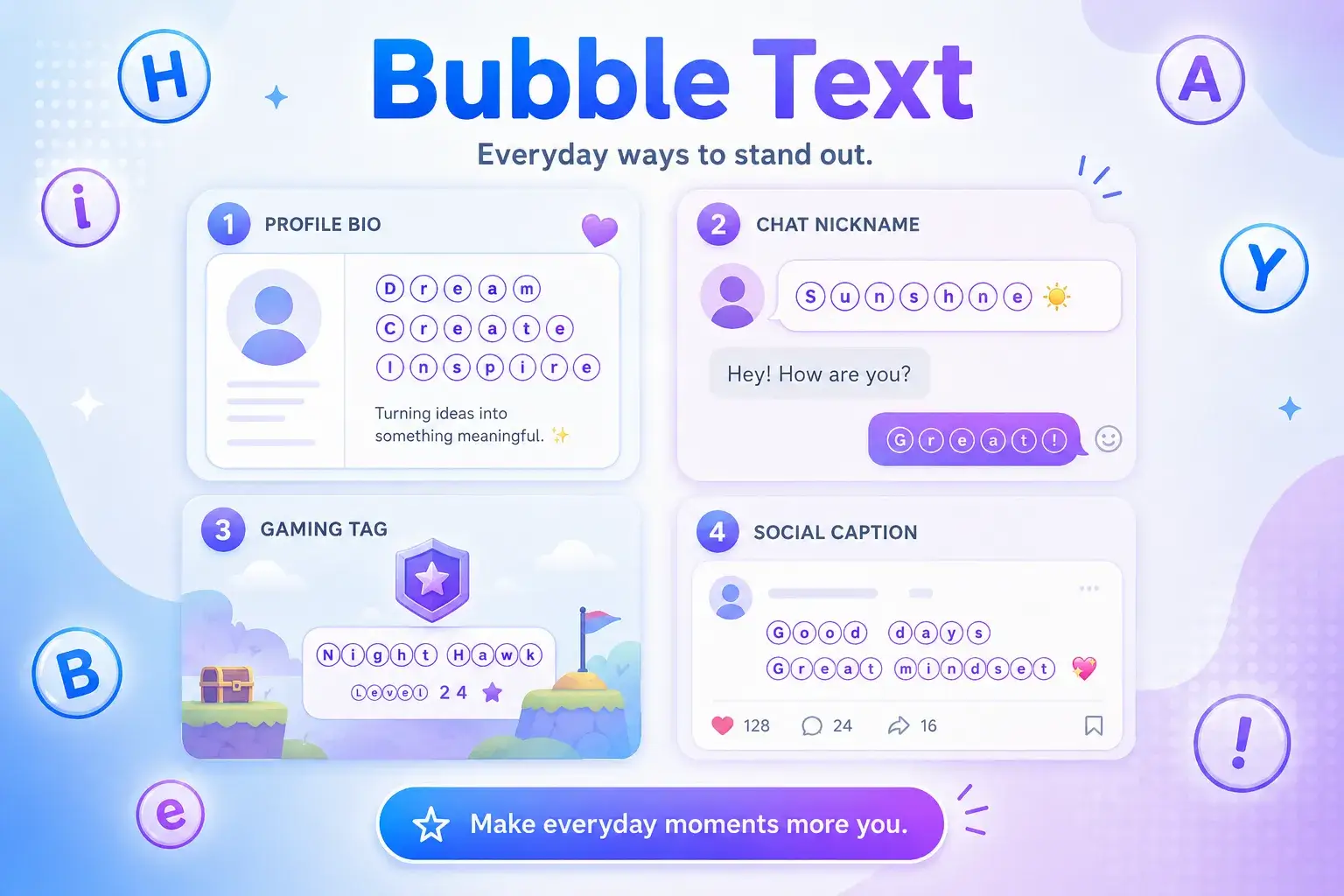
A circle bubble text generator can help you create small design moments across your profiles. Here are practical ideas you can try.
Instagram Bio Ideas
ⓒⓡⓔⓐⓣⓞⓡⓓⓐⓘⓛⓨ ⓥⓘⓑⓔⓢⓢⓣⓤⓓⓘⓞ ①
Pair one bubble word with plain text for a clean bio. For example:
ⓒⓡⓔⓐⓣⓞⓡ | edits, clips, and ideas
Discord and Gaming Ideas
ⓛⓔⓥⓔⓛ ⑩ⓠⓤⓔⓢⓣ ⓜⓞⓓⓔⓣⓔⓐⓜ Ⓐ
These work well in display names, role names, and short server labels.
Creator Caption Ideas
ⓃⒺⓌ① save thisⓒⓗⓔⓒⓚ ⓣⓗⓘⓢ
Short bubble callouts can help your caption sections feel organized.
Common Mistakes to Avoid
The biggest mistake is using bubble text everywhere. When every word is decorated, nothing stands out.
Another mistake is choosing style over clarity. If your followers cannot read your username or bio quickly, the design is working against you.
You should also avoid using Unicode bubble letters in fields that require exact matching. Usernames, emails, discount codes, and search terms may not behave like plain letters.
Finally, do not copy a style from someone else's profile word for word. Use a bubble letter generator to create your own version that fits your name, niche, or community.
FAQ
What is a bubble text generator copy paste tool?
A bubble text generator copy paste tool changes normal text into circled Unicode letters and numbers that you can copy and paste into supported apps.
Can I use bubble text on Instagram?
Yes, many Instagram bios, captions, and comments support common Unicode bubble letters. Always preview the final text before saving your profile.
Are bubble letters real fonts?
Copy-paste bubble letters are usually Unicode characters, not installed fonts. They act like text, so you can paste them into many apps.
What is the bubble text alphabet?
The bubble text alphabet is a set of circled letter characters, such as ⓐ, ⓑ, ⓒ, and Ⓐ, Ⓑ, Ⓒ. It is used for decorative text styling.
Why does bubble text look different on some devices?
Different systems and apps may use different fallback fonts. Because of that, the same circled text can look slightly different across phones, browsers, and platforms.
Create Bubble Text With FontifyText
A bubble text generator copy paste tool is one of the easiest ways to add personality to social profiles, gaming names, and short captions. It works best when you use it for highlights, labels, usernames, and simple callouts.
Create your own bubble letters now with FontifyText, explore more bubble fonts, or reach out through the FontifyText contact page for support.